B • Installation
Doc. 031851-05 12/04 B-17
B.7.4 Verifying Chromeleon Communication
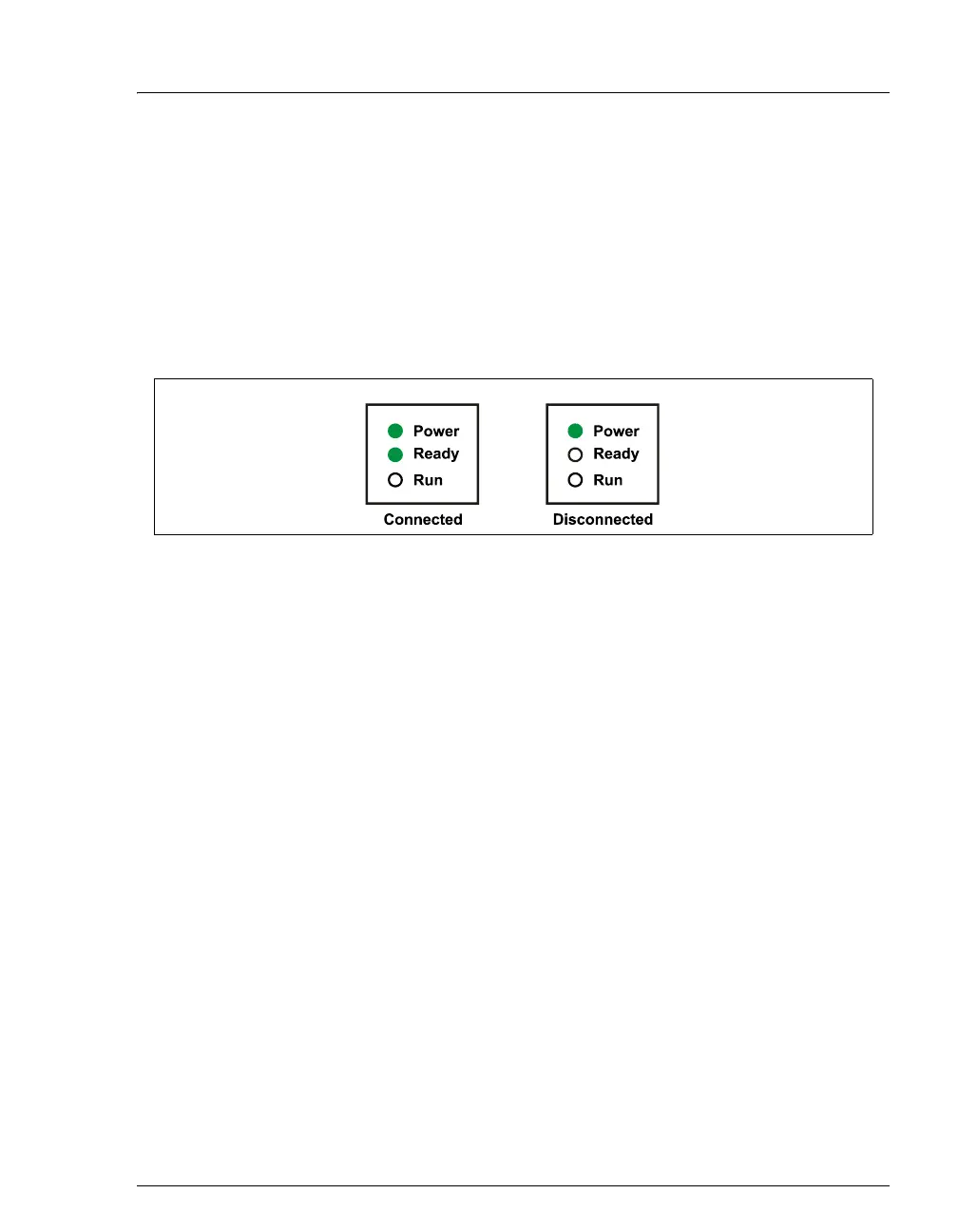
Verify that Chromeleon is communicating with the ICS-90 by clicking the
Disconnect and then the Connect button on the Control panel, while
observing the ICS-90 front panel LEDs.
If Chromeleon and the ICS-90 are communicating correctly, the
Power
and
Ready LEDs are on when the ICS-90 is connected to Chromeleon,
and only the
Power LED is on when it is disconnected.
Figure B-15. ICS-90 LEDs Connected and Disconnected States



 To Next Page