ICS-90 Ion Chromatography System
B-12 Doc. 031851-05 12/04
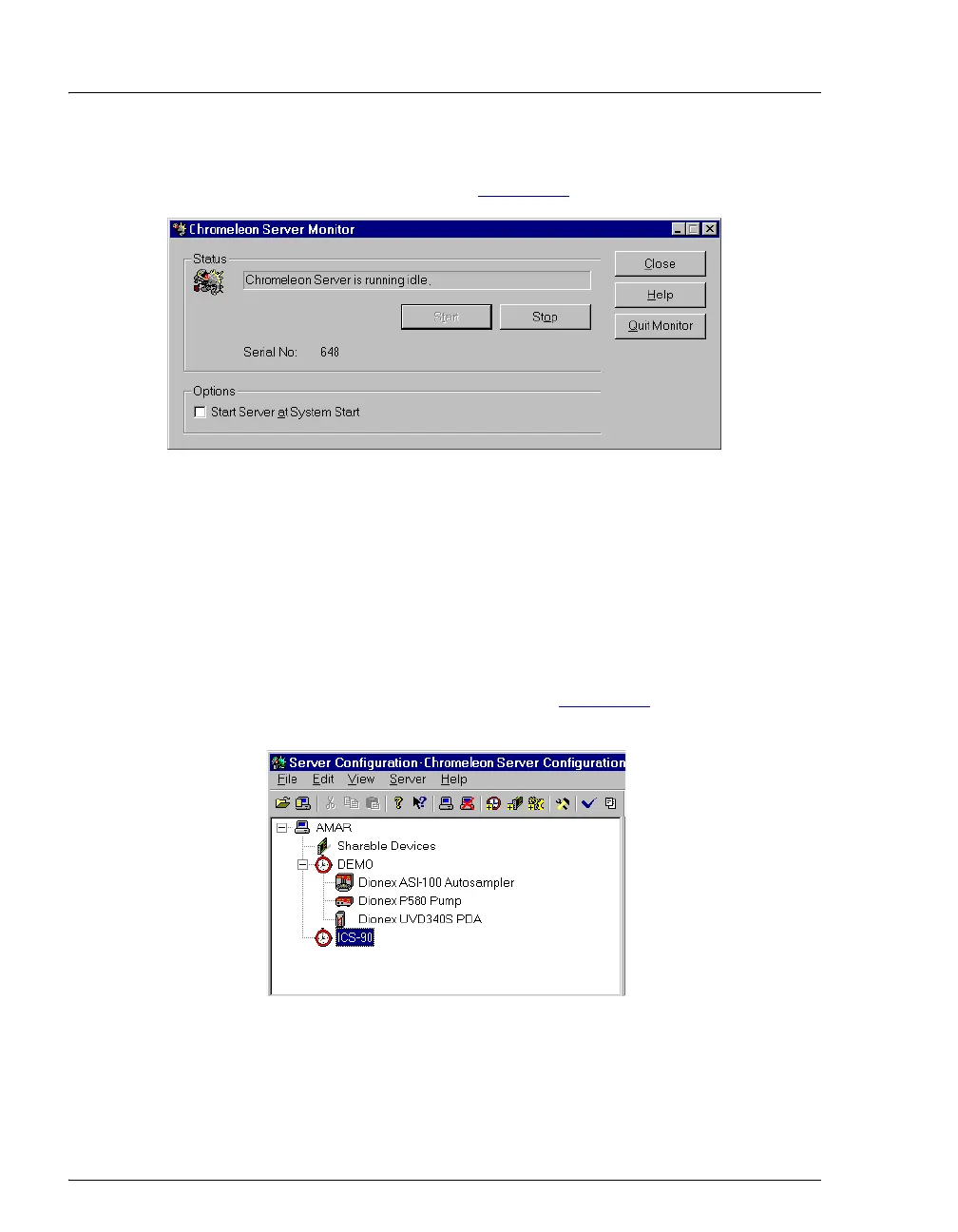
5. Check the Server Monitor status. It should now display “Chromeleon
Server is running idle.” (see Figure B-7
).
Figure B-7. Server Running
6. Click Close to close the Server Monitor window.
B.7.2 Creating a Timebase
1. In the Server Configuration program, select Edit>Add Timebase.
2. A clock icon appears under the server name with a default name
highlighted. To use the default name, press
Enter. To use a different
name, type the name and press
Enter. Figure B-8 shows an example
timebase named ICS-90.
Figure B-8. Example: Creating a Timebase



 To Next Page