B • Installation
Doc. 031851-05 12/04 B-11
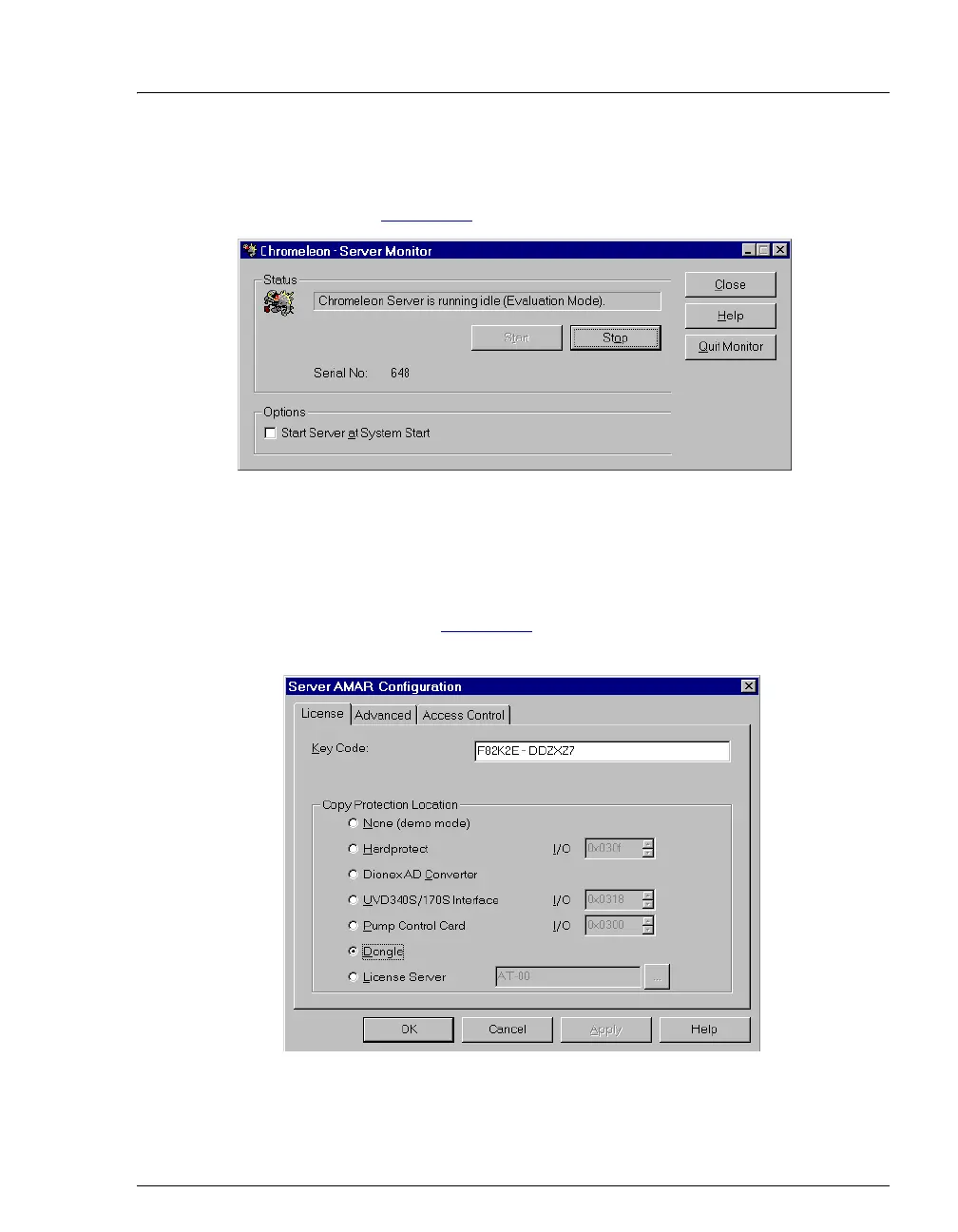
• If Chromeleon was not pre-installed, the Server Monitor status
displays “Chromeleon Server is running idle (Evaluation Mode).”
(see Figure B-5
) If this is the case, go on to Step 3.
Figure B-5. Server Evaluation Mode
3. Open the Chromeleon Server Configuration program (select
Start>Chromeleon>Server Configuration).
4. Select Edit>Properties to open the Server Configuration properties
dialog box (see Figure B-6
). Click Dongle and then enter the Key
Code provided with the Chromeleon license. Click OK.
Figure B-6. Server Configuration Properties



 To Next Page