ICS-90 Ion Chromatography System
B-14 Doc. 031851-05 12/04
5. On the General tab page, Live Mode is selected by default. Select the
ICS-90 serial number from the drop-down list. If you are installing
more than one ICS-90, you can verify the serial number for each
ICS-90 by checking the label at the top of the component panel (see
Figure B-19
).
6. Click OK to close the dialog box.
7. Save the configuration (select File>Save Installation).
8. The Server Configuration Check message window appears. You can
ignore the “no inject device installed” warning, if it appears. This
simply means that no autosampler was included in the timebase.
Click Close.
9. Exit the Server Configuration program.
B.7.3 Connecting the ICS-90 to a Chromeleon Control Panel
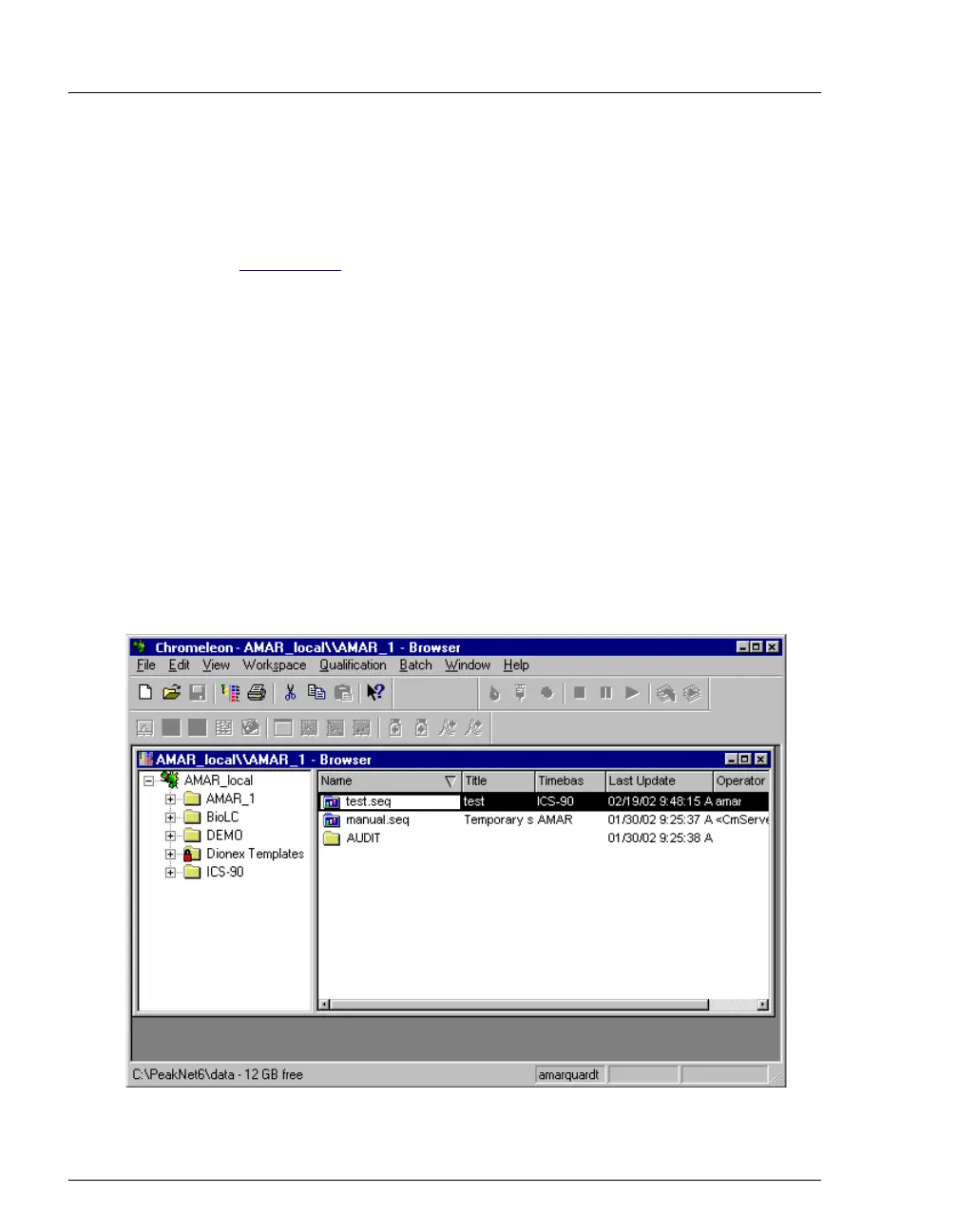
1. Start Chromeleon (select Start>Chromeleon>Chromeleon). If the
Browser does not open automatically, select File>Browser to open it.
Figure B-11. Chromeleon Main Window and Browser



 To Next Page