ICS-900 Operator’s Manual
104 Doc. 065215-02 9/09
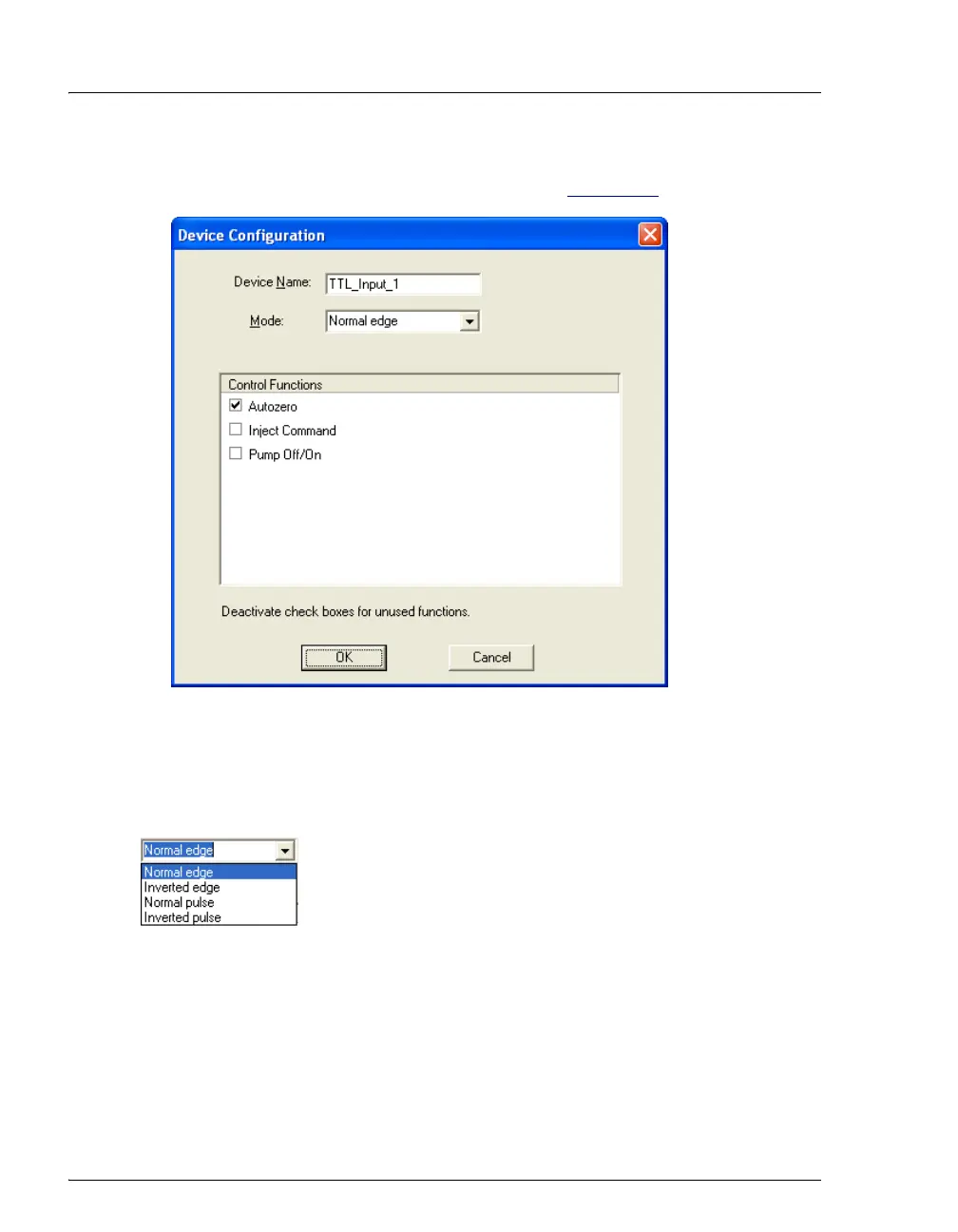
4. Double-click the TTL input name or select the name and press the F2 key to
open the Device Configuration dialog box (see Figure C-4
).
5. Select the desired Mode and Control Function.
TTL Input Control Modes
The ICS-900 TTL inputs respond to four types of signals to
accommodate different controlling devices. The default
control mode,
Normal Edge, is compatible with the output
signals provided by Dionex modules.
If the device connected to the ICS-900 does not send a normal edge signal, select
the appropriate control mode. Refer to the documentation provided with the
controlling device and the information below to select the correct type.
Figure C-4. ICS-900 Server Configuration Properties: TTL Input Configuration



 To Next Page