ICS-900 Operator’s Manual
108 Doc. 065215-02 9/09
C.4 Controlling TTL and Relay Outputs
The ICS-900 provides two TTL outputs and two relay contacts for control of
functions in external devices, such as an autosampler. The relay outputs can be
used to switch any low-voltage control. Switched current must be less than
200 mA and 60 V peak blocking. The relay-contact closures are normally open.
When the relay is closed, current flows to the connected device.
The TTL outputs are normally at 5 volts. Setting a TTL output to 0 volts turns on
the action in the connected device.
You can control the TTL and relay output states, either by issuing direct control
commands from the Chromeleon or Chromeleon Xpress Commands dialog box or
by including the commands in a program.
To directly control TTL and relay outputs:
1. Press the F8 key to open the Commands dialog box.
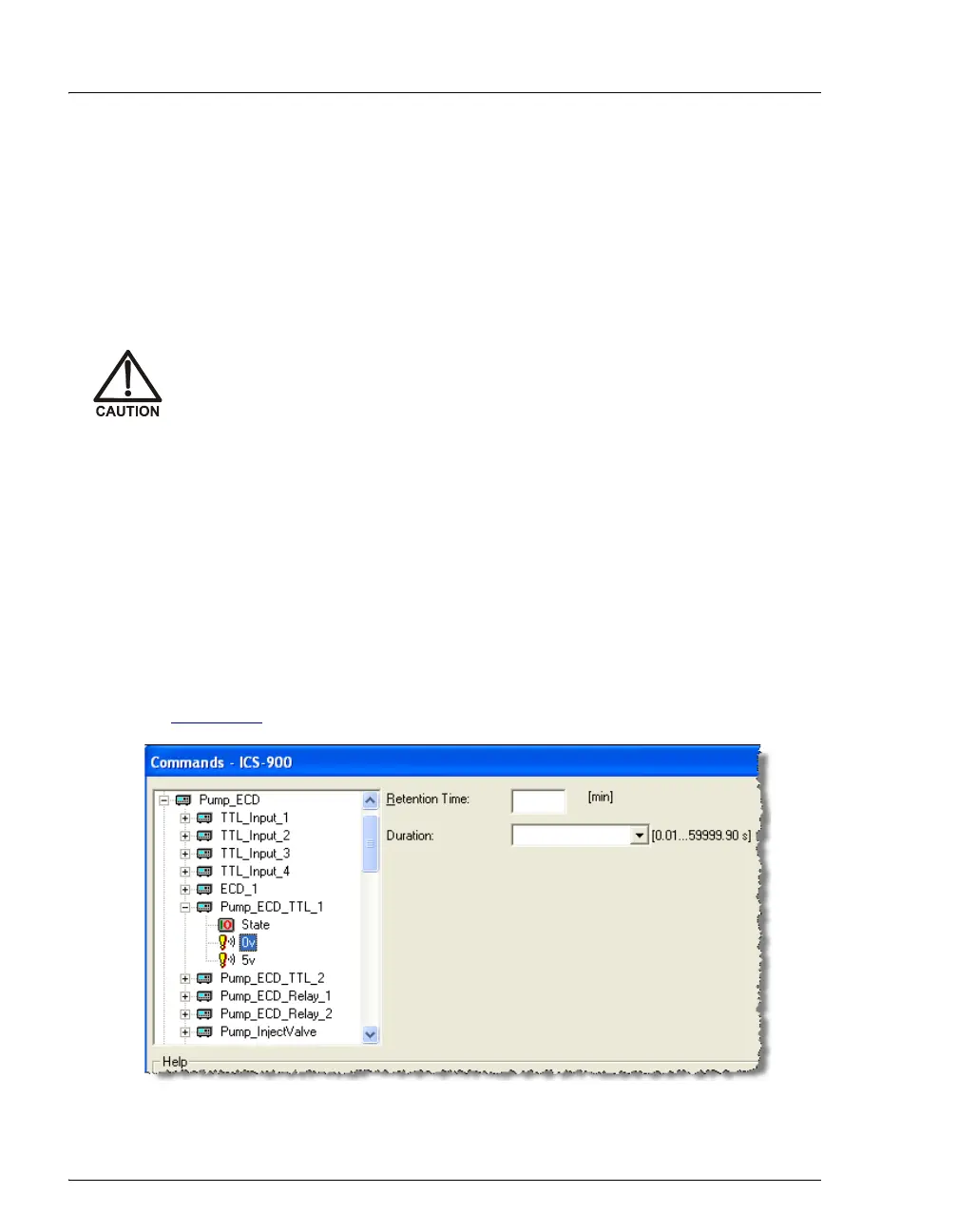
2. Expand the list of command under Pump_ECD and select the TTL or relay
output name. Then, execute the desired command (see the example in
Figure C-7
).
Relay loads in excess of 200 mA or with included power supplies over
60 V may damage the relay drivers on the CPU.
Figure C-7. Chromeleon Commands Dialog Box:
Example TTL Output Control Command



 To Next Page