C • TTL and Relay Control
Doc. 065215-02 9/09 107
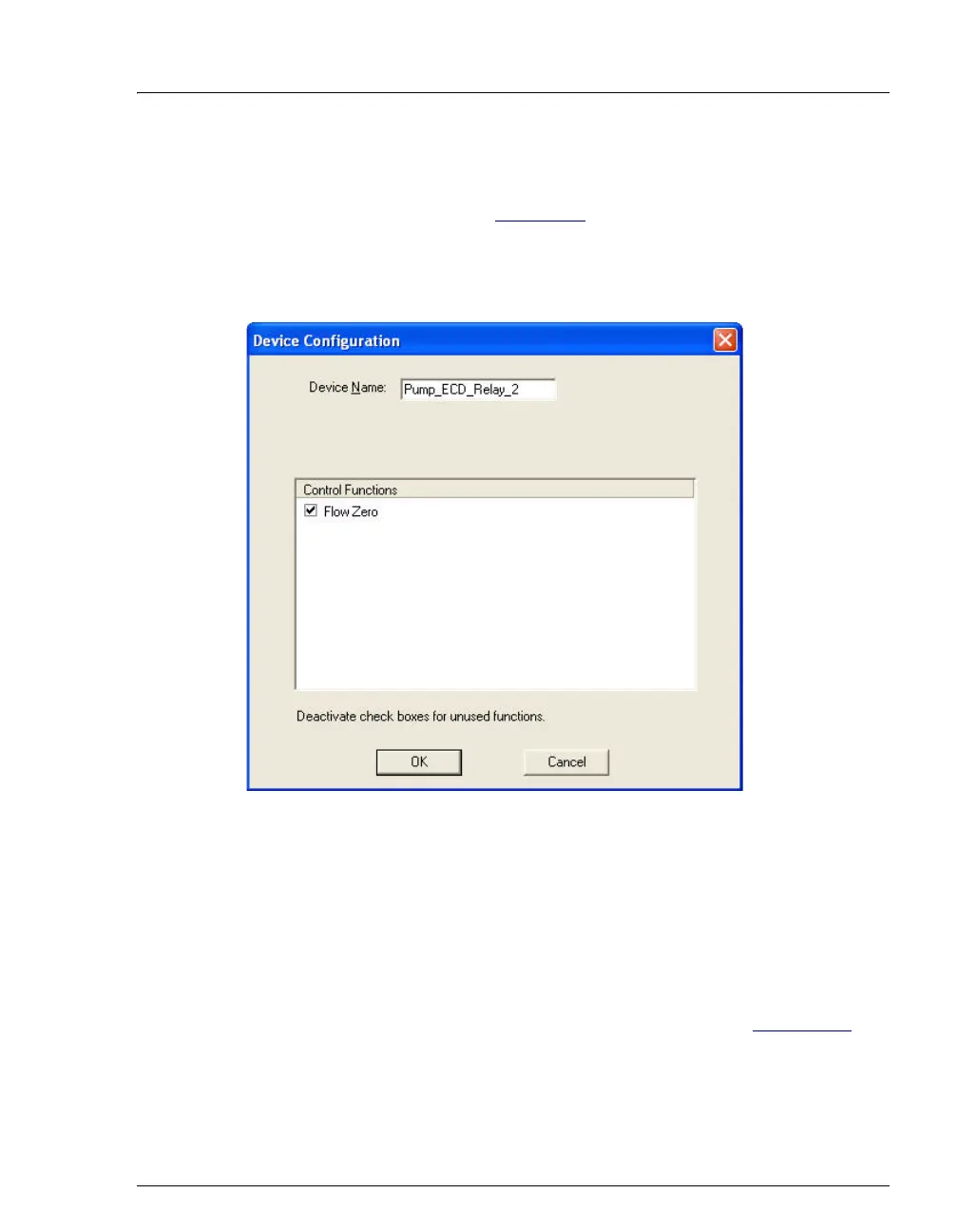
4. Select the Relay output name (Pump_ECD_Relay_1 or
Pump_ECD_Relay_2) and press the F2 key to open the Device
Configuration dialog box (see Figure C-6
).
NOTE Select Pump_ECD_Relay_2 if an AS40 is already
connected to Pump_ECD_Relay_1.
5. Select the Flow Zero check box and click OK.
The ICS-900 will now open this relay output when the pump flow stops and
close the relay when the flow starts.
The relay can then be used turn a
connected accessory device off and on with the pump flow.
To use this relay output for another function, clear the check box. Chromeleon
or Chromeleon Xpress will then control the relay output (see Section C-4
).
Figure C-6. ICS-900 Server Configuration Properties: Flow Zero Configuration



 To Next Page