ICS-900 Operator’s Manual
36 Doc. 065215-02 9/09
3.9 Configuring Standby Mode
You can configure the ICS-900 to enter standby mode after a period of inactivity
(a period of time in which no data collection and no input from Chromeleon or
Chromeleon Xpress has occurred). In standby mode, the pump flow rate is
reduced.
To configure standby mode:
1. Start the Chromeleon Server Configuration program (click Start on the
Windows taskbar and select All Programs (or Programs) > Chromeleon >
Server Configuration).
2. Right-click the ICS-900 device in the timebase and select Properties.
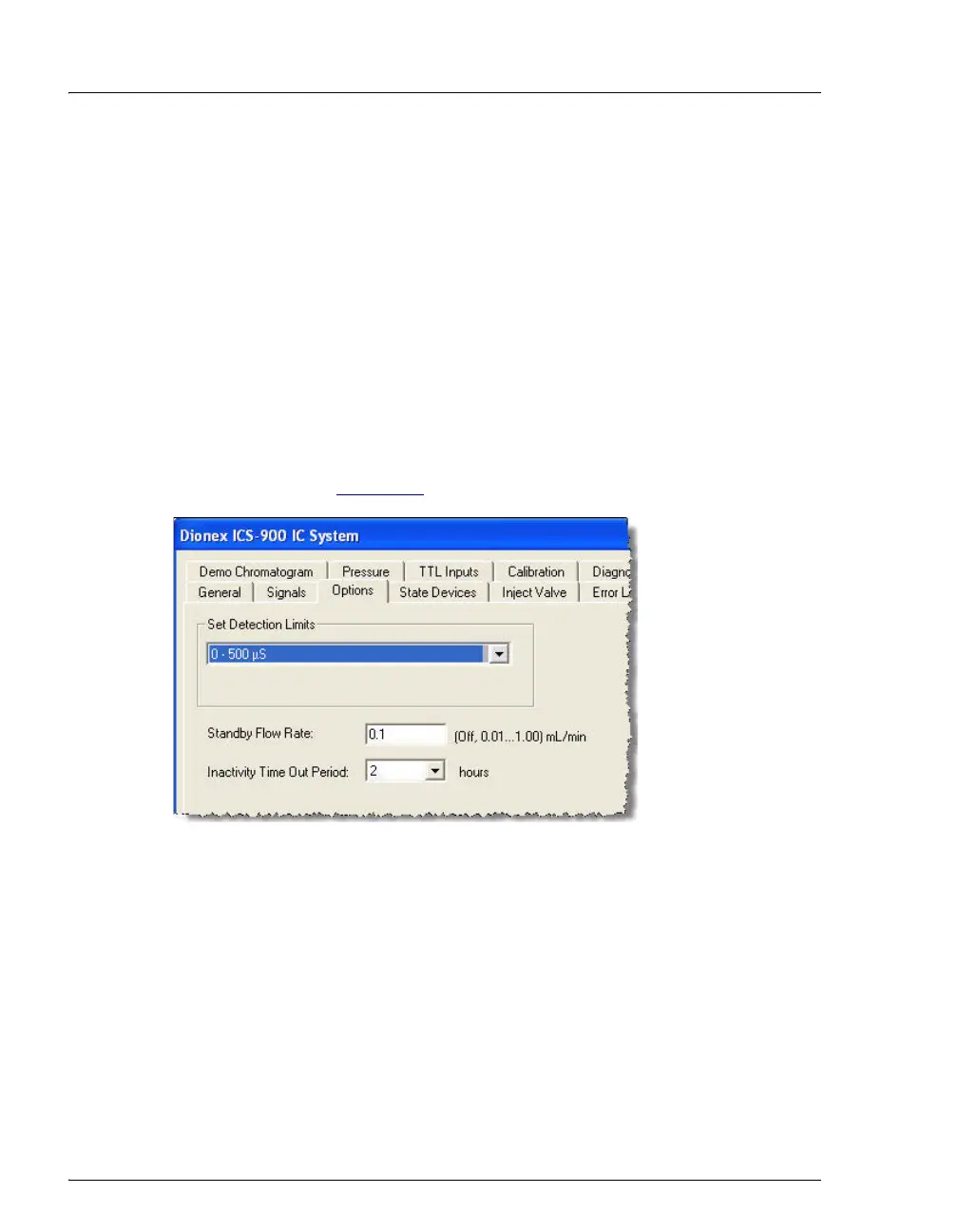
3. Click Options (see Figure 3-7
).
4. Enter the desired Standby Flow Rate and select the Inactivity Time Out
Period. If you select (0, Off), the ICS-900 does not enter standby mode when
it is idle.
To cancel standby mode and return the pump to the normal flow rate, either turn
on the pump from the ICS-900 Control panel or start a new sequence.
Figure 3-7. ICS-900 Properties Dialog Box: Options Tab Page



 To Next Page