ICS-900 Operator’s Manual
70 Doc. 065215-02 9/09
6. Close the waste valve.
7. Under Pressure Transducer, click the Calibrate Slope
button. A
panel with instructions and command buttons will open.
8. Follow the instructions on the panel to complete the transducer slope
calibration procedure. The new slope is determined and stored as the
current value.
9. Turn off the pump.
10. Disconnect the pressure gauge and backpressure coil.
11. Reconnect the pressure transducer to the pump.
5.1.4 Calibrating the Cell
Calibrate the cell every 6 months or after installing a new conductivity
cell.
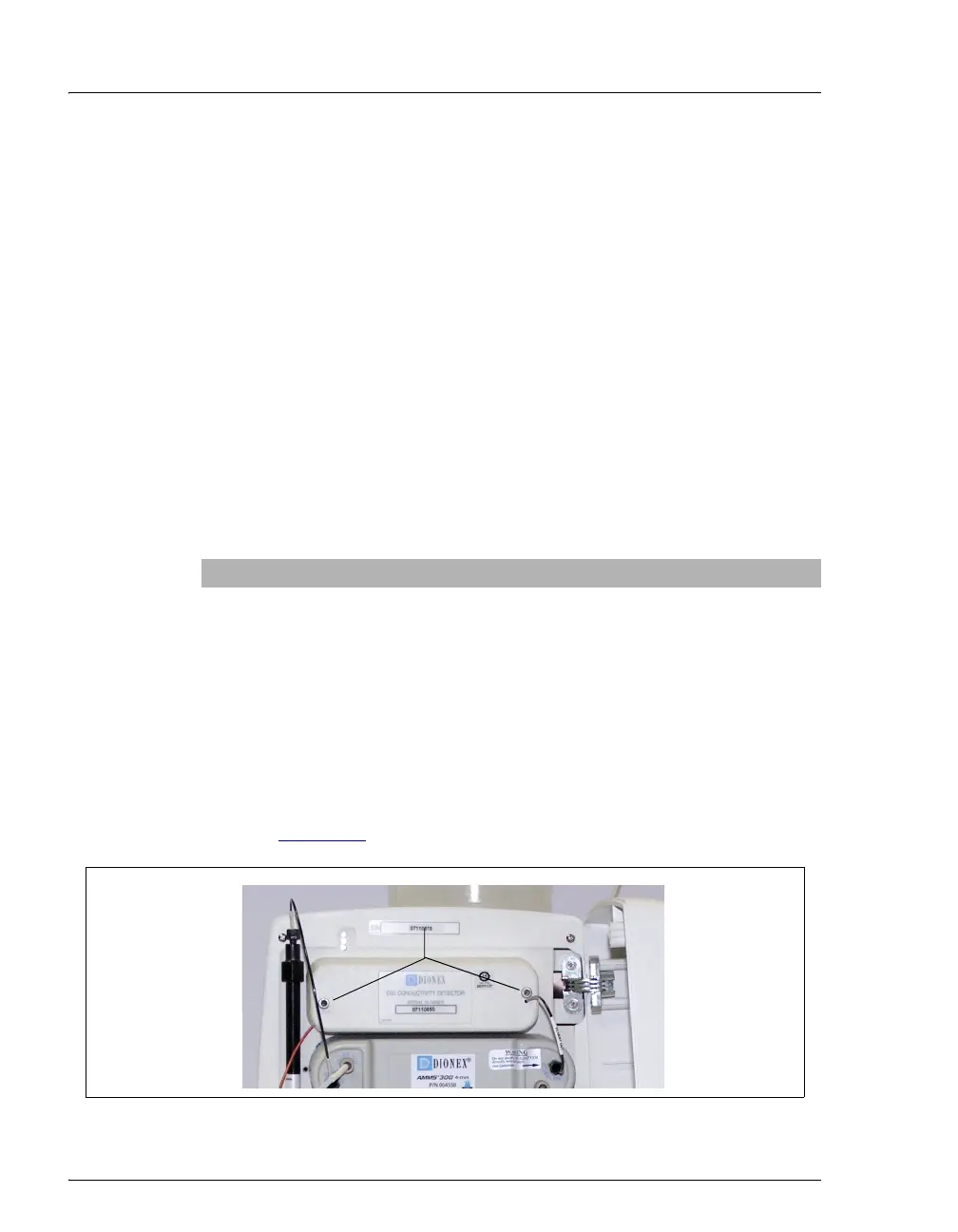
1. Use an Allen wrench to remove the two screws securing the
conductivity cell housing to the ICS-900 component mounting panel
(see Figure 5-4
). Save the screws.
Items Needed Description
1.00 mM KCl solution Prepare by dissolving 0.0746 g of reagent-
grade KCl in one liter of ASTM Type I
(18 megohm-cm) filtered and deionized
(DI) water (use a volumetric flask).
Backpressure tubing to provide
at least 7 MPa (1000 psi)
Use 0.076-mm (0.003-in) ID yellow PEEK
tubing (P/N 049715).
Figure 5-4. ICS-900 Interior Components: Removing the Conductivity Cell Housing
Remove Screws



 To Next Page