C • TTL and Relay Control
Doc. 065215-02 9/09 103
NOTE Check the polarity of each connection. Connect signal
wires to signal (+) pins and ground wires to ground (-)
pins.
4. If you connected a TTL input, verify that the correct input control mode and
function is assigned to the input. Select different settings if necessary (see
Section C.2
).
5. If you connected a TTL output that you want to be turned off when the pump
flow is off, enable the Flow Zero option in the Chromeleon Server
Configuration program (see Section C.3
).
C.2 Selecting TTL Input Control Modes and Functions
To select a control mode and function for a TTL input:
1. Start the Chromeleon Server Configuration program (click Start on the
Windows taskbar and select All Programs (or Programs) > Chromeleon >
Server Configuration).
2. Right-click the ICS-900 device in the timebase and select Properties.
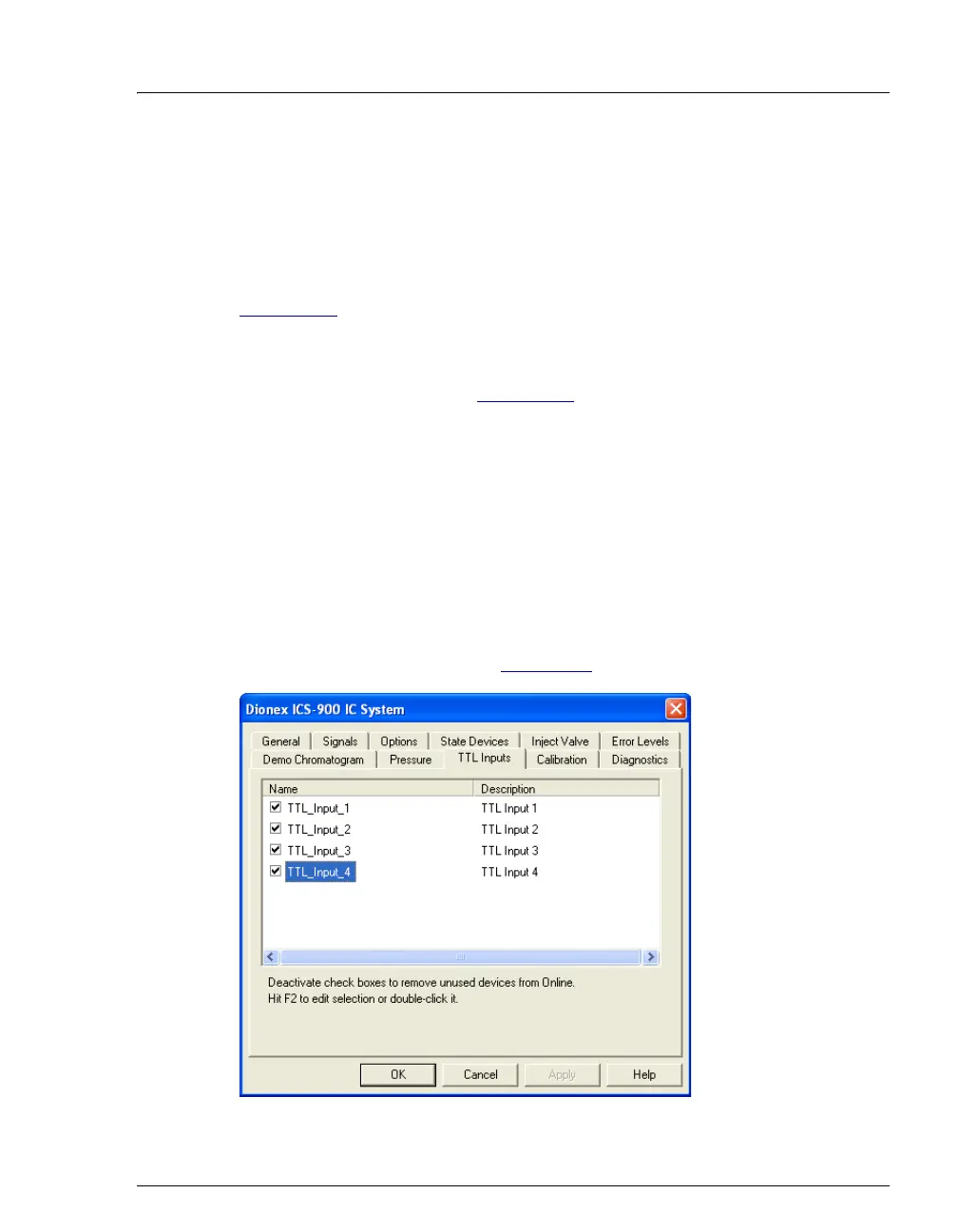
3. Click the TTL Inputs tab (see Figure C-3
).
Figure C-3. ICS-900 Server Configuration Properties: TTL Inputs Tab Page



 To Next Page