3 • Operation and Maintenance
Doc. 065215-02 9/09 39
3.11 Processing Samples
3.11.1 Overview
Samples can be run manually (one at a time), or they can be grouped and
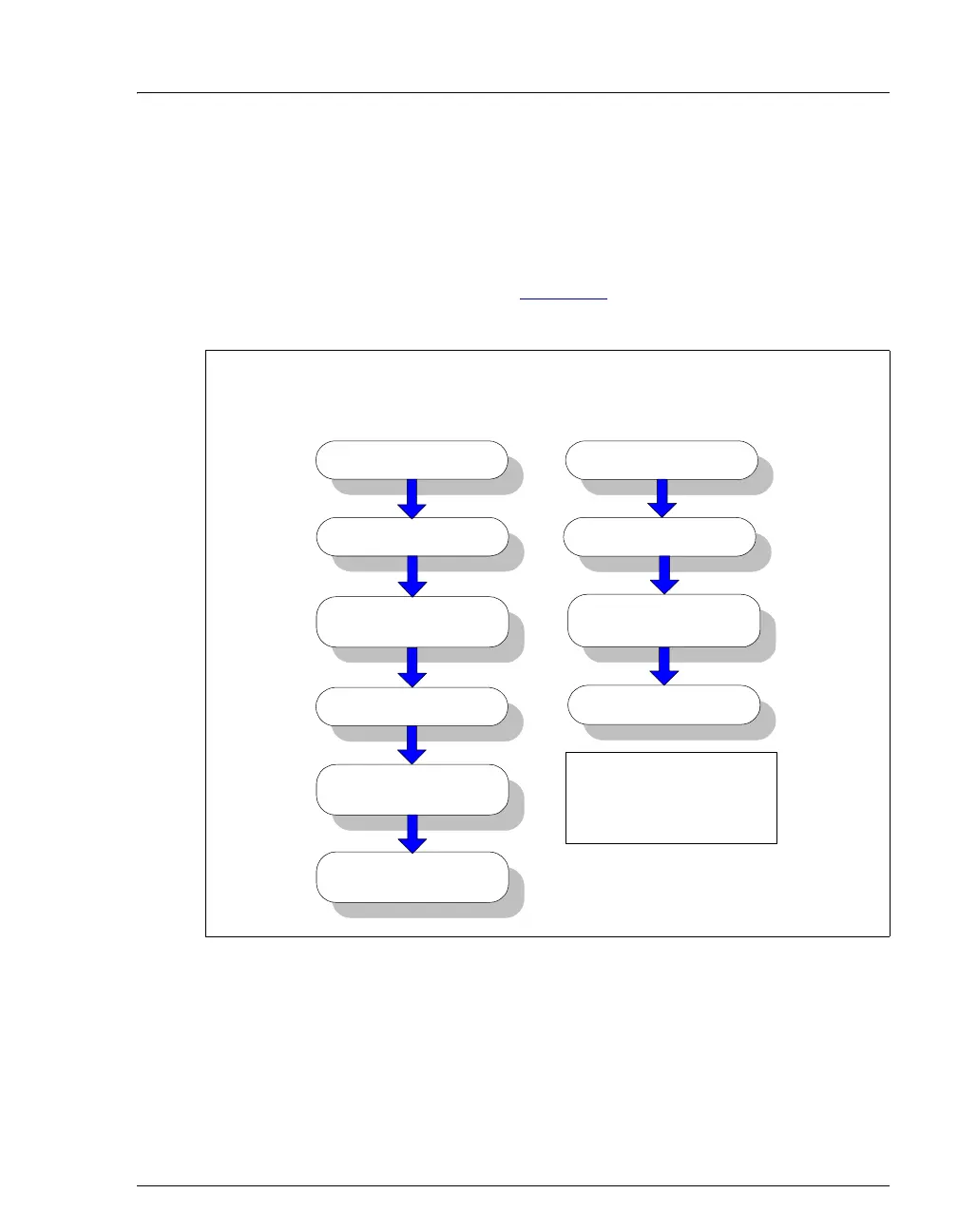
run automatically in batches. Figure 3-8
shows the typical steps for
manual and batch sample processing.
Figure 3-8. Sample Processing Overview
Start data
acquisition
Manual Sample
Processing
Inject the sample
Autozero
Stop data
acquisition
Batch Sample
Processing
Start the batch
Load the
sequence
Create a sequence
Load the sample
*Includes commands
for sample loading,
autozero, injection,
and data acquisition.
Create a program*
Monitor
chromatogram



 To Next Page