ICS-900 Operator’s Manual
24 Doc. 065215-02 9/09
• A Sequence Control provides controls for defining and running
sequences (groups of sample injections to be analyzed in the order in
which they are listed).
• A Status panel shows the overall system status.
• An autosampler panel provides access to autosampler functions.
This panel is present only if the timebase in which the ICS-900 is
configured includes an autosampler.
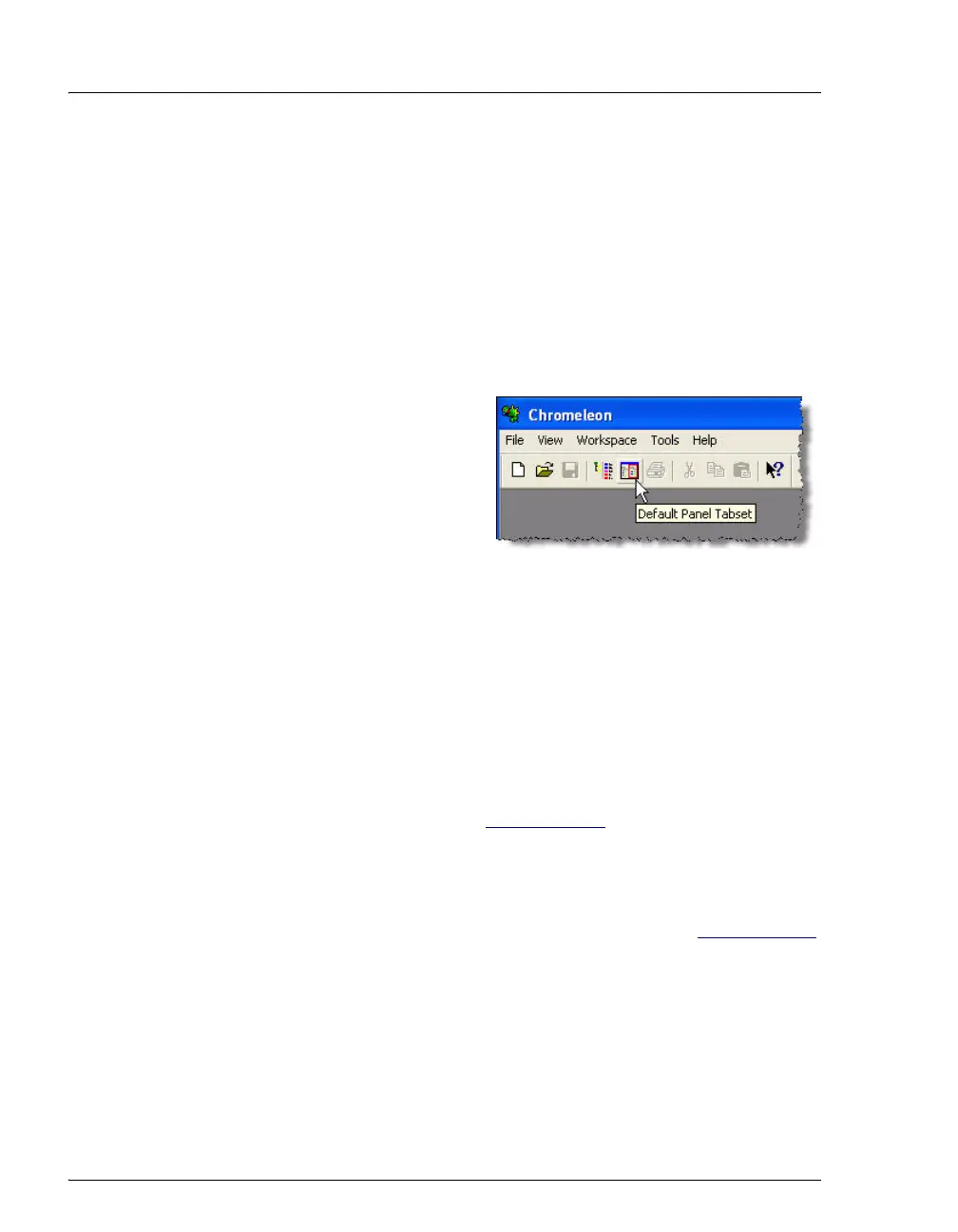
To open the panel tabset, use one of the methods below:
• If Chromeleon is installed,
start Chromeleon and click
the Default Panel Tabset
toolbar button, or select
View > Default Panel
Tabset.
• If Chromeleon Xpress is
installed, start the application; this automatically displays the
ICS-900 panel tabset.
2.4.2 Software Control Modes
Two modes of software control are available: direct control and
programmed control.
• With direct control, you select operating parameters and commands
from the Control panels. Direct control commands are executed as
soon as they are entered. See Section 3.11.2
for details about direct
control.
• With programmed control, you create a list of control commands to
be executed in chronological order. Programs can be created
automatically (with the help of a software wizard). See Section 3.11.3
for details about programmed control.



 To Next Page