ICS-900 Operator’s Manual
86 Doc. 065215-02 9/09
To complete the procedure:
1. Reconnect all liquid lines to the pump head.
2. Close the waste valve knob.
3. Turn on the ICS-900 power switch.
4. Prime the pump (see Section 3.6
).
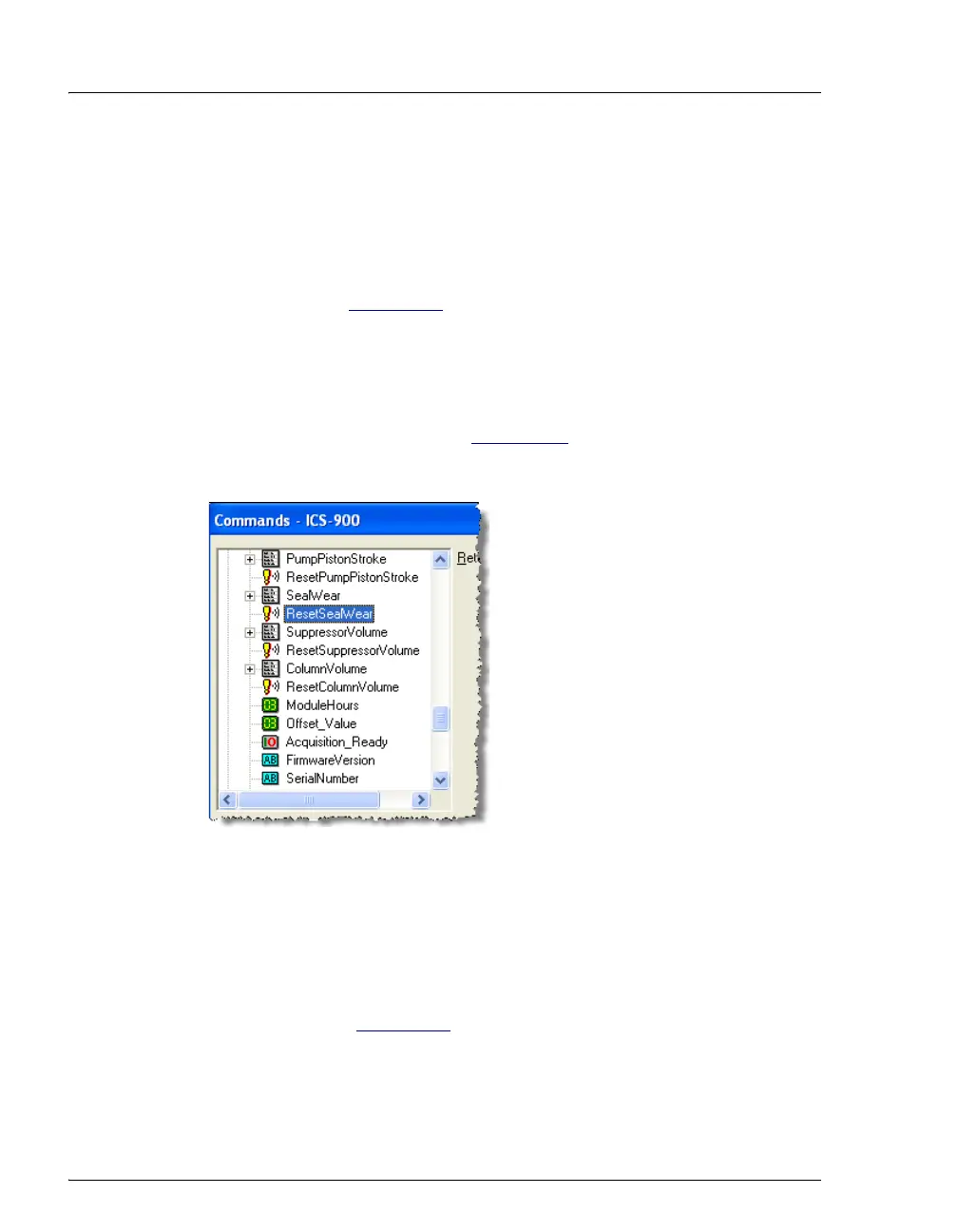
5. Reset the seal wear counter in Chromeleon or Chromeleon Xpress:
a. Press F8 to open the Commands dialog box.
b. Expand the list of commands under Pump_ECD and scroll to the
ResetSealWear command (see Figure 5-11
).
c. Select the command and click Execute.
5.8 Replacing a Pump Piston
Continued leaking of the piston seal after installation of a new seal (assuming the
pump head is tight) indicates a dirty, scratched, or broken piston.
Follow the instructions in Section 5.7
to install a new piston (P/N 052840) and
piston seal (P/N 055870). Always replace the piston seal when replacing a piston.
After replacing the piston and seal, reset the seal wear and pump piston stroke
counters.
Figure 5-11. Resetting the Seal Wear Counter



 To Next Page