3 • Operation and Maintenance
Doc. 065215-02 9/09 33
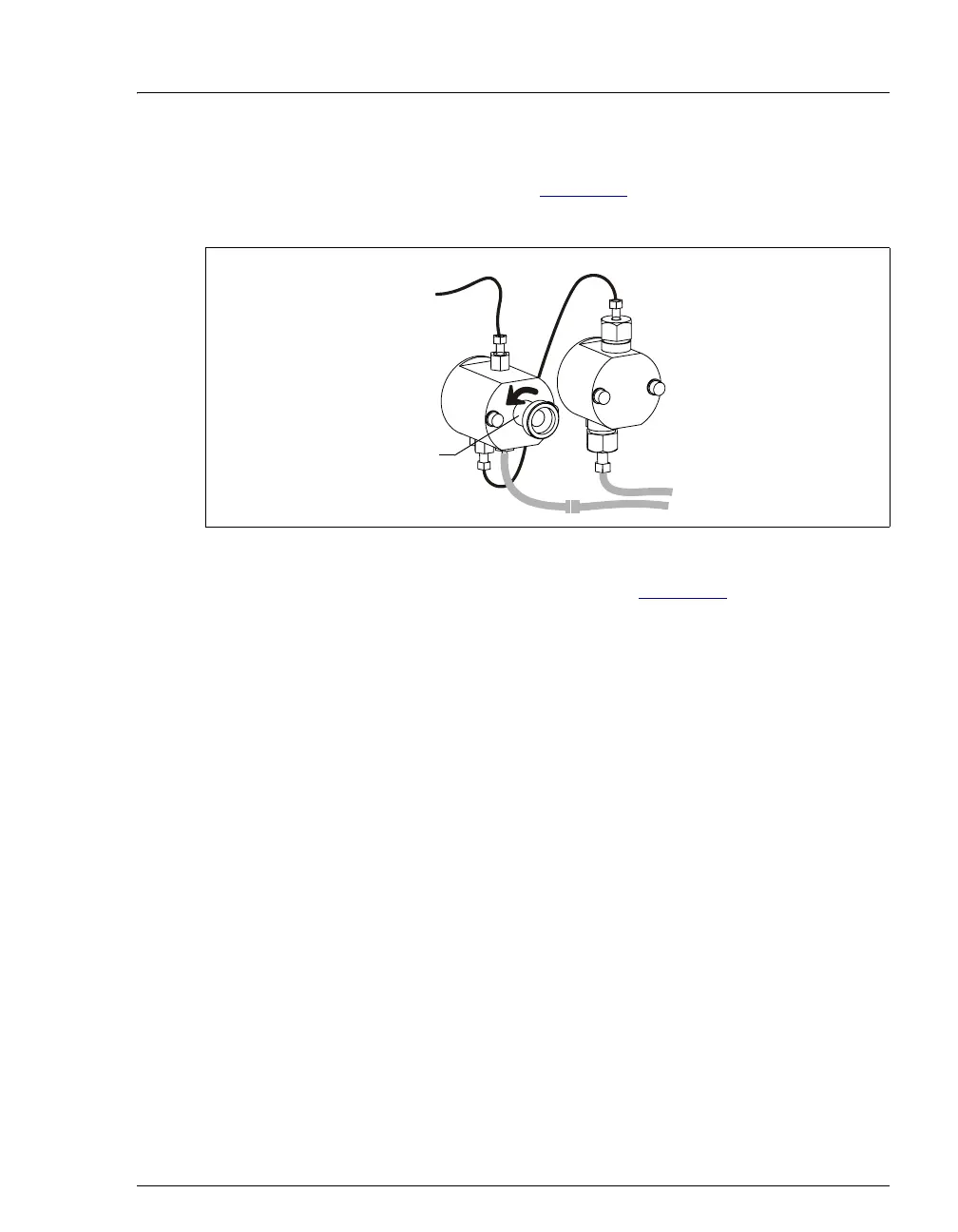
3. Open the waste valve on the secondary (left) pump head by turning the knob
one-half turn counterclockwise (see Figure 3-5
). Opening the valve directs the
eluent flow path to waste and eliminates backpressure.
4. Click
Prime on the ICS-900 Control panel (see Figure 3-2), or open the
Commands dialog box (press F8), select the Pump command, and select the
Prime option. The pump will begin pumping at approximately 3 mL/min.
5. Continue priming the ICS-900 until no air bubbles are exiting the pump waste
line.
6. Click
Pump Off.
7. Close the waste valve. Do not overtighten. The pump is now ready for
operation.
NOTE A convenient way to verify that the waste valve is closed
is to select the pump flow rate required for your
application, turn on the pump, and then close the valve.
The pressure should rise to the value expected for the
application and quickly stabilize.
Figure 3-5. Priming the Pump
Waste Valve
(Open)
Secondary
Pump Head



 To Next Page