3 • Operation and Maintenance
Doc. 065215-02 9/09 41
panel (or click the Acquisition On/Off button on the Chromeleon
toolbar).
Saving Manual Data
NOTE Chromeleon Xpress does not allow data to be saved.
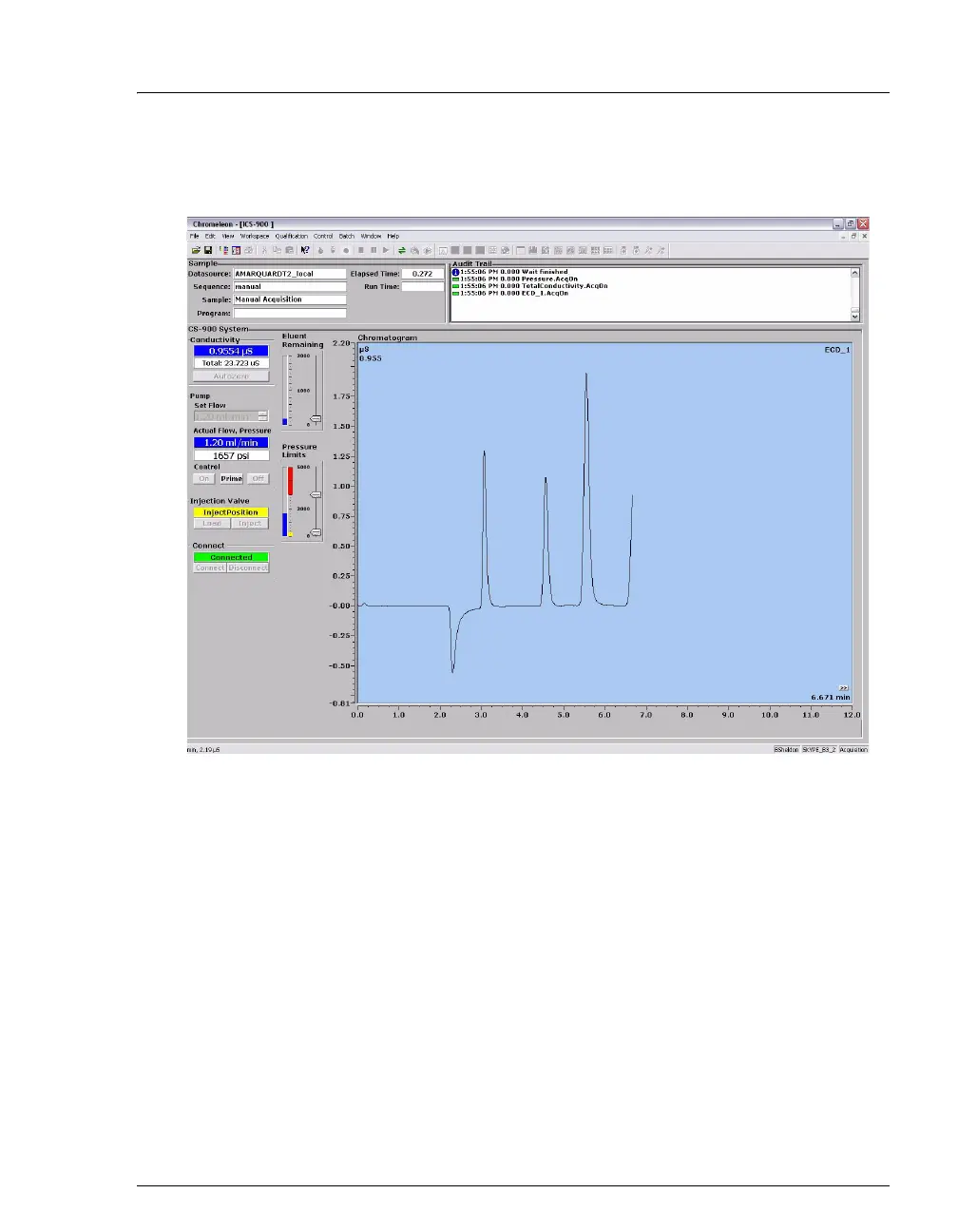
If you are using Chromeleon, data from manual processing is saved in the
manual sequence under the timebase folder in the local datasource.
To save the data from a manual run:
1. Select the manual folder and select File>Save As.
2. Enter a new name for the sequence.
3. Select the Save raw data check box.
Figure 3-9. Manual Data Acquisition



 To Next Page