________________________________________________________________________________________________________
1592025400 – Vers. 1.0 - 94 -
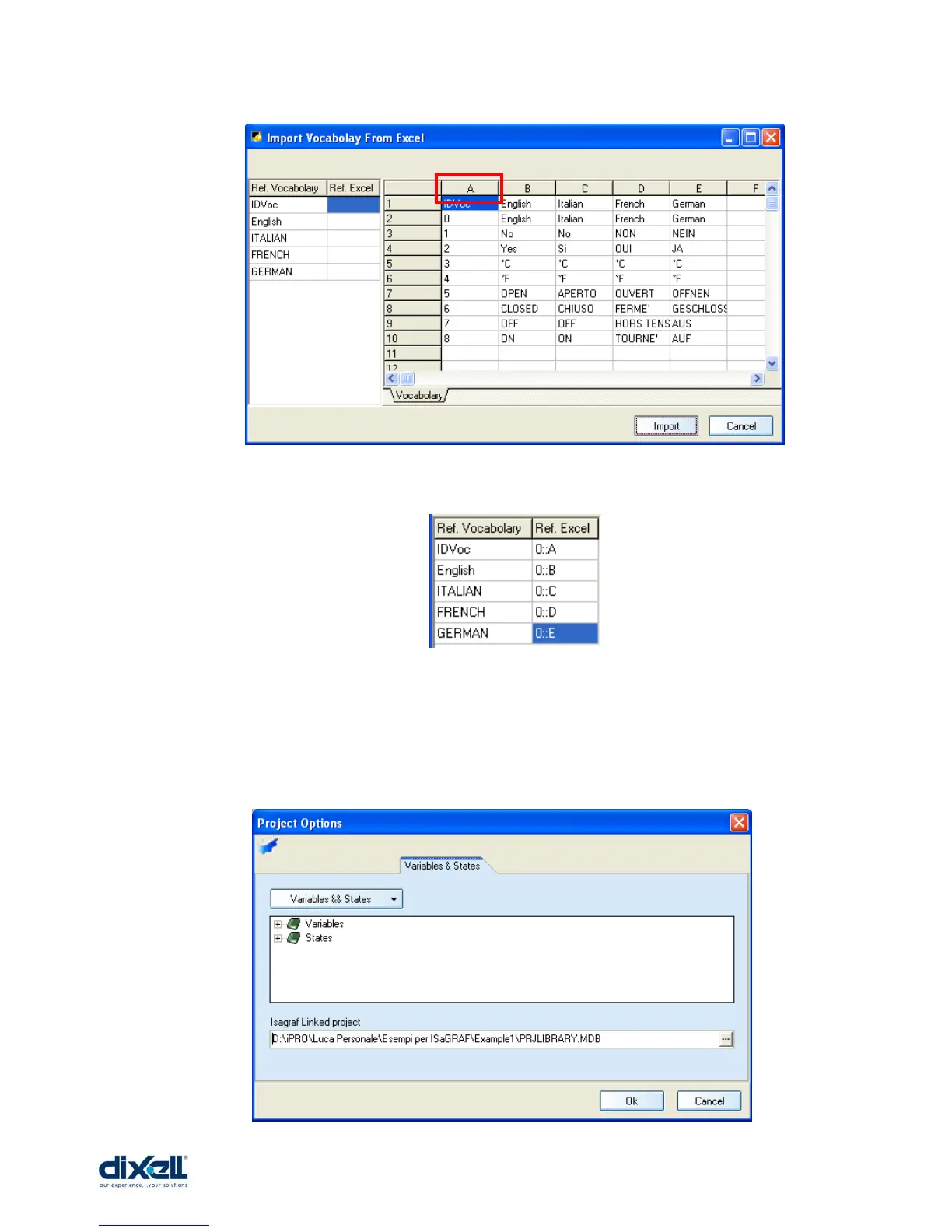
First click on “A” , then “B”, “C”, “D” and “E”; in the left table you will see the following
structure:
Click Import and then OK to finish the procedure.
Now your vocabulary has been imported in your project.
In this window is possible to associate the variables between the ISaGRAF and VISOPROG
projects; they can Import or Export the variables each other.















 To Next Page