43
WN 059677 45532 - 11/2023
ES 250 PRO/ES 250 PRO FST
ES 400 PRO/ES 400 PRO FST
Mounting instructions
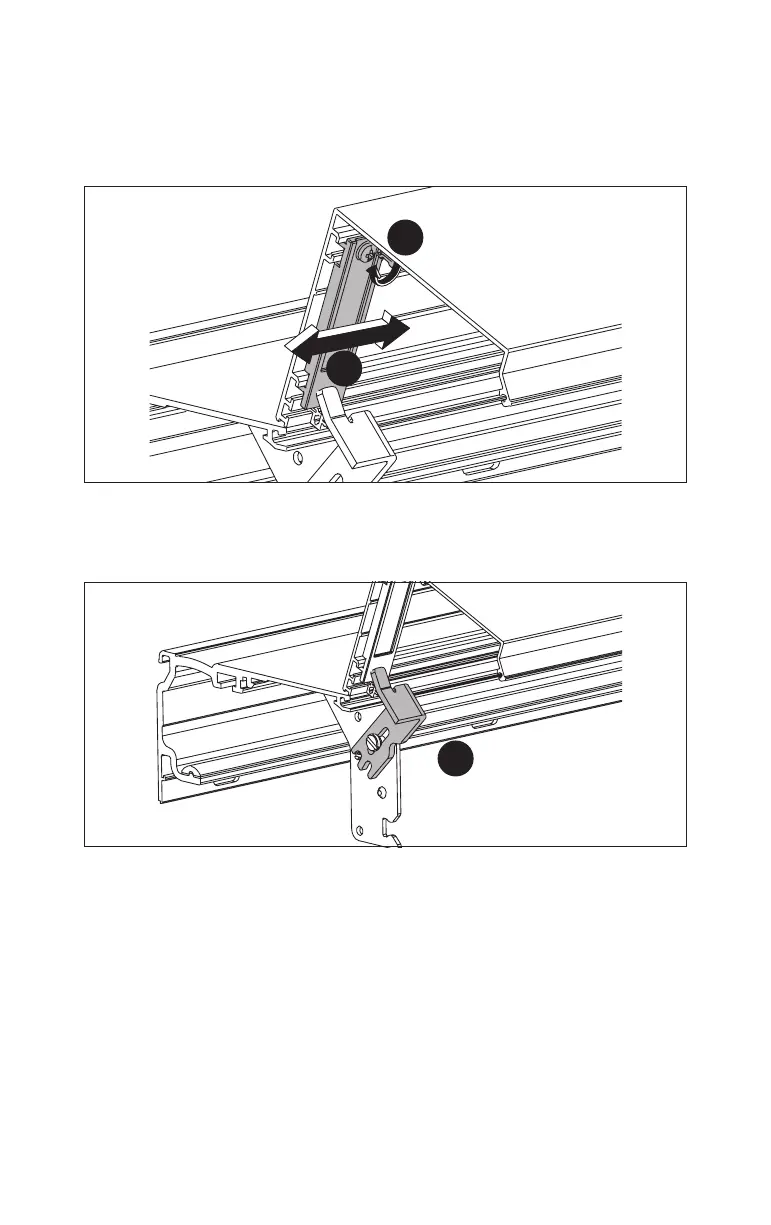
2. Open the internal cover, always holding the center of the cladding.
3. Slide the holders for the internal cover so they match the position of the cover
holders.
Fig.72
3.
4.
4. Secure the holders for the internal cover with the screws.
5. Secure the internal cover with the cover holders.
Fig.73
5.













 To Next Page