8
WN 059677 45532 - 11/2023
ES 250 PRO/ES 250 PRO FST
ES 400 PRO/ES 400 PRO FST
Mounting instructions
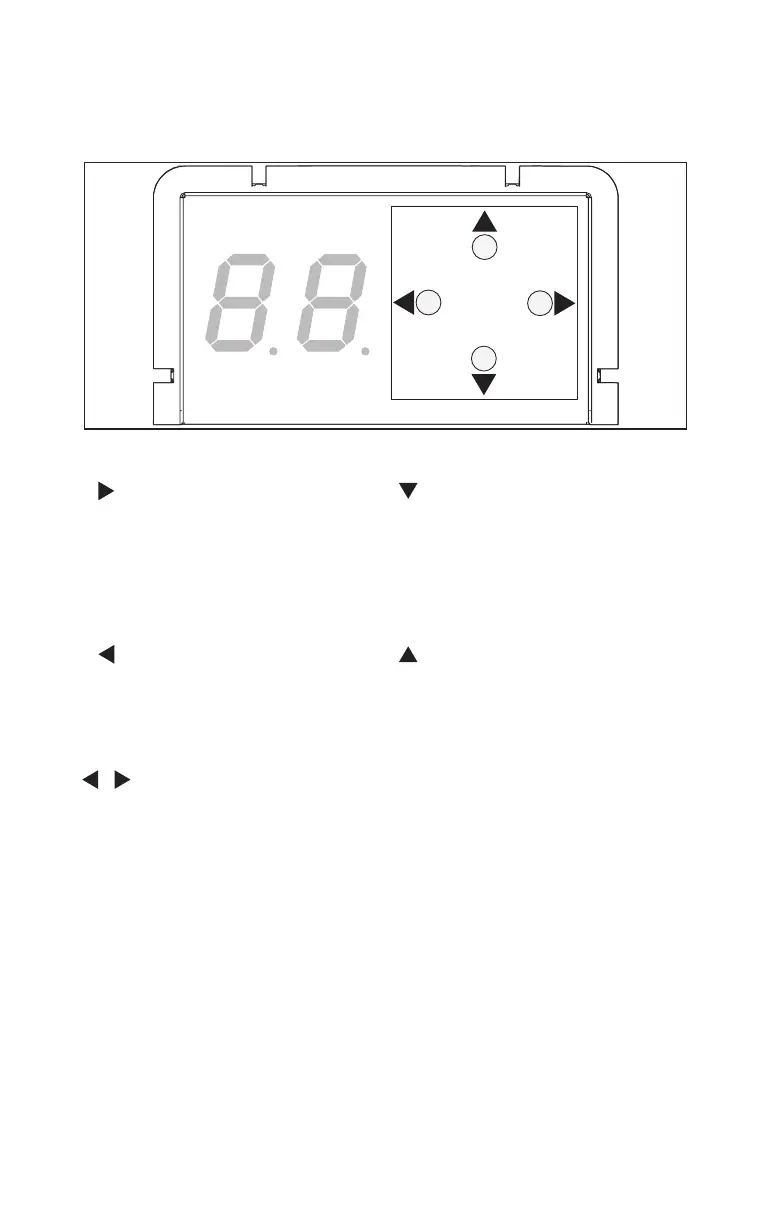
3.2 Operating elements
The control unit has a user interface with 4keys and a 2-digit display.
Fig.2
The following functions can be executed by pressing the keys:
Right key
• Open parameters menu
• Display parameter value
• Select parameter to be
changed
• Save changed parameter value
• Open error menu
Bottom key
• Scroll through parameters and
error messages
• Decrease the parameter value
• Opening impulse
• Teach-in run (press for 3 secs)
• Factory reset (Fact-Setup)
(press for 8 secs)
Left key
• Close change parameters
• Close parameters menu
• Close error menu
• Stop service mode
(press for 3 secs)
Top key
• Scroll through parameters and
error messages
• Increase the parameter value
Press left and right key at the
same time
• Error acknowledgement
• Reset (press for 3 secs)













 To Next Page