VigorPro5300 Series User’s Guide
147
3
3
.
.
1
1
1
1
C
C
e
e
r
r
t
t
i
i
f
f
i
i
c
c
a
a
t
t
e
e
M
M
a
a
n
n
a
a
g
g
e
e
m
m
e
e
n
n
t
t
A digital certificate works as an electronic ID, which is issued by a certification authority
(CA). It contains information such as your name, a serial number, expiration dates etc., and
the digital signature of the certificate-issuing authority so that a recipient can verify that the
certificate is real. Here Vigor router support digital certificates conforming to standard
X.509.
Any entity wants to utilize digital certificates should first request a certificate issued by a CA
server. It should also retrieve certificates of other trusted CA servers so it can authenticate
the peer with certificates issued by those trusted CA servers.
Here you can manage generate and manage the local digital certificates, and set trusted CA
certificates. Remember to adjust the time of Vigor router before using the certificate so that
you can get the correct valid period of certificate.
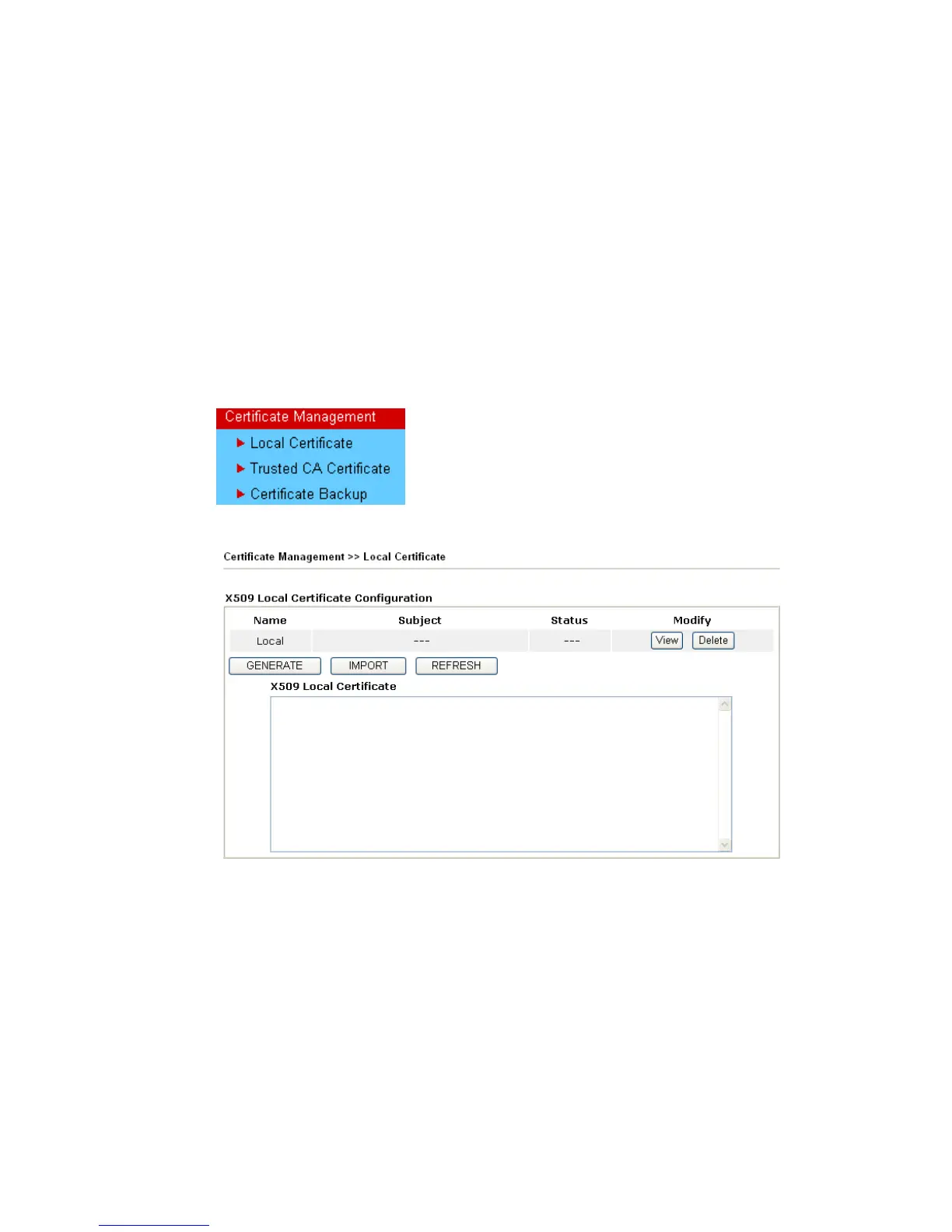
Below shows the menu items for Certificate Management.
3
3
.
.
1
1
1
1
.
.
1
1
L
L
o
o
c
c
a
a
l
l
C
C
e
e
r
r
t
t
i
i
f
f
i
i
c
c
a
a
t
t
e
e
Generate Click this button to open Generate Certificate Request
window.












 To Next Page