VigorPro5300 Series User’s Guide
65
3
3
.
.
4
4
.
.
8
8
I
I
M
M
O
O
b
b
j
j
e
e
c
c
t
t
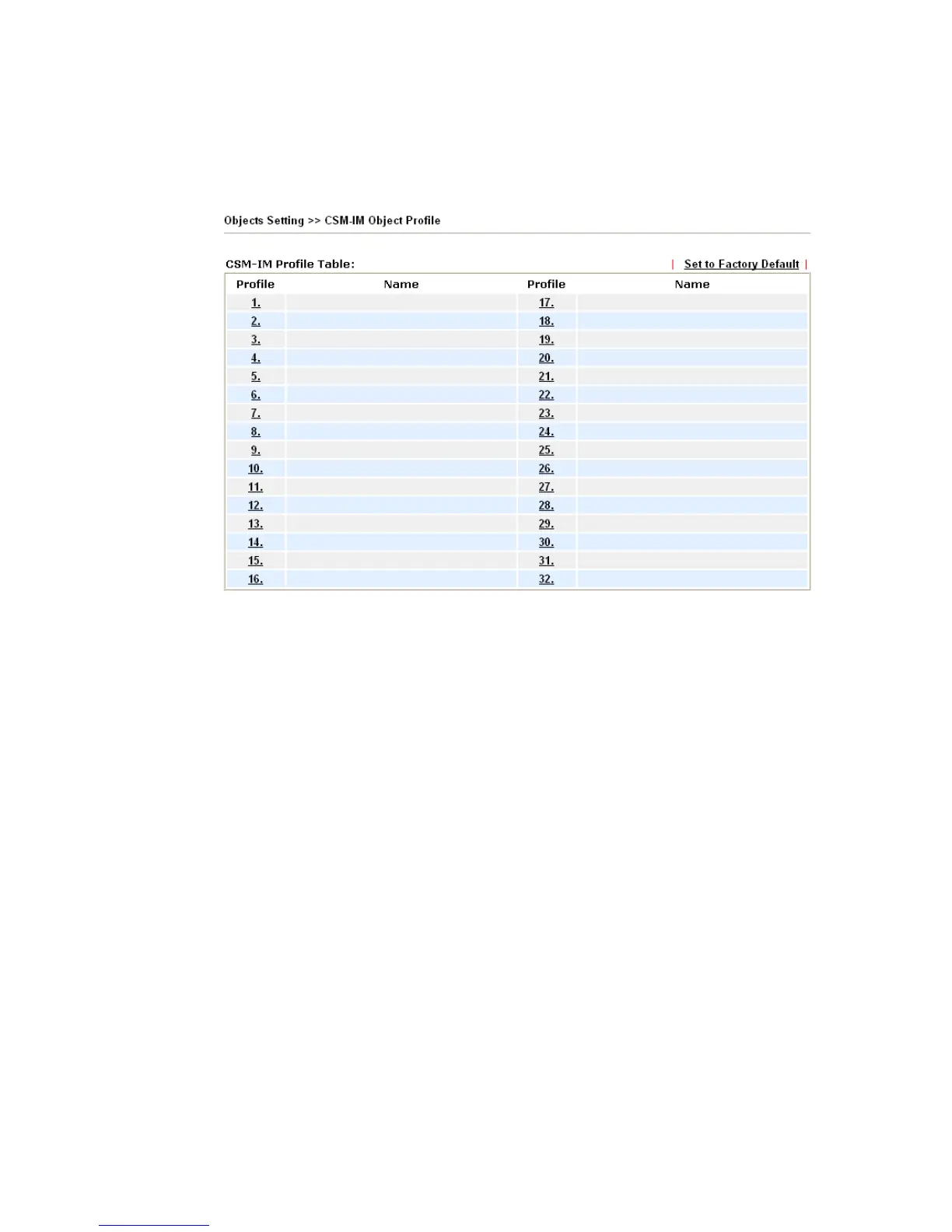
This page allows you to set 32 profiles for Instant Messenger. These profiles will be applied
in Firewall>>IM/P2P Filter Profile for filtering.
Set to Factory Default Clear all profiles.
Click the number under Profile column for configuration in details. There are several types
of Instant Messenger (IM) provided here for you to choose to disallow people using. Simple
check the box (es) and then click OK. Later, in the CSM>>IM/P2P Filter Profile page, you
can use IM Object drop down list to choose the proper profile configured here as the
standard for the host(s) to follow.












 To Next Page