VigorPro5300 Series User’s Guide
62
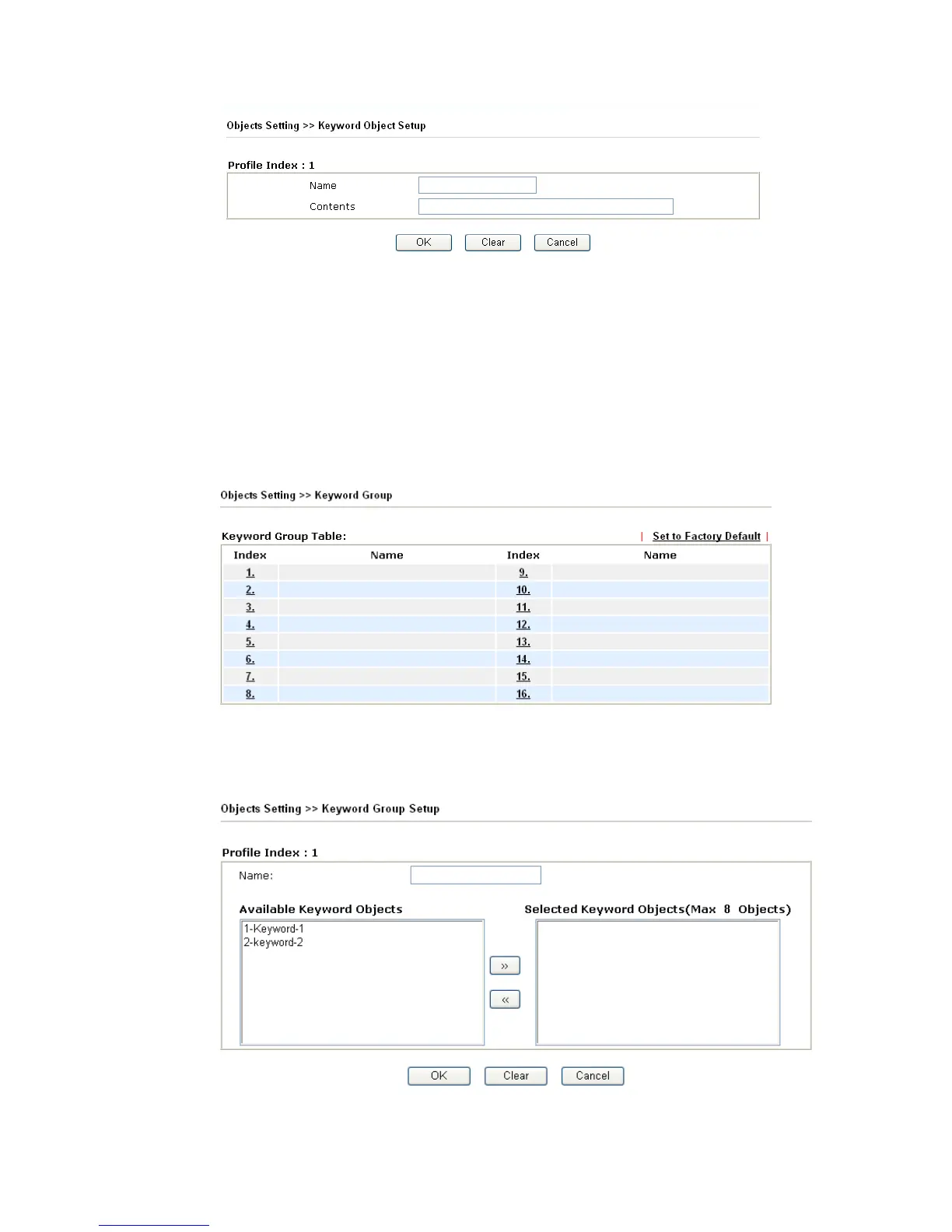
Name Type a name for this profile, e.g., game.
Contents Type the content for such profile. For example, type gambling
as Contents. When you browse the webpage, the page with
gambling information will be watched out and be
passed/blocked based on the configuration on Firewall
settings.
3
3
.
.
4
4
.
.
6
6
K
K
e
e
y
y
w
w
o
o
r
r
d
d
G
G
r
r
o
o
u
u
p
p
This page allows you to bind several keyword objects into one group. The keyword groups
set here will be chosen as black /white list in Anti-Spam >>Profile Setting.
Set to Factory Default Clear all profiles.
Click the number under Index column for setting in detail.
Name Type a name for this group.












 To Next Page