VigorPro5300 Series User’s Guide
18
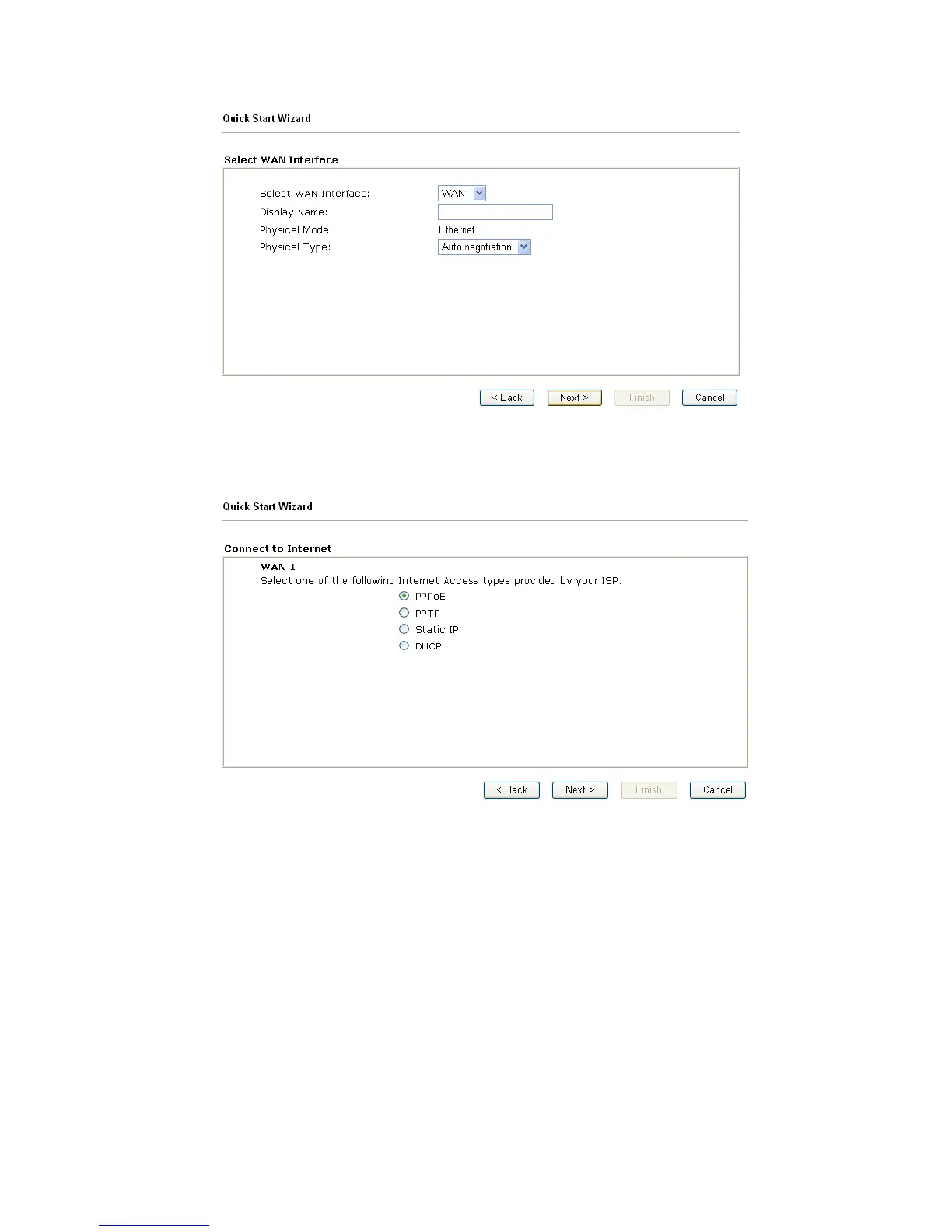
On the next page as shown below, please select the appropriate Internet access type
according to the information from your ISP. For example, you should select PPPoE mode if
the ISP provides you PPPoE interface. Then click Next for next step.
In the Quick Start Wizard, you can configure the router to access the Internet with different
protocol/modes such as PPPoE, PPTP, Static IP or DHCP. The router supports the DSL
WAN interface for Internet access.
2
2
.
.
2
2
.
.
1
1
P
P
P
P
P
P
o
o
E
E
PPPoE stands for Point-to-Point Protocol over Ethernet. It relies on two widely accepted
standards: PPP and Ethernet. It connects users through an Ethernet to the Internet with a
common broadband medium, such as a single DSL line, wireless device or cable modem. All
the users over the Ethernet can share a common connection.
PPPoE is used for most of DSL modem users. All local users can share one PPPoE
connection for accessing the Internet. Your service provider will provide you information
about user name, password, and authentication mode.












 To Next Page