VigorPro5300 Series User’s Guide
19
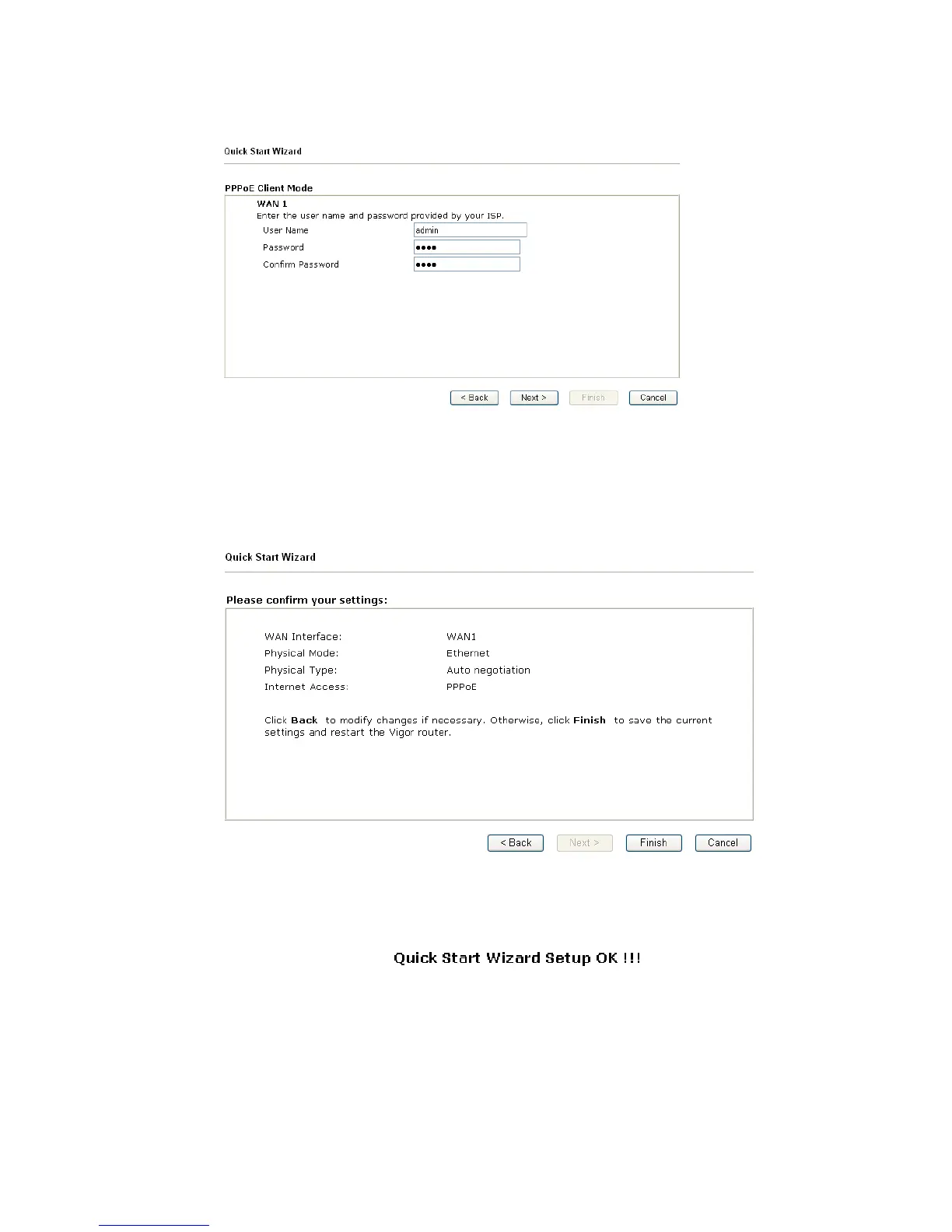
If your ISP provides you the PPPoE connection, please select PPPoE for this router. The
following page will be shown.
User Name Assign a specific valid user name provided by the ISP.
Password Assign a valid password provided by the ISP.
Confirm Password Retype the password for confirmation.
Click Next for viewing summary of such connection.
Click Finish. A page of Quick Start Wizard Setup OK!!! will appear. Then, the system
status of this protocol will be shown.












 To Next Page