VigorPro5300 Series User’s Guide
214
3
3
.
.
1
1
6
6
.
.
5
5
T
T
i
i
m
m
e
e
a
a
n
n
d
d
D
D
a
a
t
t
e
e
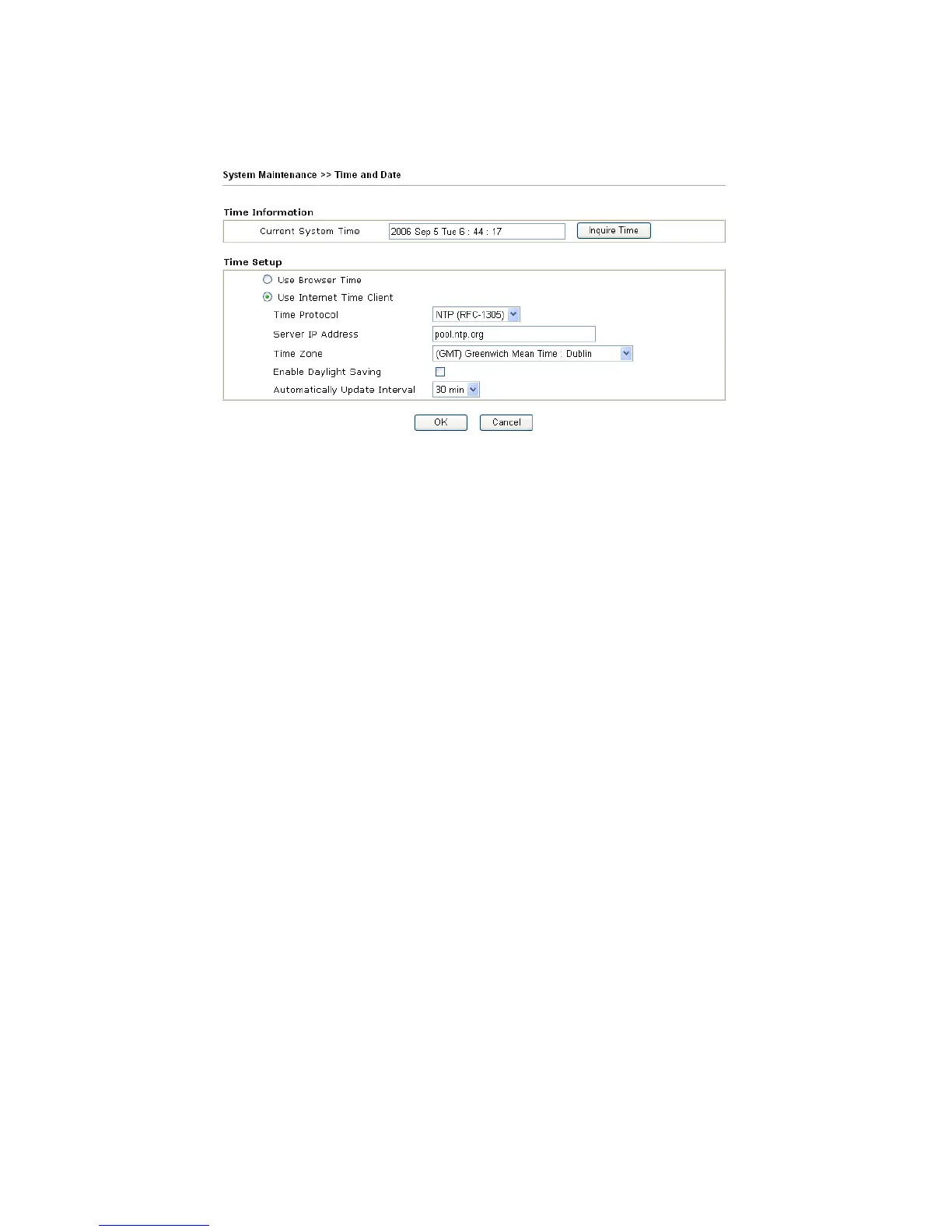
It allows you to specify where the time of the router should be inquired from.
Current System Time Click Inquire Time to get the current time.
Use Browser Time Select this option to use the browser time from the remote
administrator PC host as router’s system time.
Use Internet Time Select to inquire time information from Time Server on the
Internet using assigned protocol.
Time Protocol Select a time protocol.
Server IP Address Type the IP address of the time server.
Time Zone Select the time zone where the router is located.
Automatically Update
Interval
Select a time interval for updating from the NTP server.
Click OK to save these settings.












 To Next Page