VigorPro5300 Series User’s Guide
75
inside to outside world to protect the local user's privacy.
Proxy - Check the box to reject any proxy transmission. To control
efficiently the limited-bandwidth usage, it will be of great value to
provide the blocking mechanism that filters out the multimedia
files downloading from web pages.
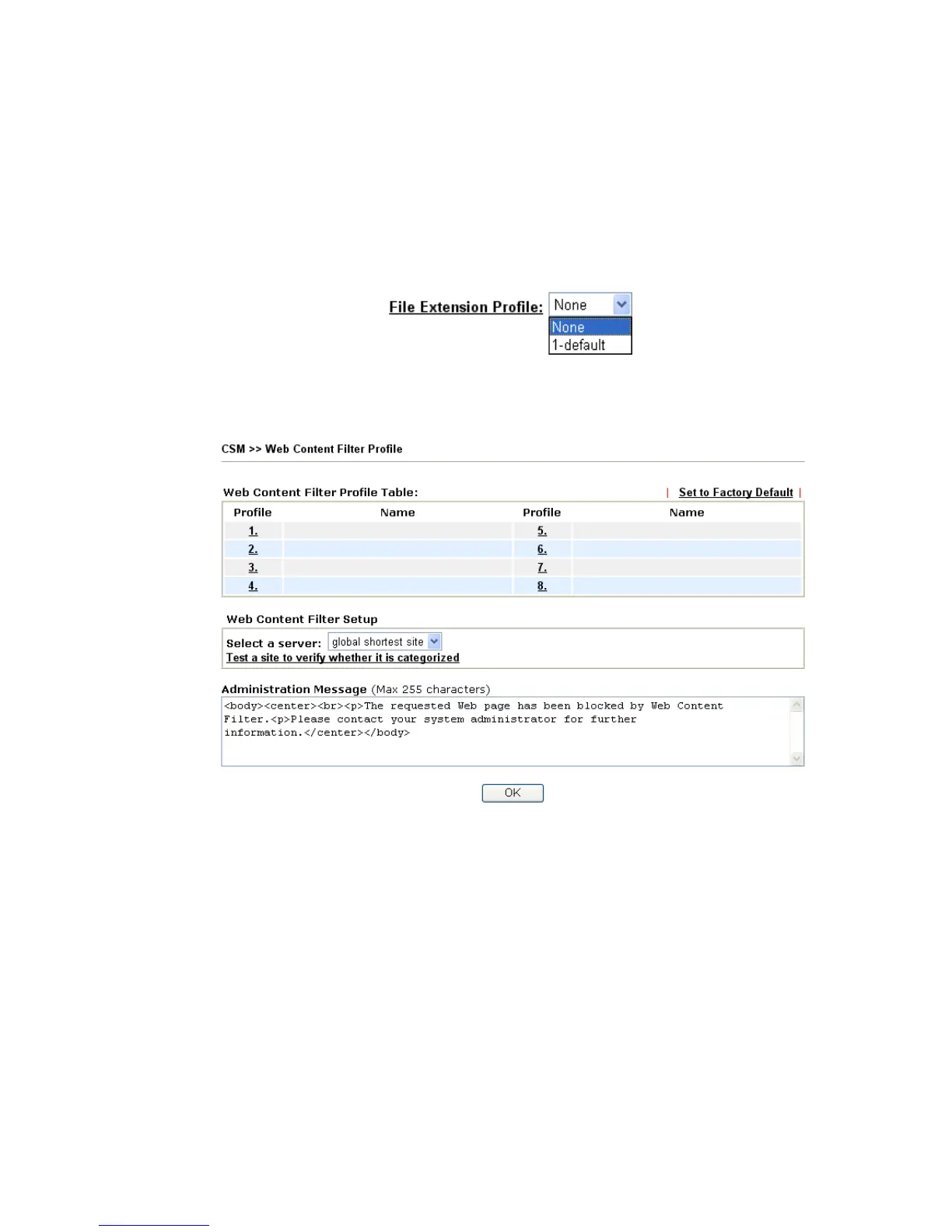
File Extension Profile – Choose one of the profiles that you
configured in Object Setting>> File Extension Objects
previously for passing or blocking the file downloading.
3
3
.
.
5
5
.
.
3
3
W
W
e
e
b
b
C
C
o
o
n
n
t
t
e
e
n
n
t
t
F
F
i
i
l
l
t
t
e
e
r
r
P
P
r
r
o
o
f
f
i
i
l
l
e
e
Click CSM and click Web Content Filter to open the profile setting page.
You can set eight profiles as Web content filter. Simply click the index number under Profile
to open the following web page.












 To Next Page