VigorPro5300 Series User’s Guide
201
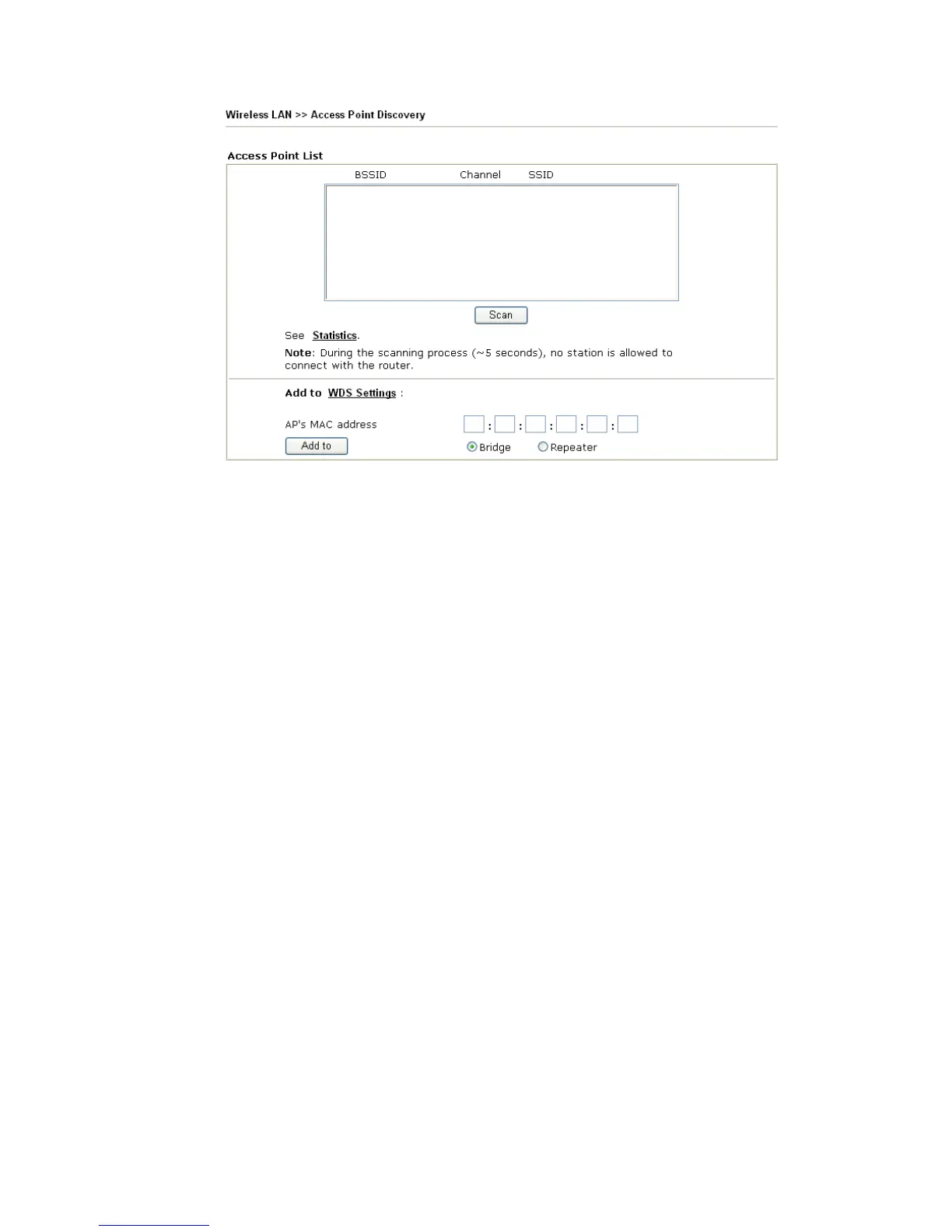
If you want the found AP applying the WDS settings, please type in the AP’s MAC address
on the bottom of the page and click Bridge or Repeater. Next, click Add to. Later, the MAC
address of the AP will be added to Bridge or Repeater field of WDS settings page.
3
3
.
.
1
1
4
4
.
.
7
7
S
S
t
t
a
a
t
t
i
i
o
o
n
n
L
L
i
i
s
s
t
t
Station List provides the knowledge of connecting wireless clients now along with its status
code. There is a code summary below for explanation. For convenient Access Control, you
can select a WLAN station and click Add to Access Control below.












 To Next Page