VigorPro5300 Series User’s Guide
60
(!=) – when the first and last value are the same, it indicates
all the ports except the port defined here; when the first
and last values are different, it indicates that all the ports
except the range defined here are available for this service
type.
(>) – the port number greater than this value is available.
(<) – the port number less than this value is available for this
profile.
Below is an example of service type objects settings.
3
3
.
.
4
4
.
.
4
4
S
S
e
e
r
r
v
v
i
i
c
c
e
e
T
T
y
y
p
p
e
e
G
G
r
r
o
o
u
u
p
p
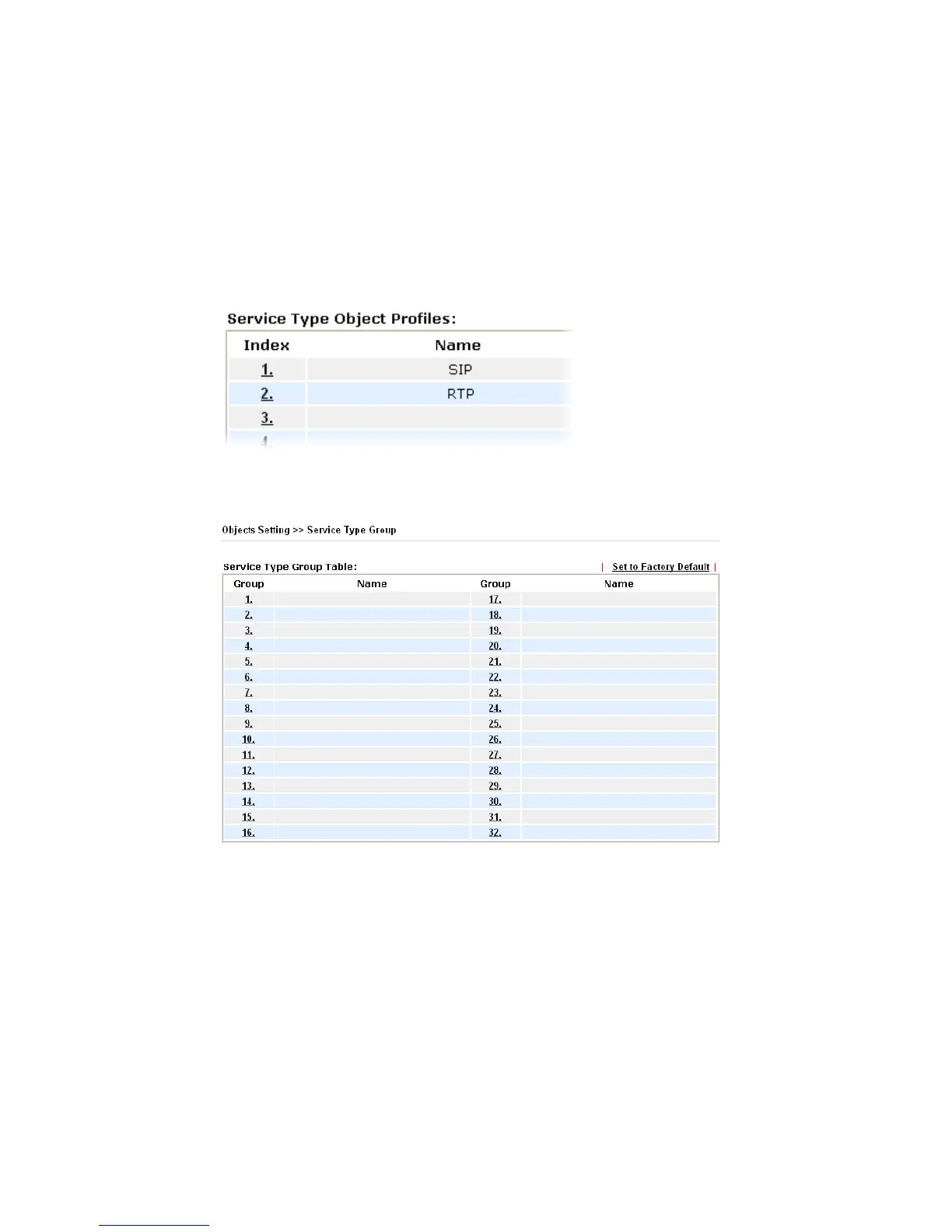
This page allows you to bind several service types into one group.
Set to Factory Default Clear all profiles.
Click the number under Index column for setting in detail.












 To Next Page