VigorPro5300 Series User’s Guide
63
Available Keyword
Objects
You can gather keyword objects from Keyword Object page
within one keyword group. All the available Keyword
objects that you have created will be shown in this box.
Selected Keyword Objects
Click
button to add the selected Keyword objects in
this box.
3
3
.
.
4
4
.
.
7
7
F
F
i
i
l
l
e
e
E
E
x
x
t
t
e
e
n
n
s
s
i
i
o
o
n
n
O
O
b
b
j
j
e
e
c
c
t
t
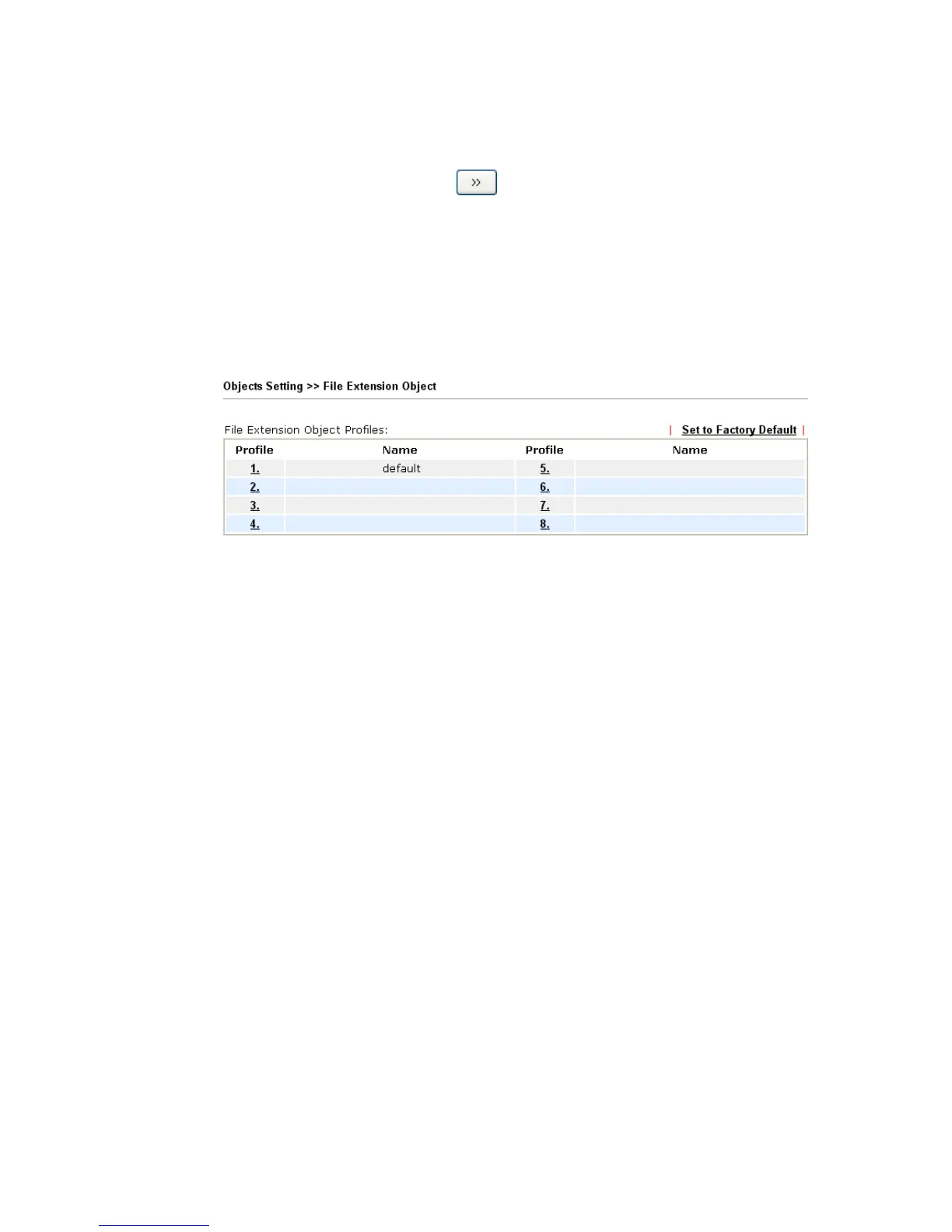
This page allows you to set eight profiles which will be applied in CSM>>URL Content
Filter and Defense Configuration>>Anti-Virus. All the files with the extension names
specified in these profiles will be processed according to the chosen action.
Profile 1 with name of “default” is the default profile, some files with the file extensions
specified in this profile will be ignored and not be scanned by Vigor router.
Set to Factory Default Clear all profiles.
Click the number under Profile column for configuration in details.












 To Next Page