VigorPro5300 Series User’s Guide
152
P
P
h
h
o
o
n
n
e
e
B
B
o
o
o
o
k
k
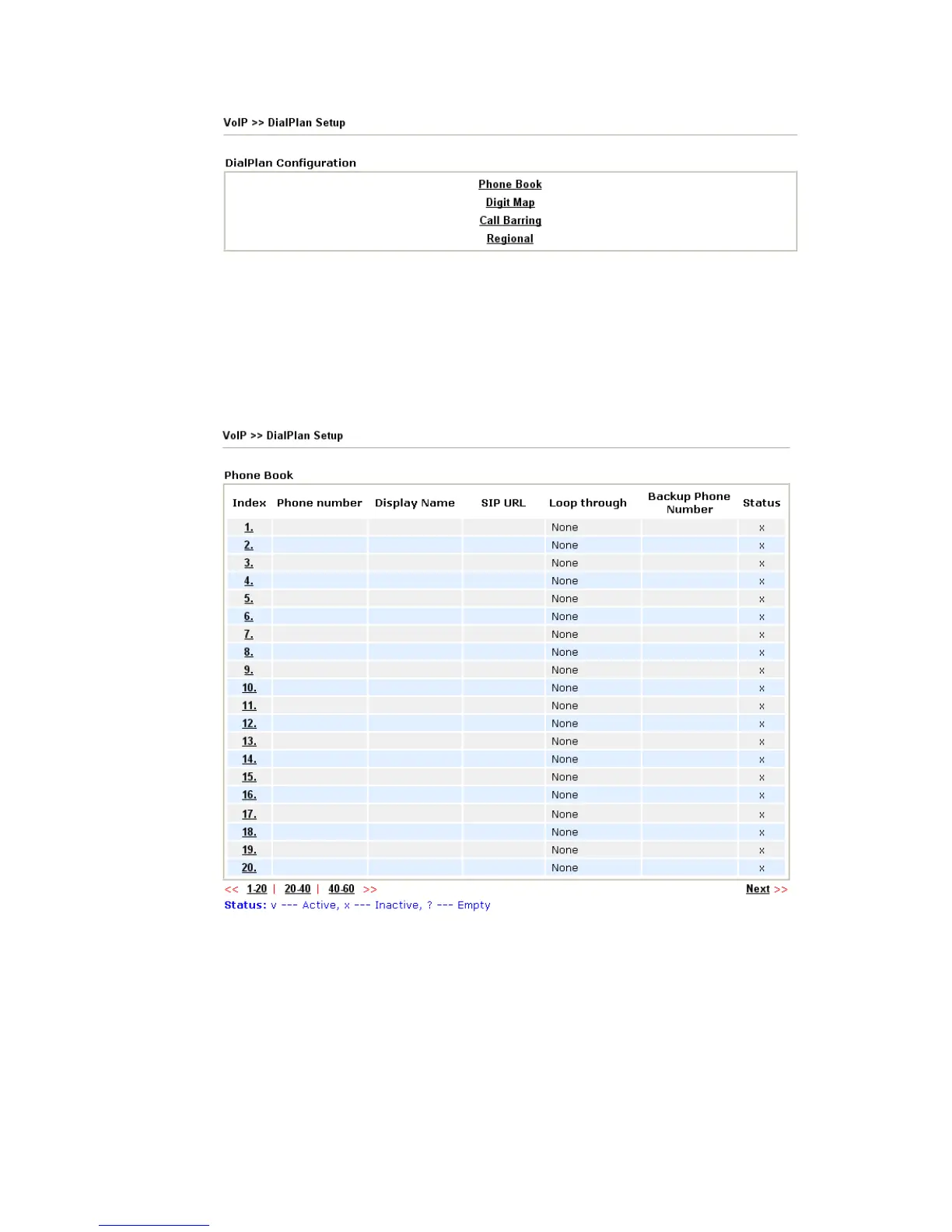
In this section, you can set your VoIP contacts in the “phonebook”. It can help you to make
calls quickly and easily by using “speed-dial” Phone Number. There are total 60 index
entries in the phonebook for you to store all your friends and family members’ SIP addresses.
Loop through and Backup Phone Number will be displayed if you are using
VigorPro5300 VS for setting the phone book.
Click any index number to display the dial plan setup page.












 To Next Page