VigorPro5300 Series User’s Guide
233
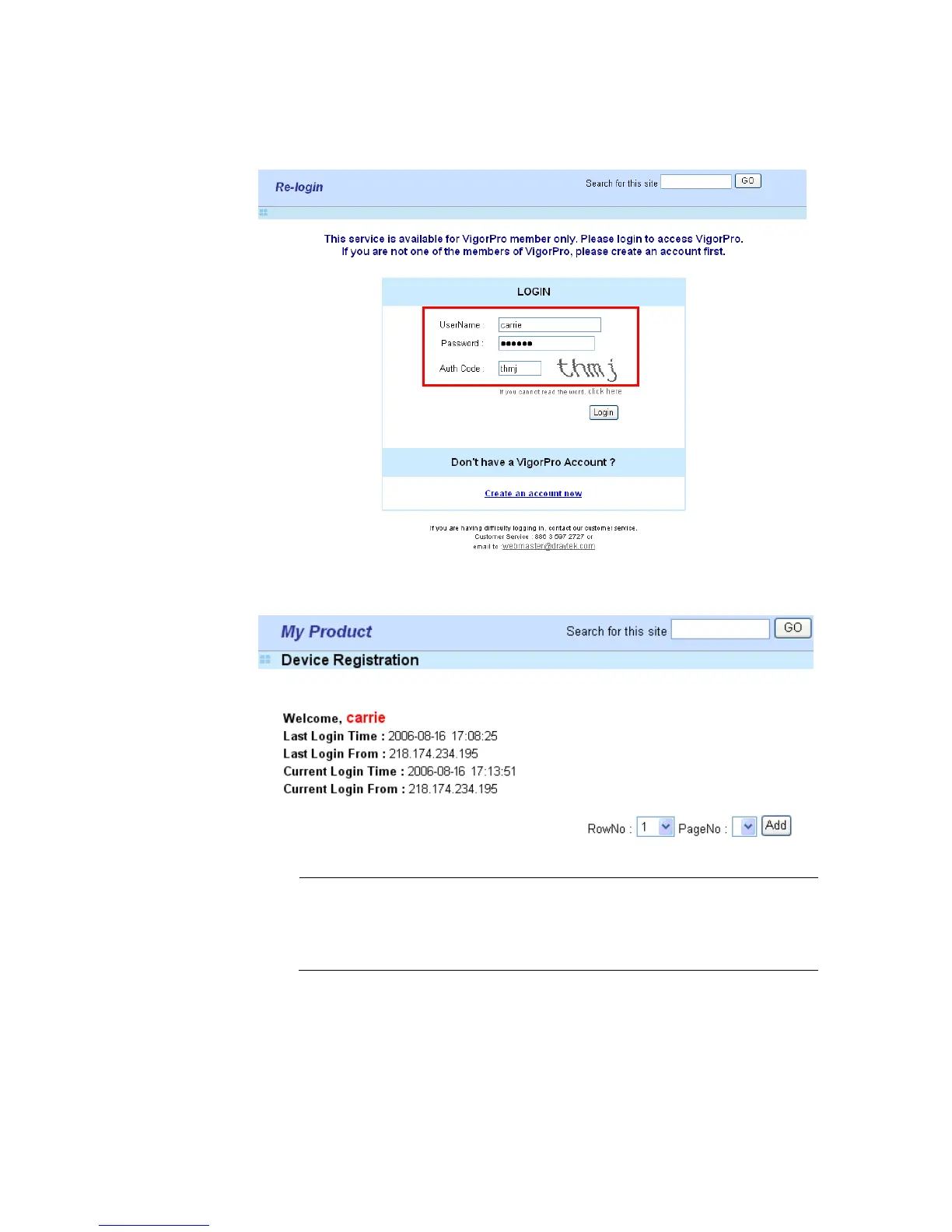
11. When you see the following page, please type in the account and password (that you
just created) in the fields of UserName and Password. Then type the code in the box
of AuthCode according to the value displayed on the right side of it.
12. Now, click Login. Your account has been activated. And the following page will be
shown automatically.
DrayTek will maintain a database of MAC address/serial number of shipped
goods. Only products with shipping records can be registered. If your
VigorPro 5300 cannot hook up to your account, please contact your reseller
or DrayTek’s technical support.












 To Next Page