VigorPro5300 Series User’s Guide
258
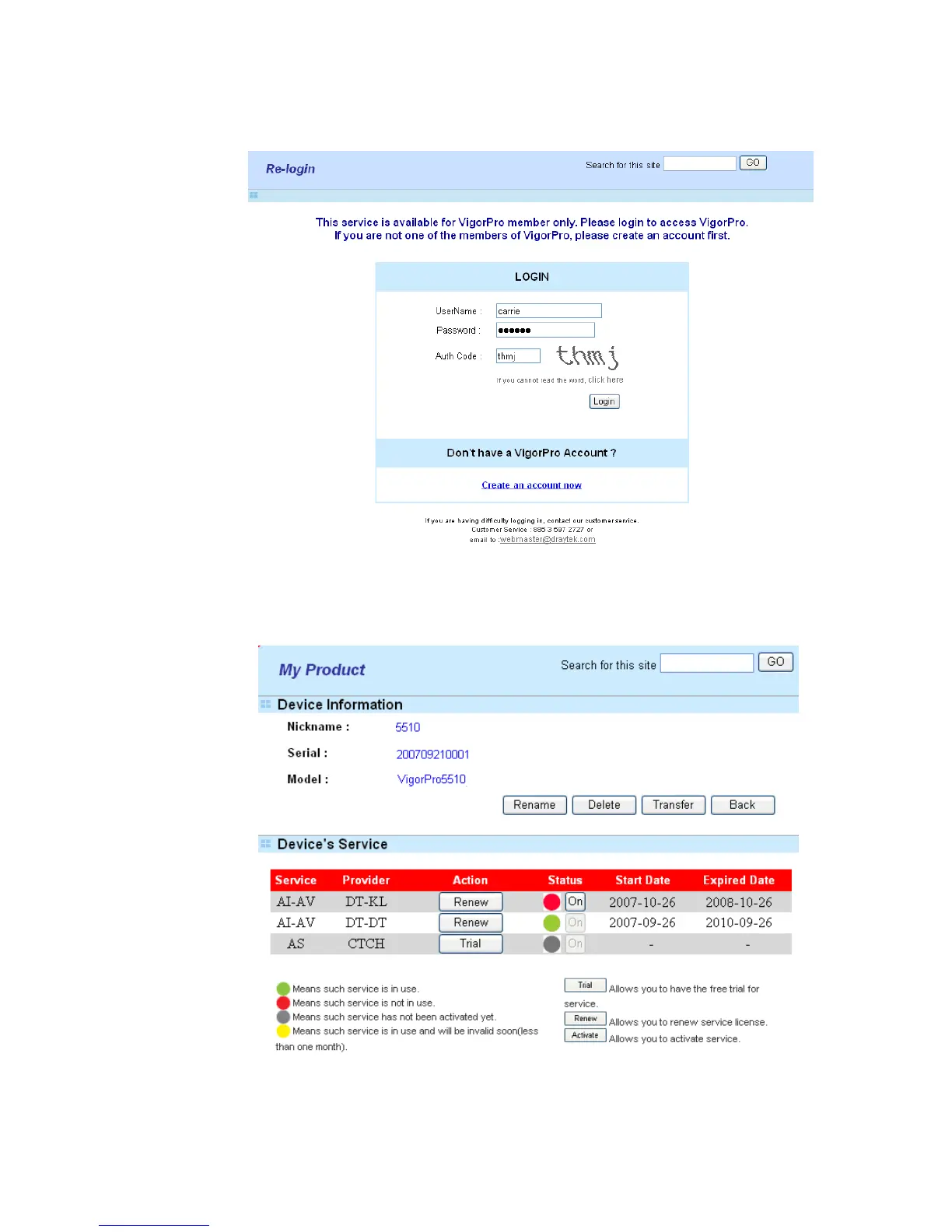
4. A Re-login page will be shown on the screen. Please type new account and password
that you created previously. And click Login.
5. The following page will be shown automatically. You will find there are two devices
service added to your router. If you activated only one service before, it must be only
one service displayed here. In this case, DT-DT and DT-KL services are registered on
the VirgorPro website. However, DT-DT service is installed into the router at present.












 To Next Page