VigorPro5300 Series User’s Guide
77
restricts users in the local network from accessing the Internet. Furthermore, it can filter out
specific packets that trigger the router to build an unwanted outgoing connection.
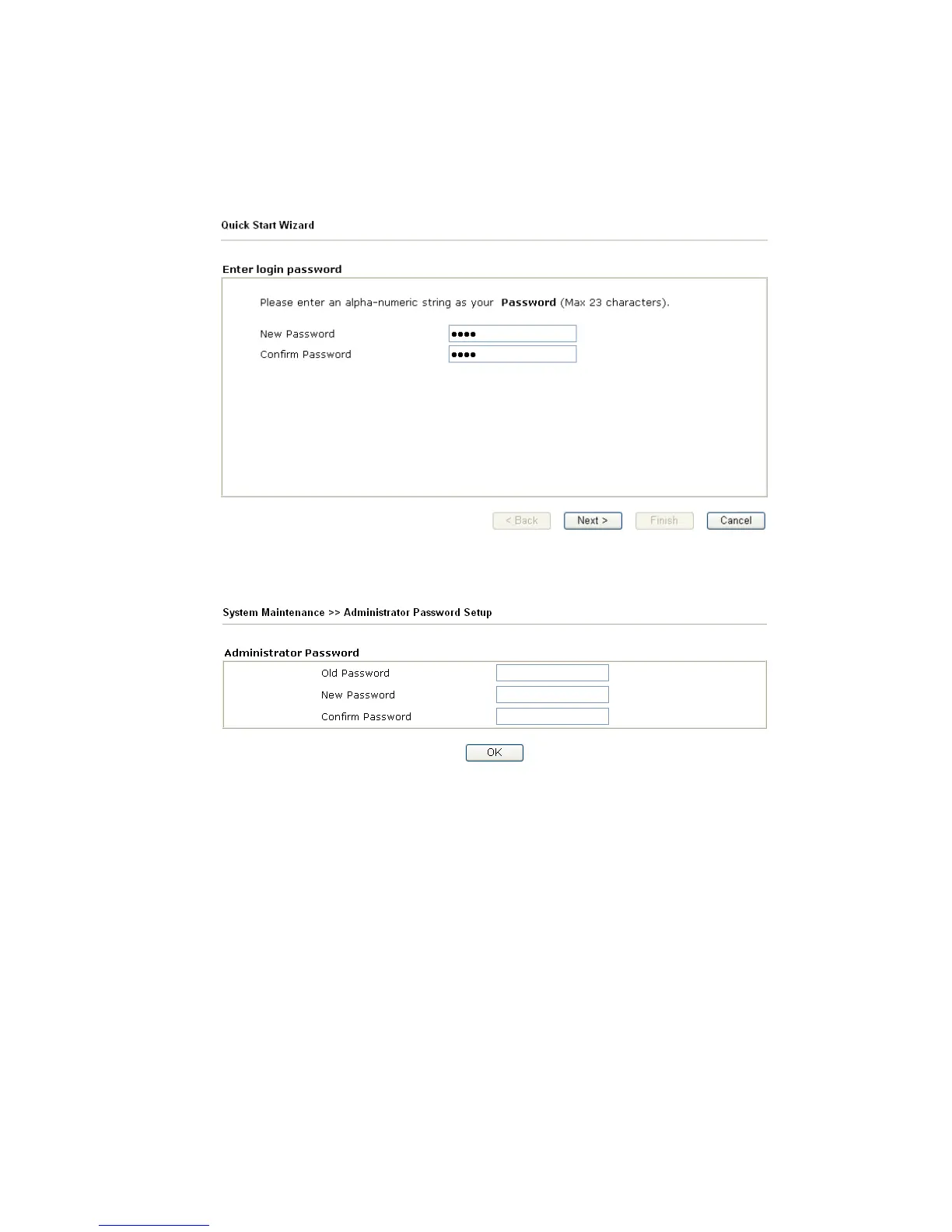
The most basic security concept is to set user name and password while you install your
router. The administrator login will prevent unauthorized access to the router configuration
from your router.
If you did not set password during installation; you can go to System Maintenance to set up
your password.
F
F
i
i
r
r
e
e
w
w
a
a
l
l
l
l
F
F
a
a
c
c
i
i
l
l
i
i
t
t
i
i
e
e
s
s
The users on the LAN are provided with secured protection by the following firewall
facilities:
z User-configurable IP filter (Call Filter/ Data Filter).
z Stateful Packet Inspection (SPI): tracks packets and denies unsolicited incoming data
z Selectable Denial of Service (DoS) /Distributed DoS (DDoS) attacks protection
z URL Content Filter
I
I
P
P
F
F
i
i
l
l
t
t
e
e
r
r
s
s
Depending on whether there is an existing Internet connection, or in other words “the WAN
link status is up or down”, the IP filter architecture categorizes traffic into two: Call Filter
and Data Filter.












 To Next Page