Shift to the screen of the previous parameter / Cancel current change
Change Value of CT Primary (Pri) winding or CT secondary (SEC) winding / Increment value of selected digit
Change Value of CT Primary (Pri) winding or CT secondary (SEC) winding / Decrement value of selected
digit
Select next digit during parameter change
Confirm value and pass to the screen of the next parameter
3.)
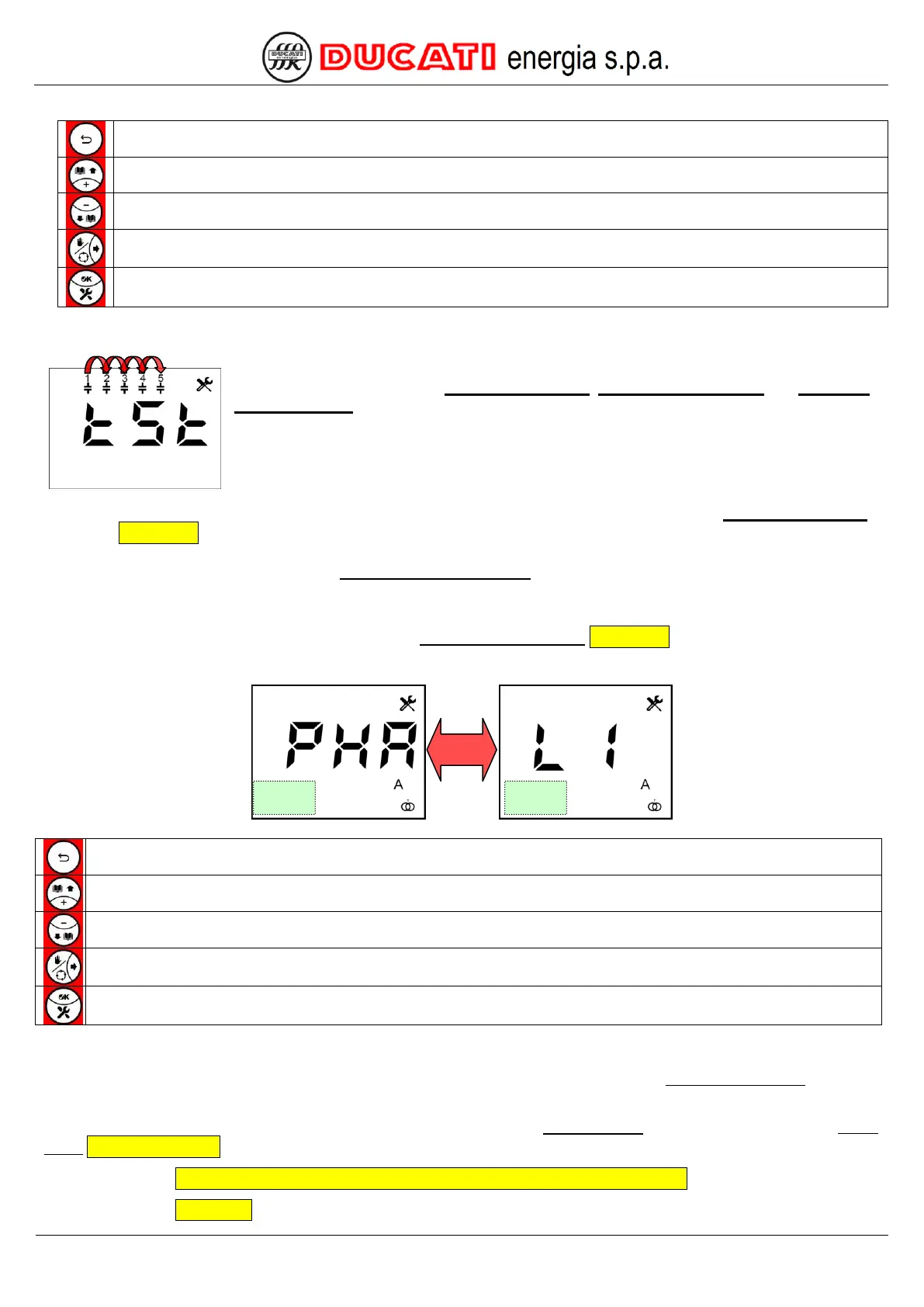
After setting the values of CT primary winding, CT secondary winding and Capacitor
nominal voltage, the controller will check the voltage/current connections by cyclically
inserting the capacitor banks. After each insertion, the controller will show the calculated
configuration for a few seconds. A minimum of 2 to a maximum of 5 cycles of insertion cycles
are needed, at the end of which the controller will automatically set the type of detected
connection.
The duration of a cycle is equal to the greatest value between one minute and the value of the Re-connection time
parameter Chap. 7.2.3.
NOTE: the banks for which parameter Step n power (n=1,2,3,4,5) is equal to zero are excluded and are not
inserted.
Should the controller not be able to automatically define the type of configuration due to unfavourable load
conditions, it will show the setting screen of parameter Current reading phase Chap. 7.1.3 that will have to be manually
entered (or confirmed).
Screen of the previous parameter / Cancel current change
Change current phase connected to controller
Change current phase connected to controller
Go to the next parameter screen
Confirm current phase and go to the screen of the next parameter
4.)
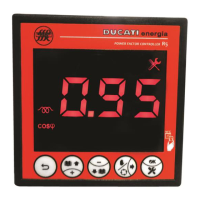
Once connection has been checked, the controller will move to the first page of the Measurement Menu displaying
the cosphi value.
Any generation plants present can be turned on; in this case set the Cogeneration parameter = “ON” from the Setup
Menu Chap. 7 - SETTINGS.
GO BACK TO HARDWARE CONFIGURATION AUTO-ACQUISITION AND COMMISSIONING
GO BACK TO CONTENTS


 To Next Page