8.6.6 Auto-acquisition reset
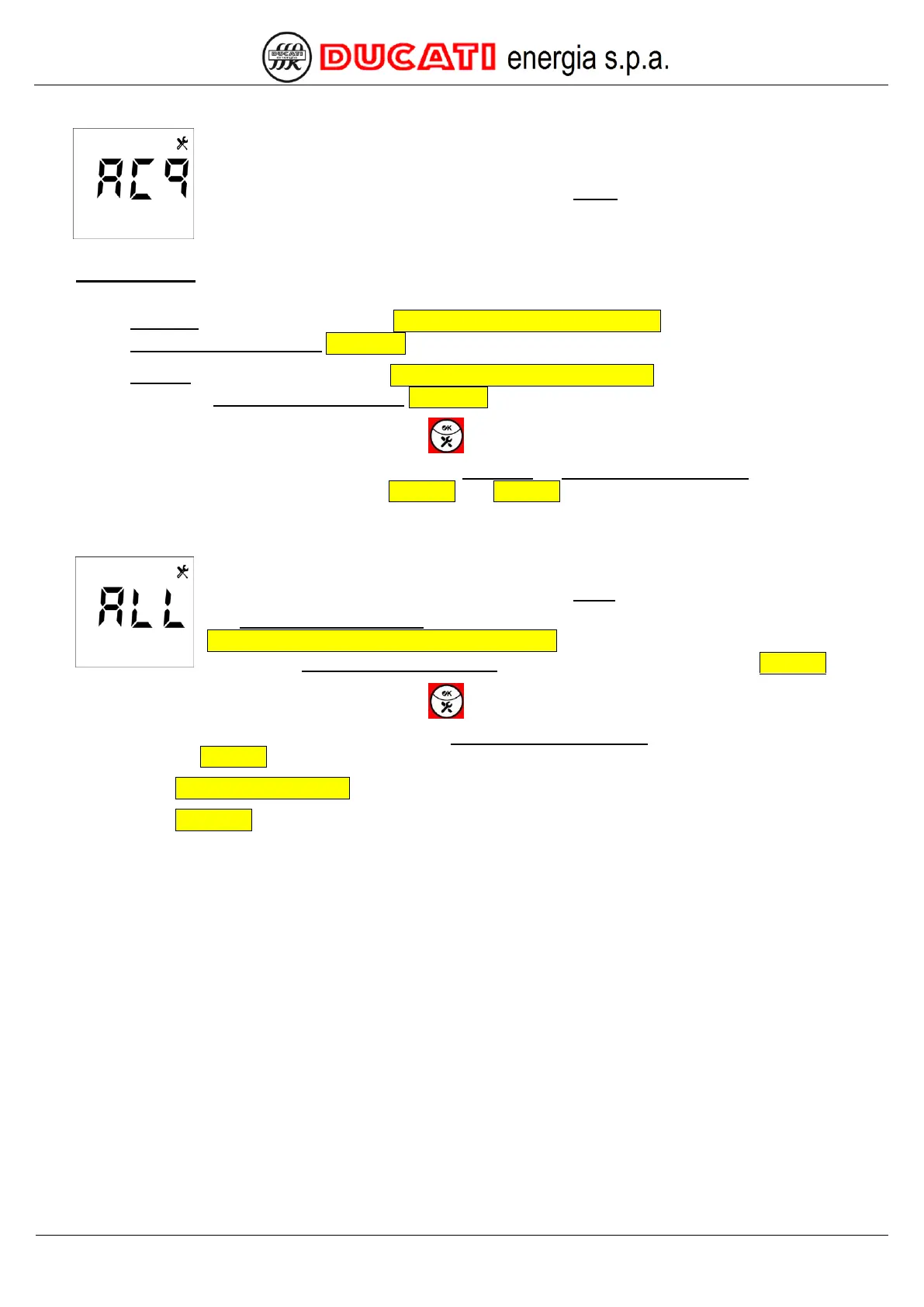
Scroll the suggested values until reaching parameter “ACq” flashing:
The auto-acquisition reset will force a restart of R5 Controller, followed by an automatic check procedure of connection
and reactive power of banks, that will be:
o complete (for further details, refer to Chap. 6.1 - Complete auto-acquisition) if all the values of parameters
Step n power (n=1,2,3,4,5) Chap. 7.2.6 are equal to zero;
o reduced (for further details, refer to Chap. 6.2 - Reduced auto-acquisition) if at least one of the values of
parameters Step n power (n=1,2,3,4,5) Chap. 7.2.6 is not equal to zero;
Confirm the reset of the parameter by pressing key for at least 2sec.
The controller will be automatically restarted and the Complete or reduced auto-acquisition procedure will be
performed (for further details, refer respectively to Chap. 6.1 and Chap. 6.2).
8.6.7 Reset to factory settings
Scroll the suggested values until reaching parameter “ALL” flashing:
The Reset to factory settings will reset all parameter statuses to the default status specified in
Chap. 7.7 - Parameter range and default values and will force a restart of the R5 Controller
followed by a Complete auto-acquisition procedure (for further details, refer to Chap. 6.1).
Confirm the reset of the parameter by pressing key for at least 2sec.
The controller will be automatically restarted and the Complete auto-acquisition procedure will be performed (for
further details, refer to Chap. 6.1).
GO BACK TO USING THE CONTROLLER
GO BACK TO CONTENTS


 To Next Page