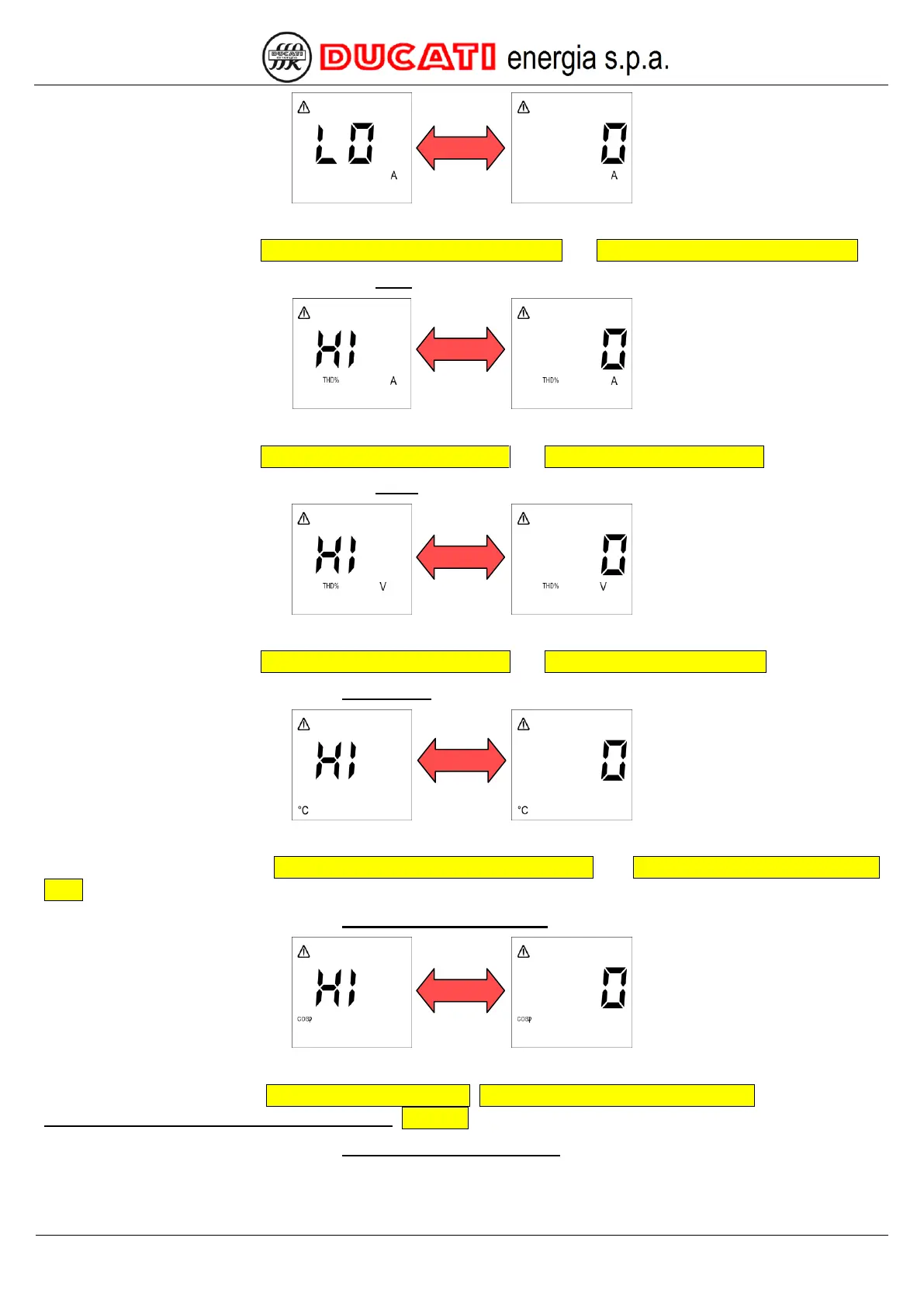
that will be alternately shown with the numerical value corresponding to the alarm activations.
For alarm settings, refer to Chap. 7.5.7 - Low voltage current threshold and Chap. 7.5.8 - Low current alarm delay.
The next displayed page relates to the high THDI alarm. The following screen will appear:
that will be alternately shown with the numerical value corresponding to the alarm activations.
For alarm settings, refer to Chap. 7.5.11 - THDI alarm threshold and Chap. 7.5.12 - THDI alarm delay.
The next displayed page relates to the high THDV alarm. The following screen will appear:
that will be alternately shown with the numerical value corresponding to the alarm activations.
For alarm settings, refer to Chap. 7.5.9 - THDV alarm threshold and Chap.7.5.10 - THDV alarm delay.
The next displayed page relates to the temperature alarm. The following screen will appear:
that will be alternately shown with the numerical value corresponding to the alarm activations.
For alarm settings, refer to Chap. 7.5.13 - Temperature alarm threshold and Chap. 7.5.14 - Temperature alarm
delay.
The next displayed page relates to the power factor overcorrection alarm. The following screen will appear:
that will be alternately shown with the numerical value corresponding to the alarm activations.
For alarm settings, refer to Chap. 7.3.1 - Cosphi setpoint, Chap. 7.3.2 - Cosphi setpoint tolerance and to parameter
P.22 – Power factor overcorrection alarm delay (Chap. 7.6)
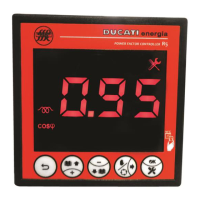
The next displayed page relates to the power factor correction failed alarm. The following screen will appear:


 To Next Page