7 SETTINGS
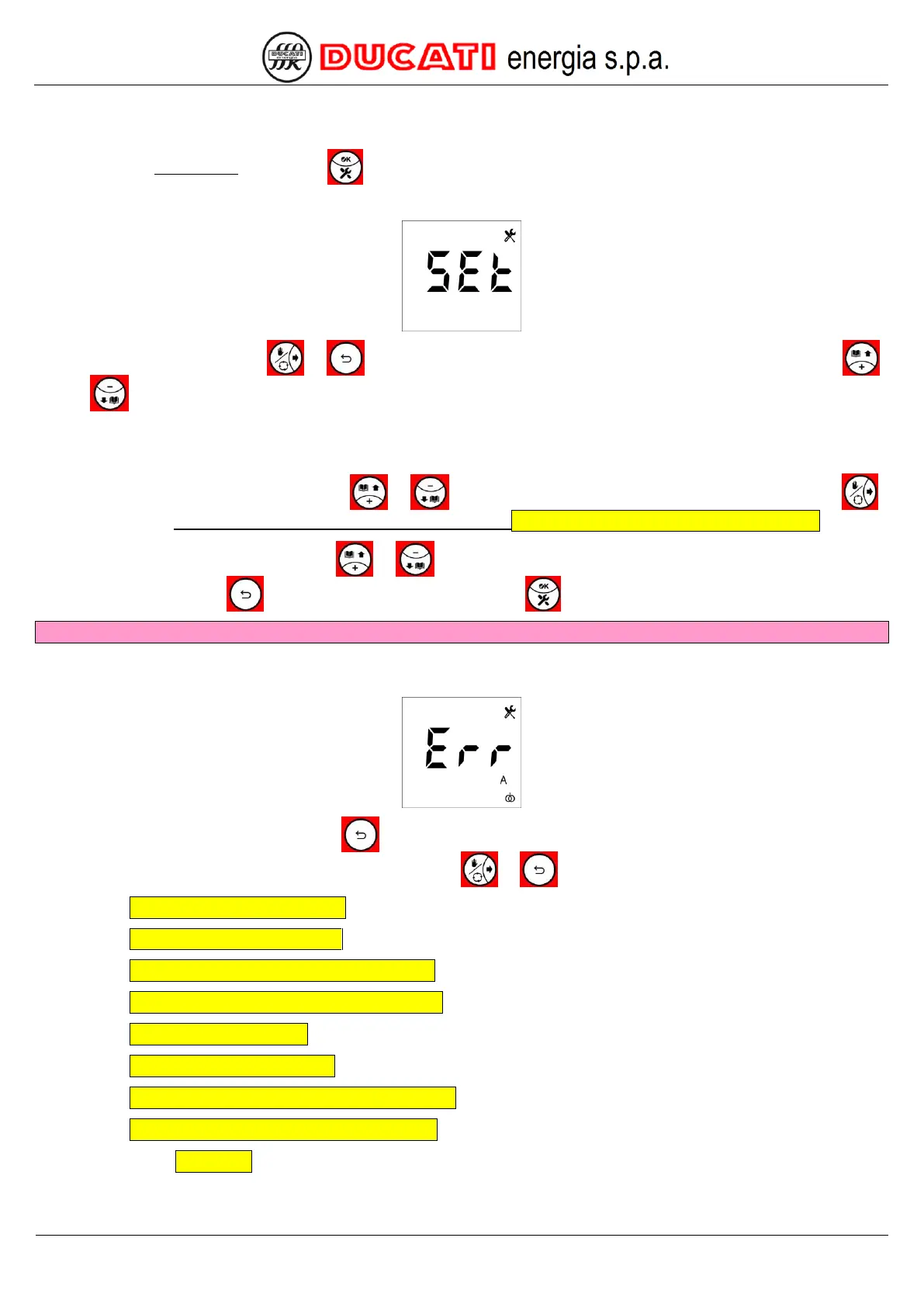
Access the Setup Menu by pressing
for at least 2sec.
The following screen will appear:
Scroll the menu using keys or until displaying the desired parameter. To edit parameter, press key
or key , the display will show:
- in case of numerical values: only the value of the current parameter with the selected digit flashing;
- in case of values requiring a pre-defined list: the current value flashing.
In case of numerical values: press keys
or
to increase or decrease the selected digit and press key
to change position. For numerical value entering modes, refer to Chap. 7.8 - Numerical value entering modes.
In case of pre-defined list, press keys
or
to scroll the possible values. The change in progress can be
cancelled by pressing key
. To confirm the parameter, press key .
WARNING: by confirming the parameter, the value will overwrite the previous one.
NOTE: if a numerical value out of range or with a wrong format is entered, the following error screen will be
displayed for a few seconds upon confirmation:
To quit the Setup Menu, press key for more than 2 sec; in case you wish to display and/or edit other
parameters, scroll them up or down by shortly pressing keys or , respectively.
GO TO Chap. 7.1 - Connection settings
GO TO Chap. 7.2 - Equipment settings
GO TO Chap. 7.3 - Power factor correction settings
GO TO Chap. 7.4 - Communication interface settings
GO TO Chap. 7.5 - Alarm settings
GO TO Chap. 7.6 - Advanced settings
GO TO Chap. 7.7 - Parameter default range and values
GO TO Chap. 7.8 - Numerical value entering modes
GO BACK TO CONTENTS


 To Next Page