16
DuraLabel.com 800.788.5572
GettinG started
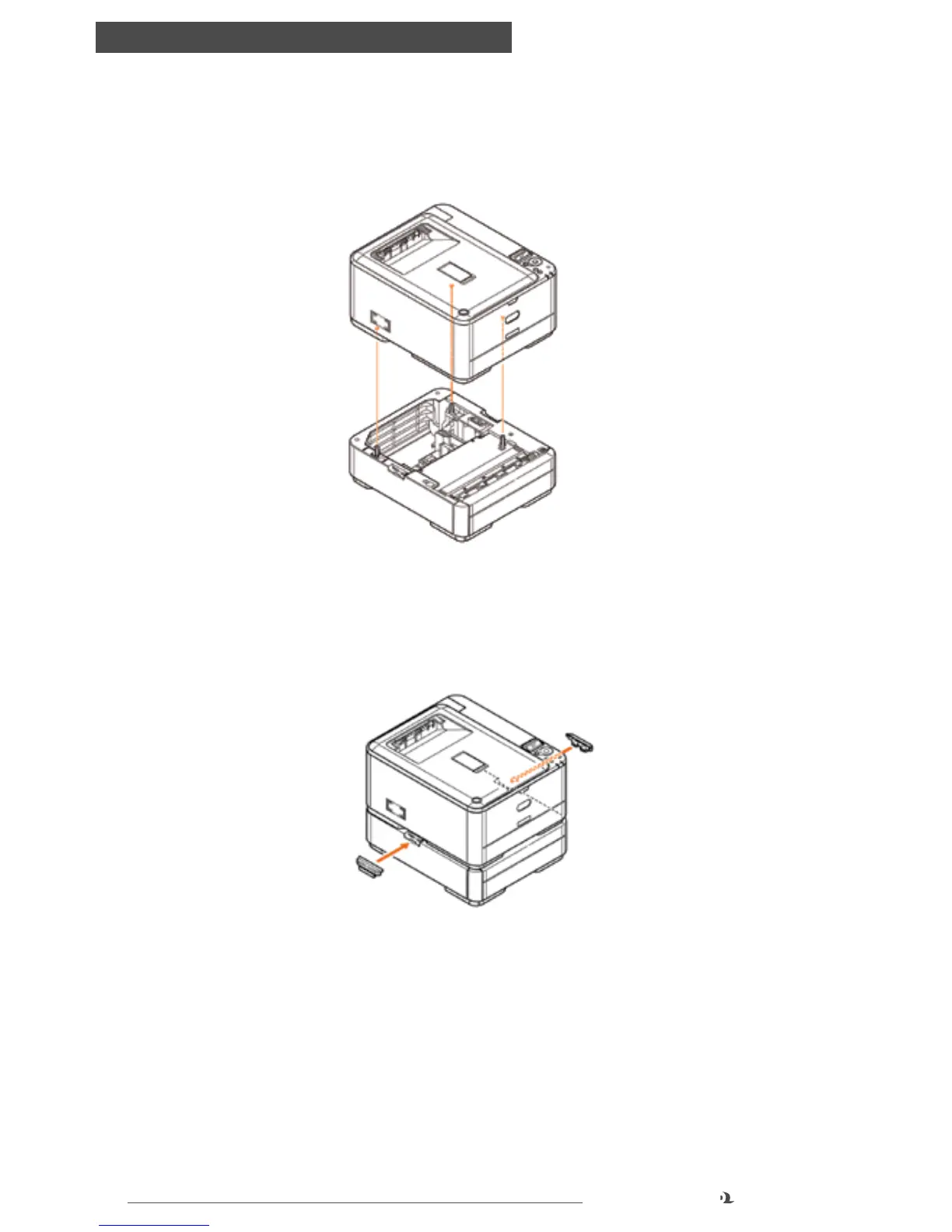
6.3 Installing Paper Tray 2
1. Turn the printer off and disconnect the AC power cable.
2. Place additional paper tray on desired location.
3. Observing safety rules for lifting and, using locating guides, place printer on top
of the additional paper tray.
4. Fit retaining clips as shown.
5. Re-connect the AC power cable and turn the printer ON.



 To Next Page