34
DuraLabel.com 800.788.5572
Printer settings in windows
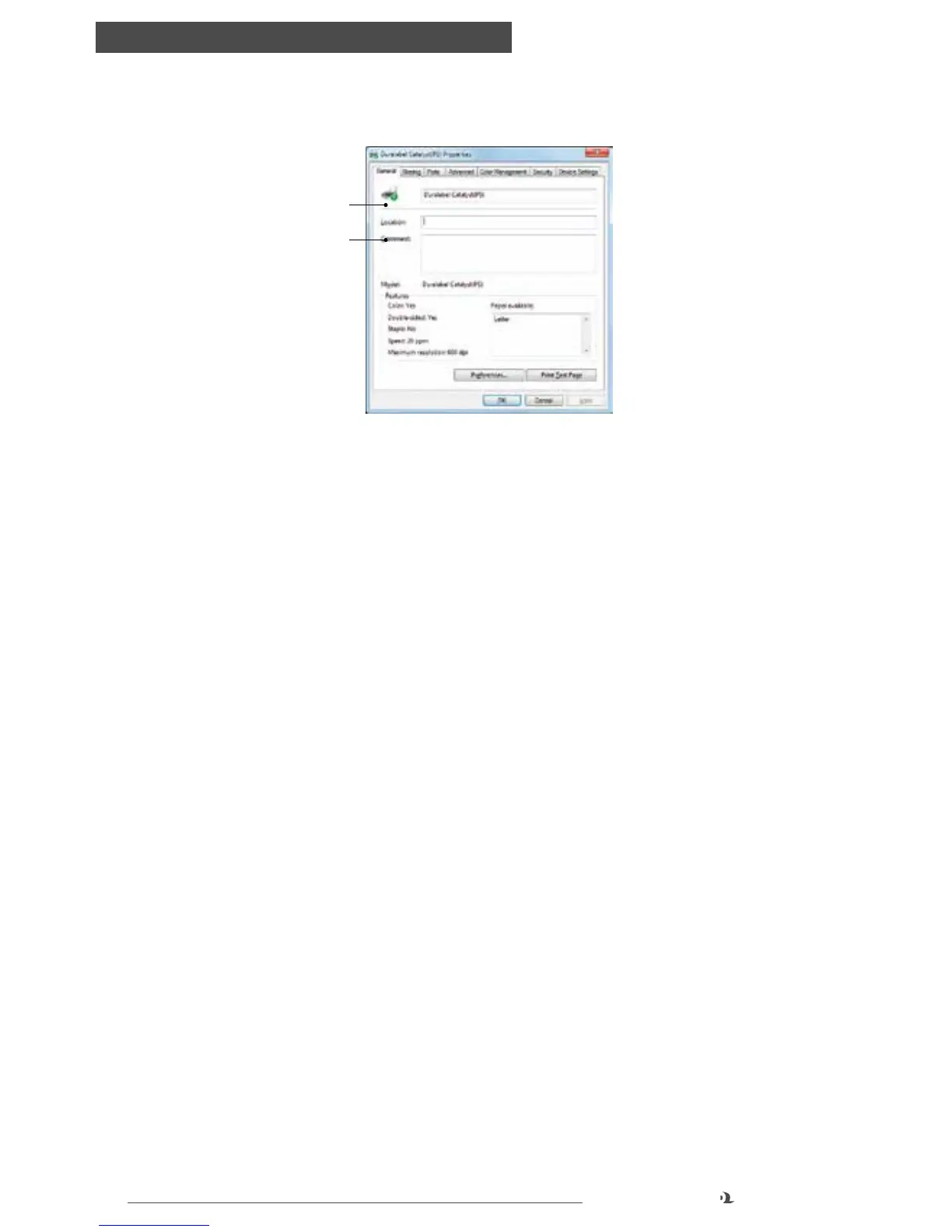
DEVICE SETTINGS TAB
1. Form to Tray Assignment: if one tray will be dedicated to a certain document
size, this can be set as a default
2. Font Substitution Table: this setting allows you to override the printer’s default
font substitutions. For more information see “TrueType Font” in Advanced
Options. Note that these substitutions will only apply to print jobs sent from this
computer unless a Systems Administrator sets up substitutions.
The other options are designed for Systems Administrators to edit should users
encounter printing errors
Device Settings tab
1
2



 To Next Page