47
800.788.5572 DuraLabel.com
Menu functions
COLOR MENU
The printer automatically adjusts color balance and density at appropriate intervals,
optimizing the printed output for bright white paper viewed in natural daylight
conditions. The items on this menu provide a means of changing the default settings
for special or particularly difficult print jobs.
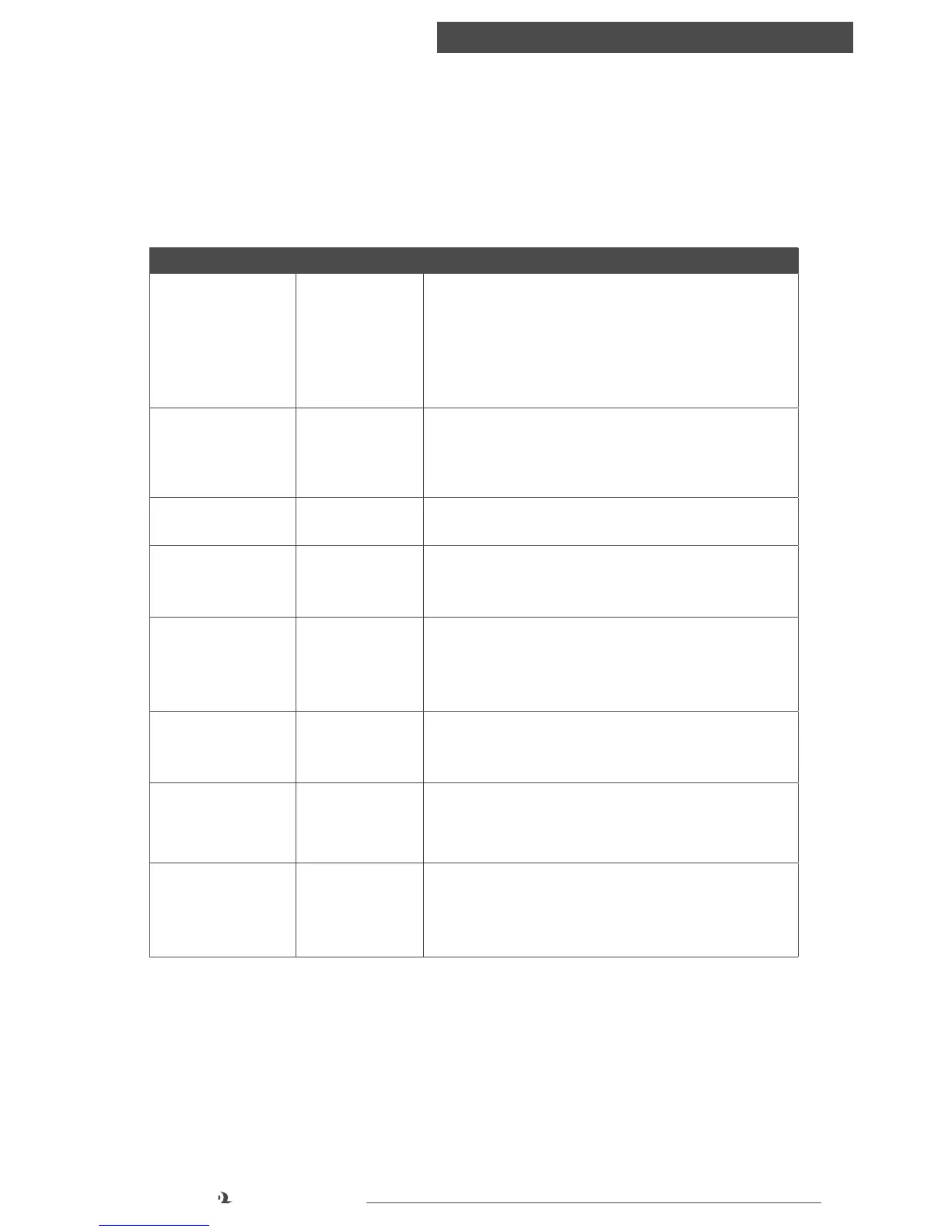
ITEM SETTINGS EXPLANATION
DENSITY CONTROL AUTO
MANUAL
If set to AUTO, image density will be automatically adjusted
at power on, when a new image drum or toner cartridge
is installed, and at intervals of 100, 300 and 500 drum
counts. If a 500 drum count interval occurs during a print
job it will occur at the end of that job, and will take up to
55 seconds. If set to manual, this adjustment will only be
performed when initiated by the next menu item.
CMYK CONVERSION ON
OFF
Setting to “OFF” will simplify the conversion process of
CMYK data, which will reduce the processing time.
This setting is ignored when Ink Simulation function is used.
CMY100% DENSITY DISABLE
ENABLE
When enabled, black areas are produced using 100% C, M,
and Y instead of black. This results in a glossier finish.
UCR LOW
MEDIUM
HIGH
Selects limitation of the toner layer thickness. If paper
curl occurs in dark printing, selecting MEDIUM or LIGHT
sometimes helps reduce curl
INK SIMULATION OFF
SWOP
EUROSCALE
JAPAN
Selects from a range of industry standard color swatches.
C REG FINE AJST
M REG FINE AJST
Y REG FINE AJST
-3~0~+3
-3~0~+3
-3~0~+3
Performs fine adjustment of image timing in relation to the
black image component.
AJST REGISTRATION EXECUTE Performs automatic color registration adjustment. Normally
this is done on power on and when the top cover is opened
and then closed. This process accurately aligns the cyan,
magenta and yellow images to the black image.
C DARKNESS
M DARKNESS
Y DARKNESS
K DARKNESS
-3~0~+3
-3~0~+3
-3~0~+3
-3~0~+3
Adjusts darkness of each color component (cyan, magenta,
yellow and black). Normal setting is 0.



 To Next Page