31
800.788.5572 DuraLabel.com
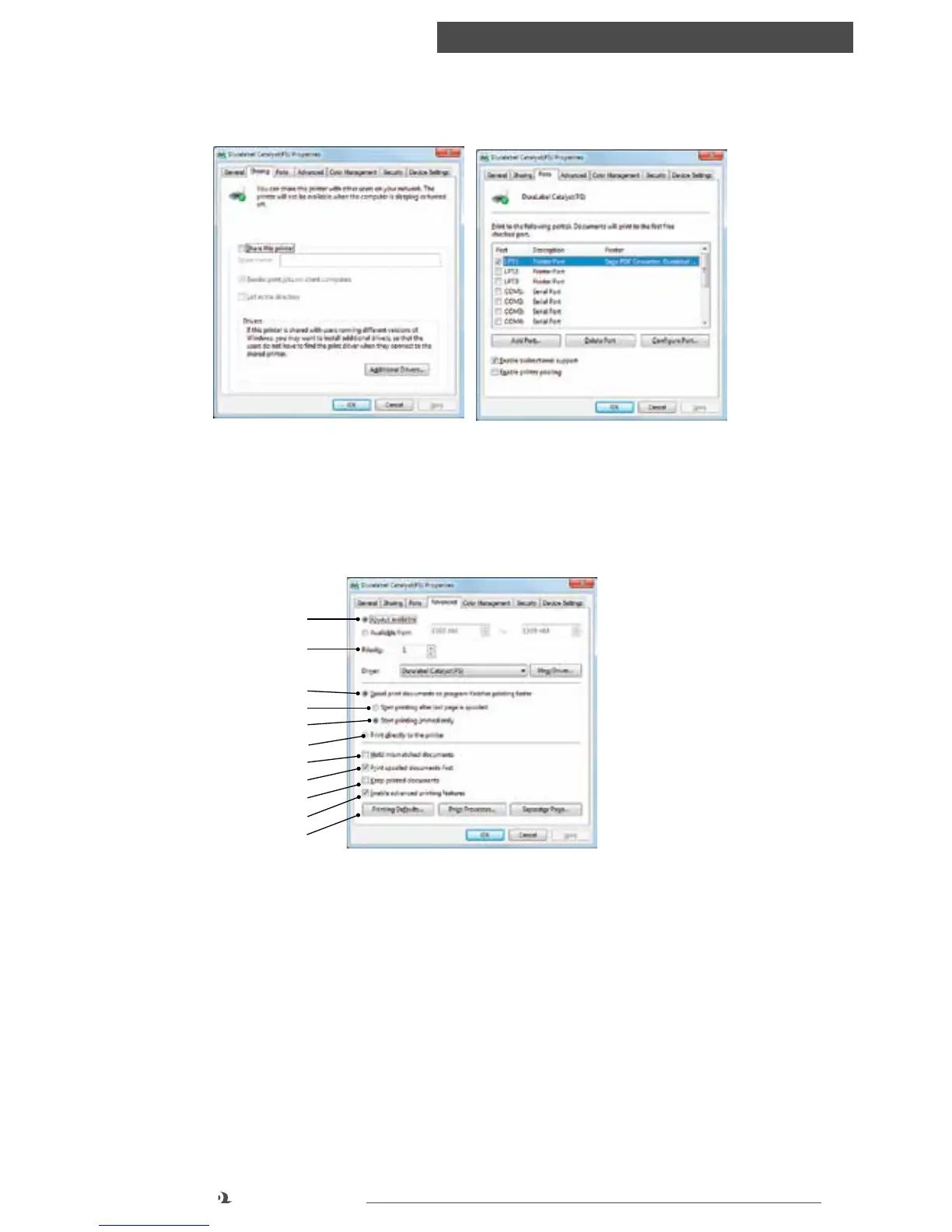
Printer settings in windows
SHARING TAB AND PORTS TAB
These settings should only be changed by a Systems Administrator and may be
disabled (greyed out) by default
ADVANCED TAB
1. You can specify which times of day your printer will be available.
2. Indicates current priority, from 1 (lowest) to 99 (highest). Highest priority
documents will print first.
3. Specifies that documents should be spooled (stored in a special print file)
before being printed. The document is then printed in the background, allowing
your application program to become available more quickly.
1
2
3
4
5
6
7
8
9
10
11
Sharing and Ports tab



 To Next Page