29
800.788.5572 DuraLabel.com
Printer settings in windows
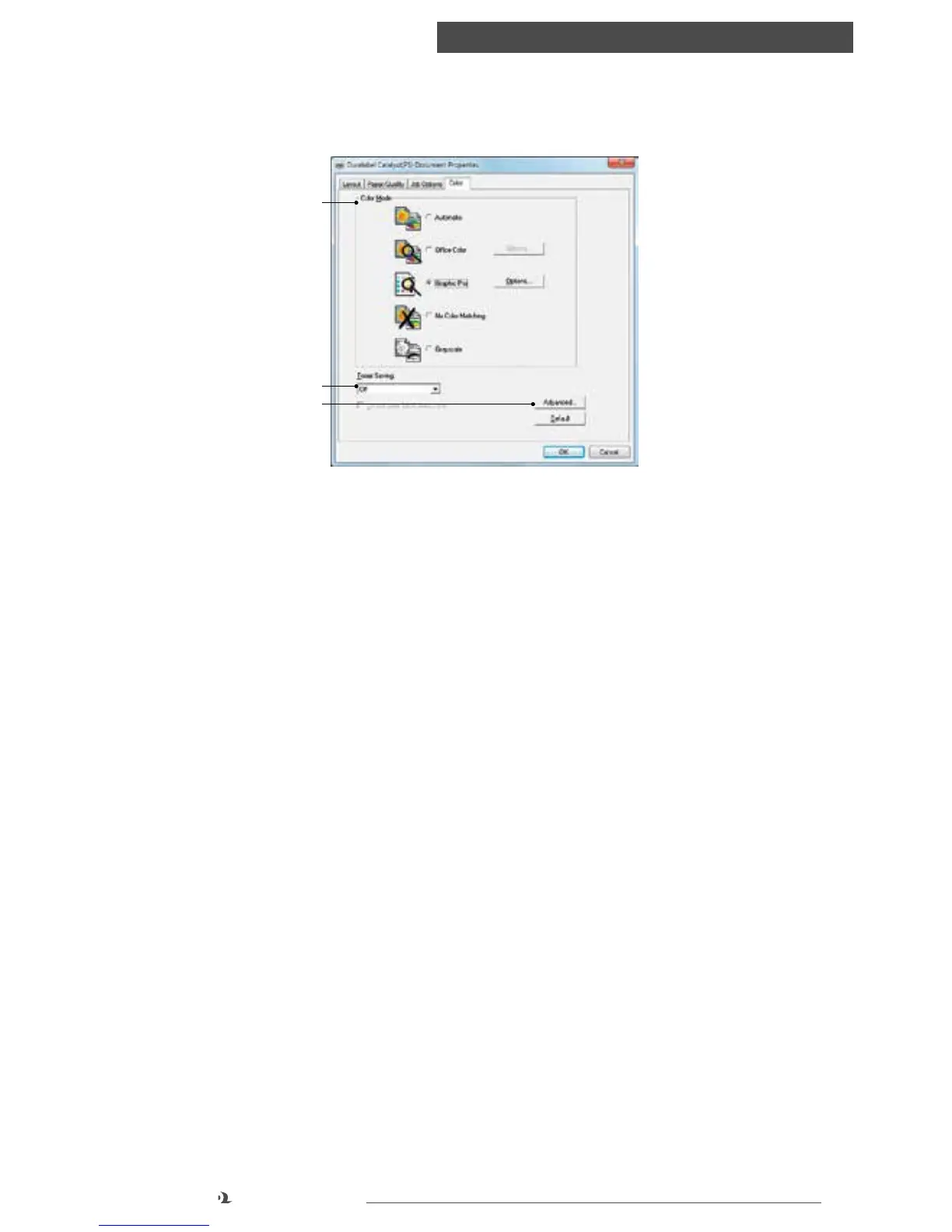
COLOR TAB
1. Color mode: lets you adjust color matching options, such as switching to CMYK
or setting colors to match a monitor or digital camera
2. Toner Saving: this setting decreases the density of toner placed on a print
3. Other options: Advanced lets you print color separations and set other
advanced color options
Default restores default settings to anything previously selected within this tab
Color tab
1
2
3



 To Next Page