27
800.788.5572 DuraLabel.com
Printer settings in windows
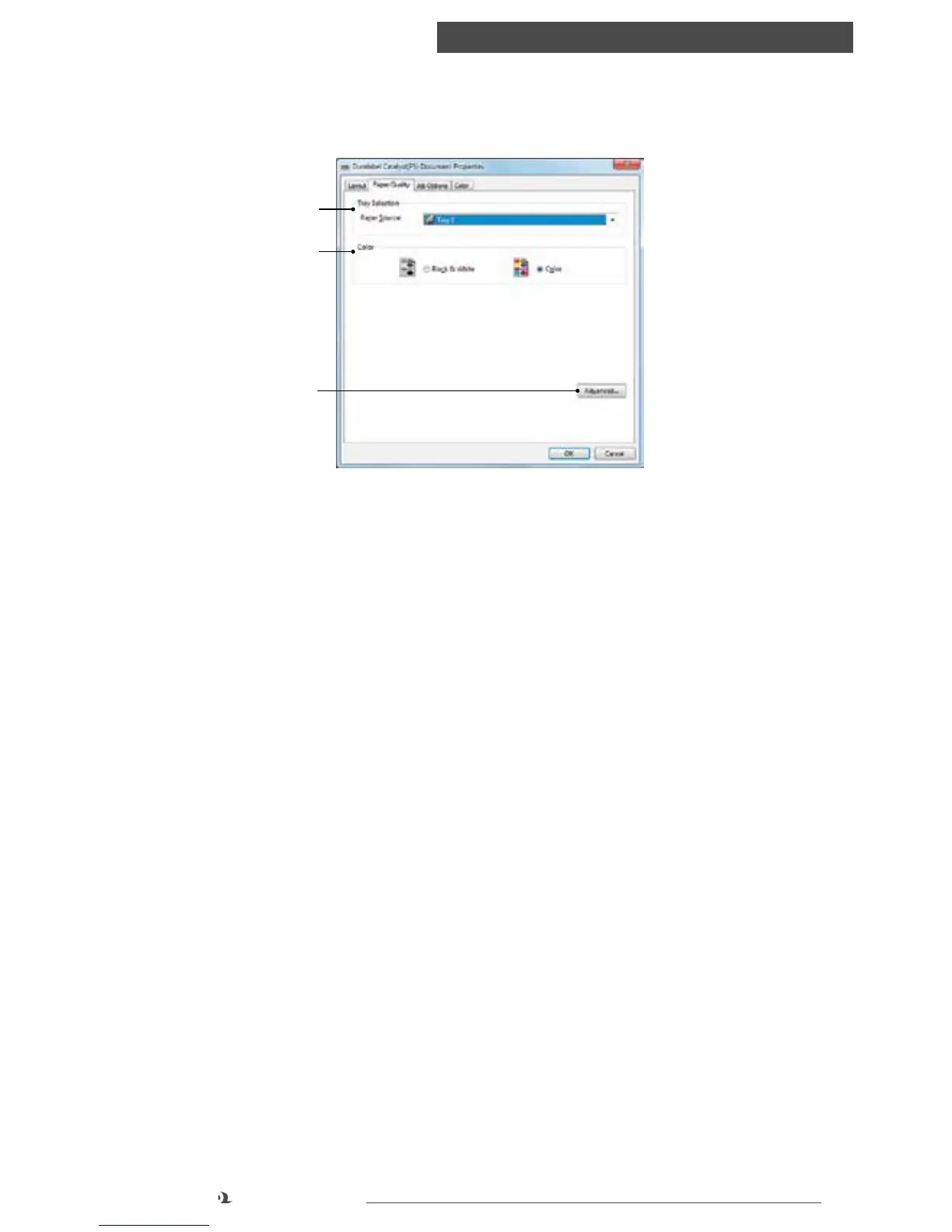
PAPER/QUALITY TAB
1. Paper Source: The default setting is Tray 1 (upper tray). This is the preferred
tray for 8.5” x 11” label stock. Plain paper should be placed in Tray 1 or Tray 2
(lower tray). 6.5” x 9.5” Catalyst label stock must be placed in the multi-purpose
tray and this setting must be selected from the Paper Source drop-down when
printing. For more information on loading stock into trays, see “Loading Paper”
2. Color: If you prefer your document to print in black/white, this can be changed
here
3. Advanced: offers advanced settings (see “Advanced Options” setting in the
“Layout tab” section)
Paper/Quality tab
1
2
3



 To Next Page