36
DuraLabel.com 800.788.5572
Menu functions
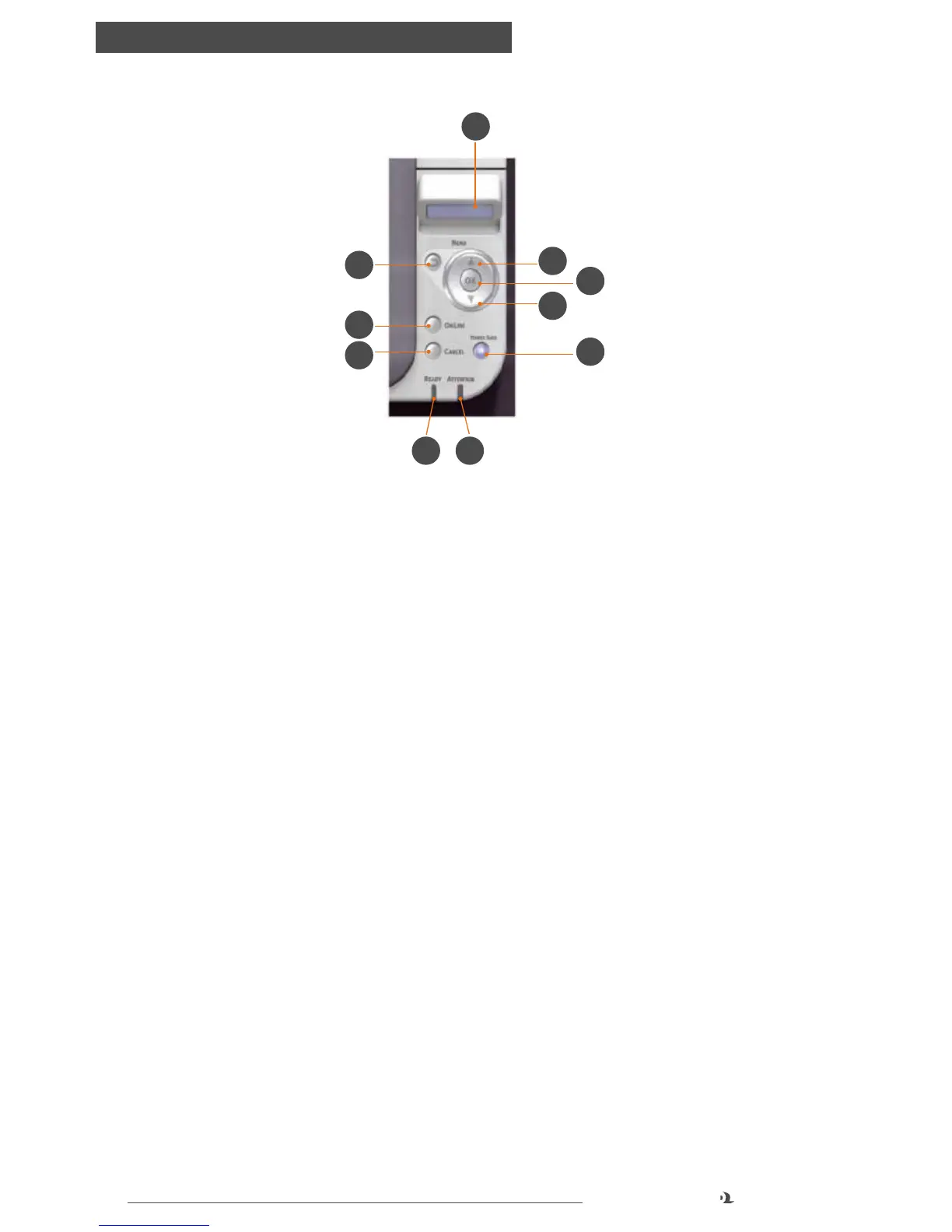
5. ATTENTION LED
◦ ON: A warning occurs. Printing may be possible (e.g low toner).
◦ BLINKING: An error occurs. Printing not possible (e.g. toner empty).
◦ OFF: Normal condition.
6. BACK Button
◦ Returns to the previous higher level menu item
7. OK Button
◦ In the ONLINE or OFFLINE mode: enters the Menu mode.
◦ In the Menu mode: determines the setting selected.
8. CANCEL Button
◦ Deletes the data being printed or received when pressed for two seconds
or longer.
◦ Deletes the data when pressed for two seconds or longer when WRONG
PAPER SIZE, RUN OUT OF PAPER, TRAY 1 IS OPEN, or TRAY 1 IS NOT FOUND
is displayed.
◦ Exits the menu and goes ONLINE when pressed in the Menu mode.
9. POWER SAVE Button & LED
◦ Pressing this button switches the machine into power save mode or wakes
the machine up from power save mode.
◦ ON: Power save state.
◦ BLINKING: Sleep state.
◦ OFF: When machine is ready to print or powered off.
6
4
8
1 5
3
7
9
3
2



 To Next Page