| 19
Magni GO Overview
Table 2–3 Multi-touch behavior in the C-scan view
Location Touch Behavior Condition
View toolbars Tap List buttons: Selects the next option in list
Toggles: Enables/disables option
Touch and hold List buttons: Displays entire options list
Data area Tap Move cursor to tapped position
Touch and move Move cursor in C-scan
Resize the main cursor or miniature
cursor along selected axis
or
Pinch-zoom in or out Zoom in/out based according to mode
Backstage Details
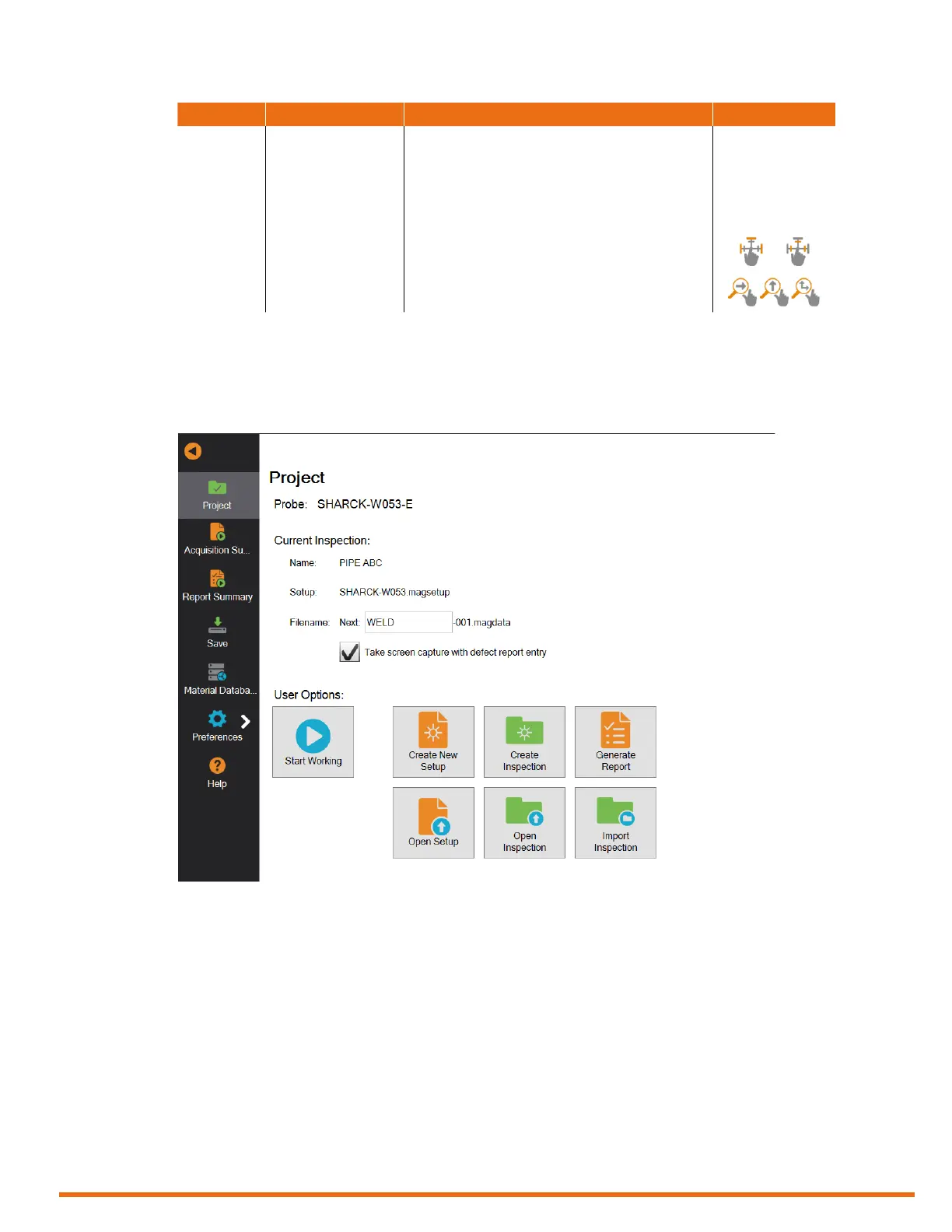
Project
Figure 2–5 Project



 To Next Page