46 | www.eddy.com
Using Reddy with Sharck Probes
Saving and Reporting
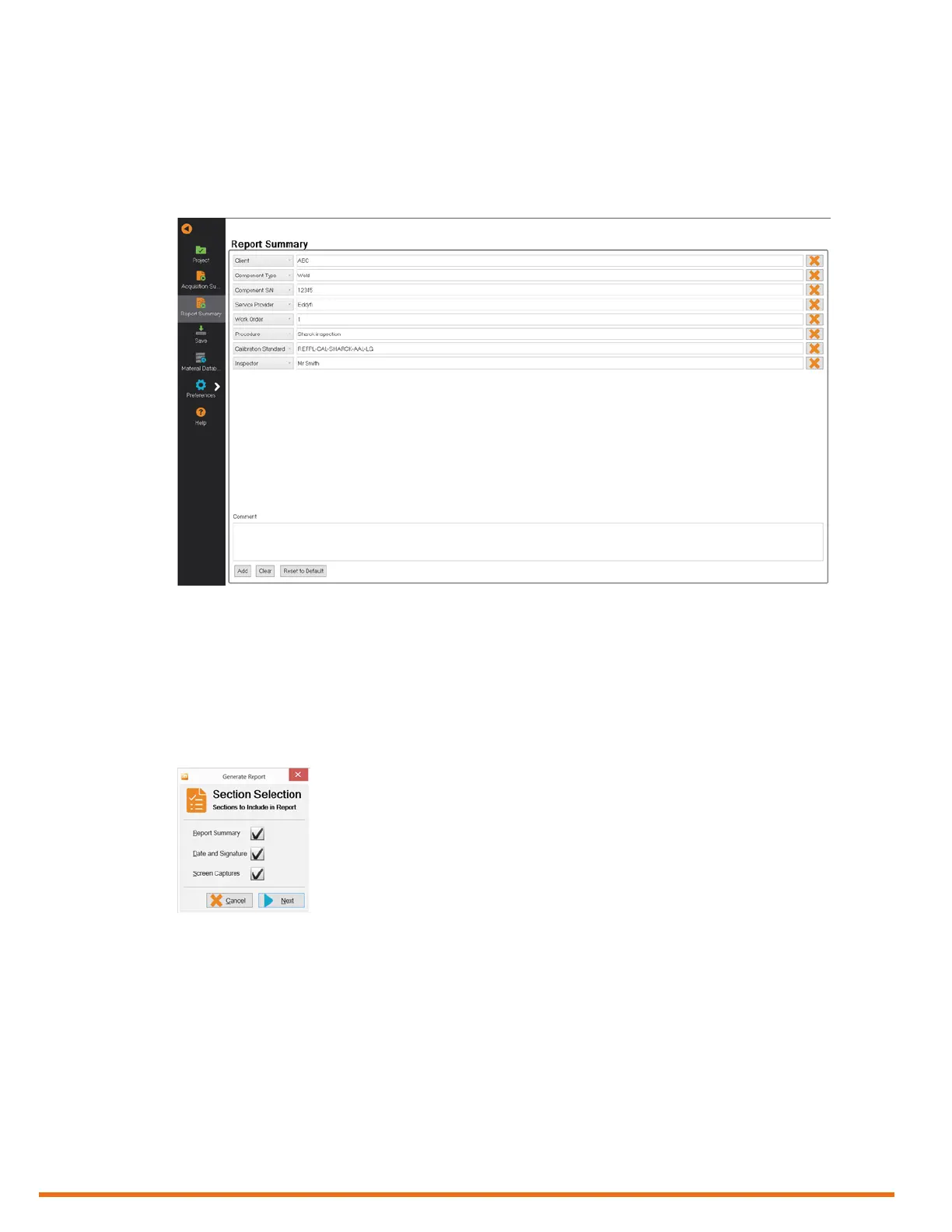
1. In the backstage view, tap Report Summary.
2. Complete the necessary information.
Add or remove information as necessary.
Figure 5–37 Report summary
3. To save the setup and inspection data in the current inspection project, on the left menu bar, tap
Save.
4. On the left menu bar, tap Project.
5. To edit your report, tap Generate Report.
The Section Selection dialog box appears.
6. Select the elements that you want to see appear in your report.
Figure 5–38 Report options
7. Tap Next.



 To Next Page