| 41
Using Reddy with Sharck Probes
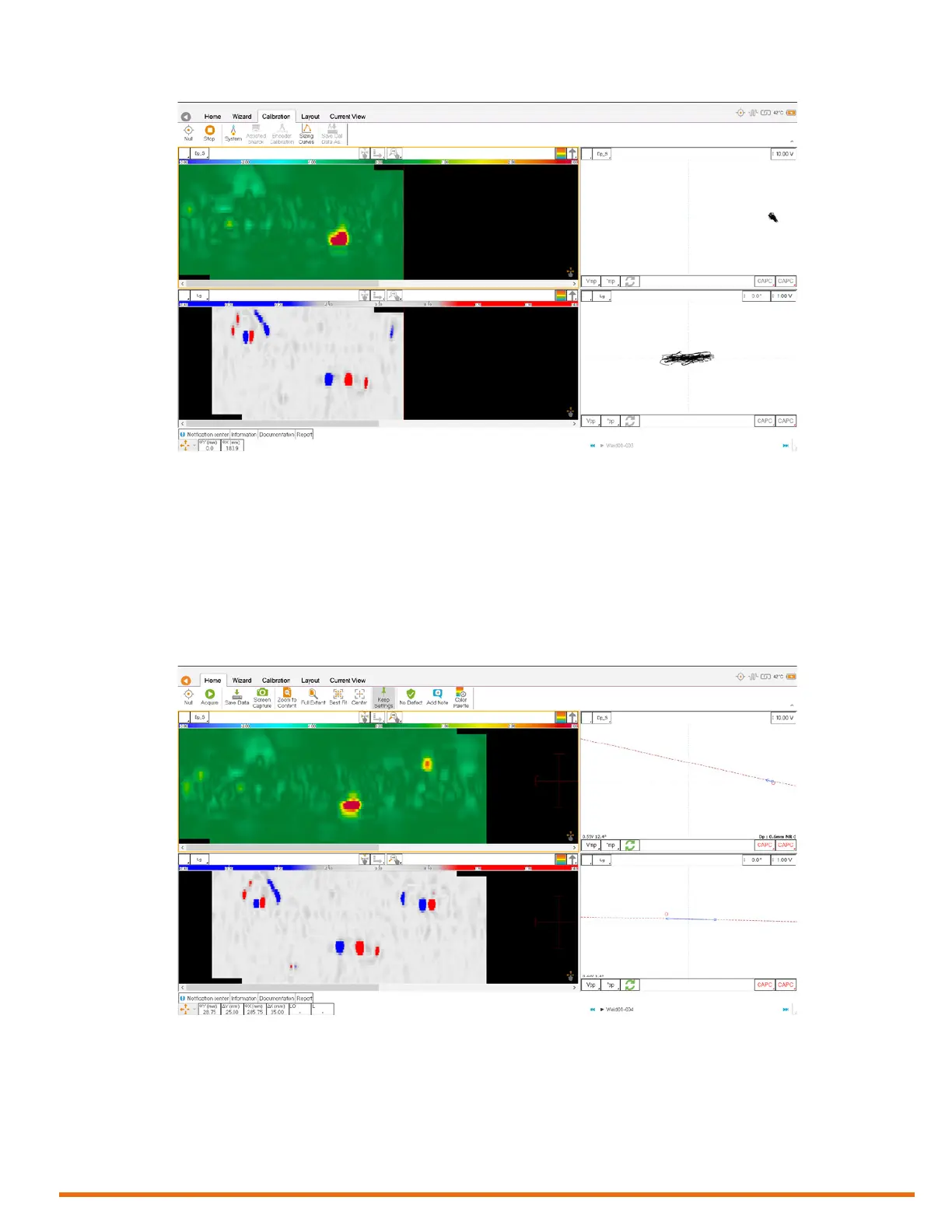
Figure 5–27 Disabled functions during acquisition
• When you stop the acquisition, you can save the data directly on Home ribbon by tapping Save
Data. See the following section for details.
Saving Data
Once your acquisition is over and stopped, save your data as follows.
• In the front stage view, on the Home ribbon, tap Save Data.
Alternatively, on the Reddy keypad, press the Save inspection data button (see page 3).
Figure 5–28 Saving data
Notes
• When data is saved, Save Data is disabled (grayed) and a new entry appears in the le navigator.
• An orange icon appears before the lename to show that the data is saved, but has not been
analyzed yet. The icon turns green when you have analyzed the data. See Saving Data for details.
• A camera icon appears next to the le name of a screen capture.



 To Next Page