| 33
Using Reddy with Sharck Probes
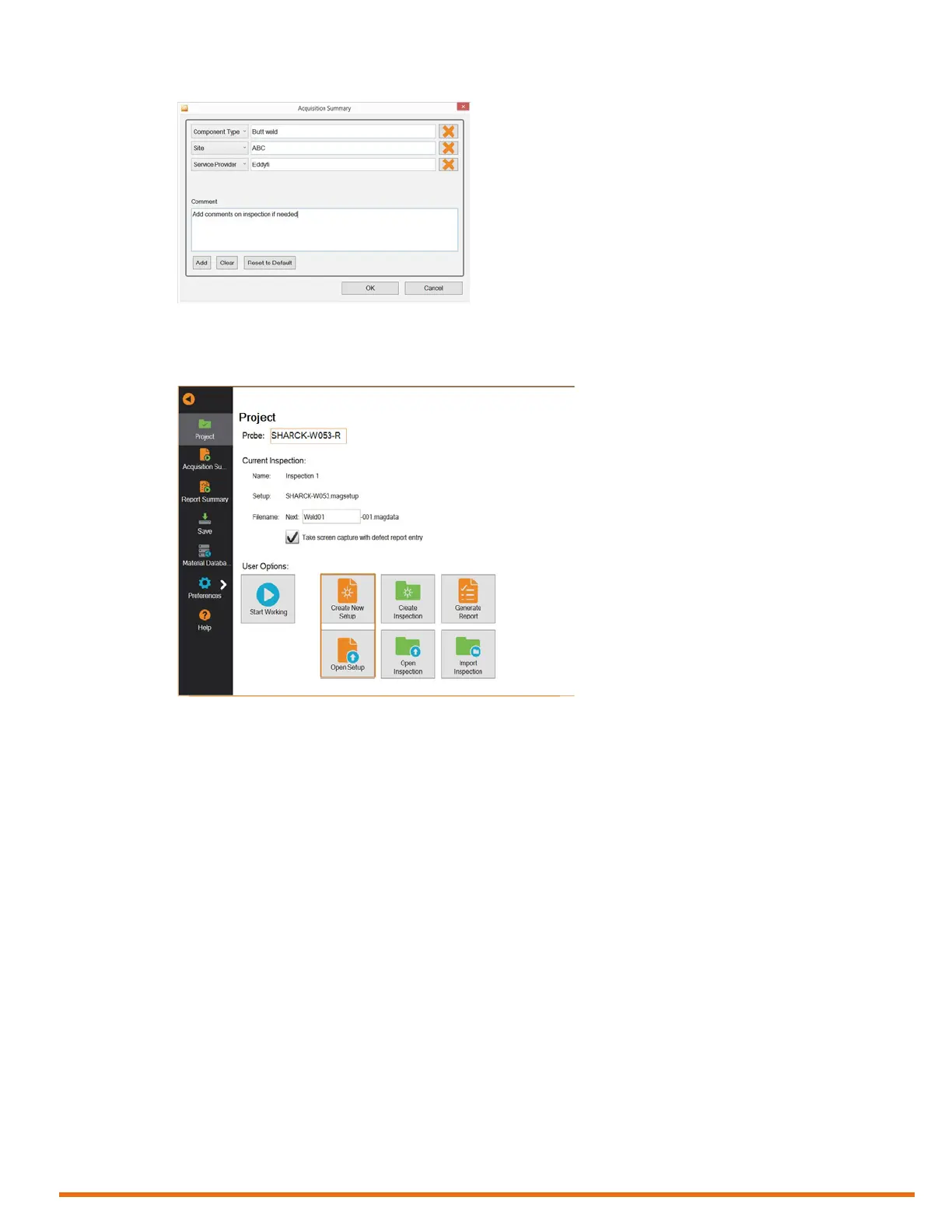
Figure 5–10 Acquisition Summary dialog box
8. Create a new setup or open an existing setup by tapping Create New Setup or Open Setup,
respectively.
Figure 5–11 Backstage view: Create/Open setup
9. Once you are done, tap Start Working.
Magni GO switches to the front stage view.
Note
When you open a new inspection folder for the rst time and then tap Start Working, the
Acquisition Summary dialog box appears. The information you specify here is associated to this
inspection folder. You can tap Acquisition Summary in the backstage view to open it again at a
later time. When you are done, tap OK.



 To Next Page