| 37
Using Reddy with Sharck Probes
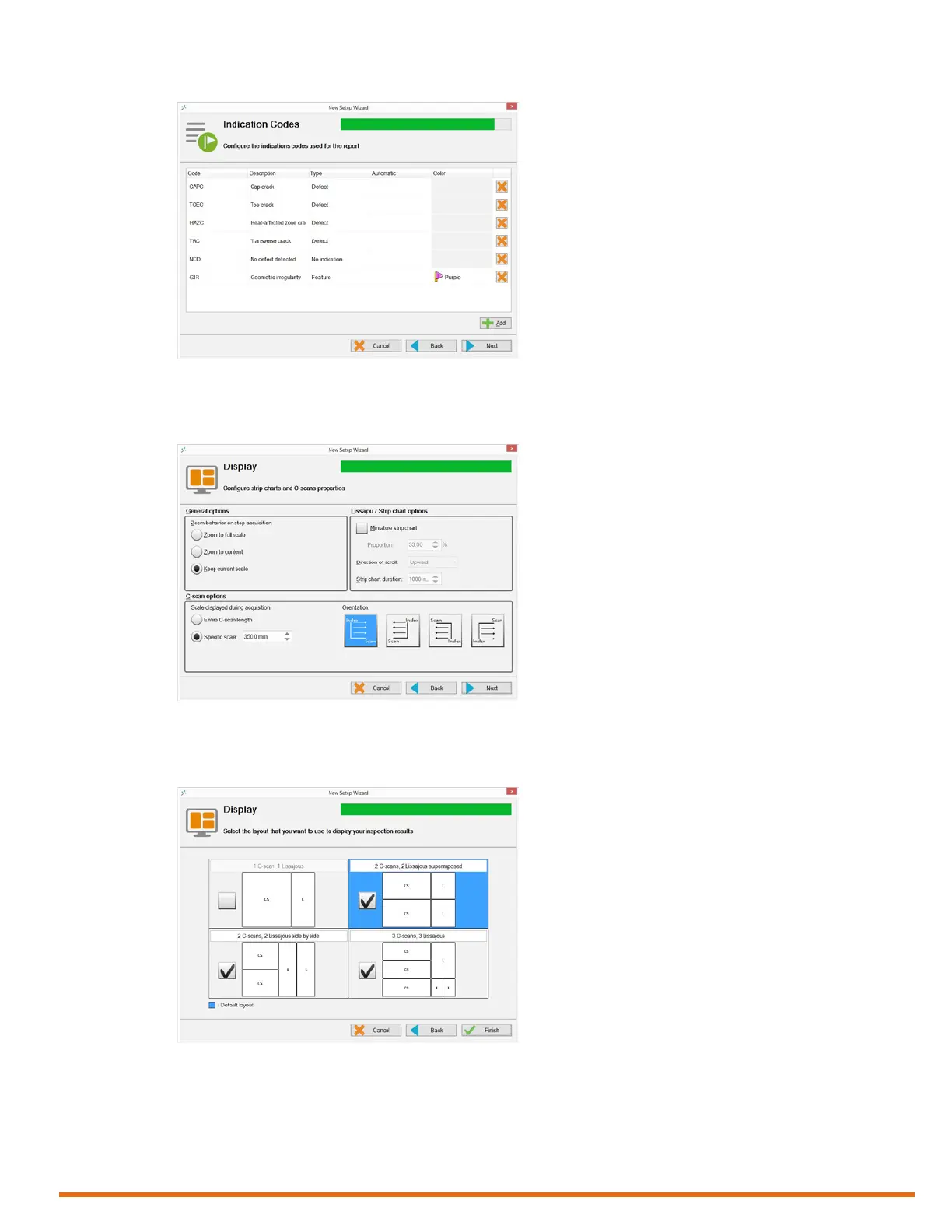
Figure 5–19 Indication codes
13. Tap Next.
14. In Display, congure your display properties.
Figure 5–20 Display properties
15. Tap Next.
16. In Display, congure the layout of your display.
Figure 5–21 Display layout
Note
The layout highlighted in blue is the layout displayed when you start working. To select any of the
other layouts selected in the wizard, press the Change layout button (see page 3) on Reddy’s
keypad or in the front stage view, tap Layout, and then Selecting Layout.



 To Next Page