| 35
Using Reddy with Sharck Probes
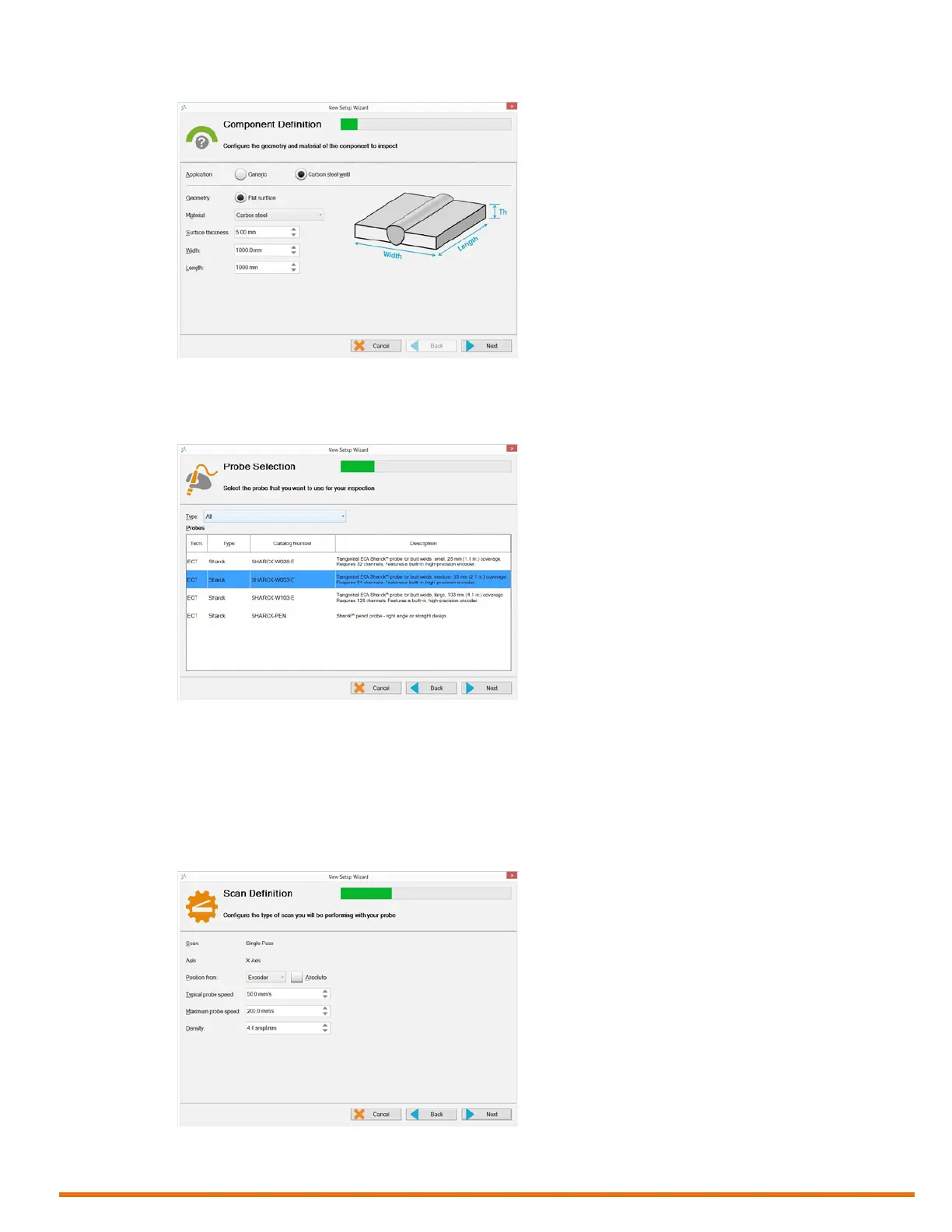
Figure 5–14 Component denition
3. Tap Next.
4. In Probe Selection, select the setup corresponding to the Sharck probe connected to Reddy.
Figure 5–15 Probe selection
5. Tap Next.
6. In Scan Denition, select the encoder and specify the type of scan.
Note
Do not congure the maximum probe speed at a value higher than 200.0 mm/s (7.9 in/s). By default,
the maximum density value is optimized at 4.0 samples/mm. We recommend that you avoid
modifying it.
Figure 5–16 Scan denition: congure scan



 To Next Page