| 23
Preferences
Managing Preferences
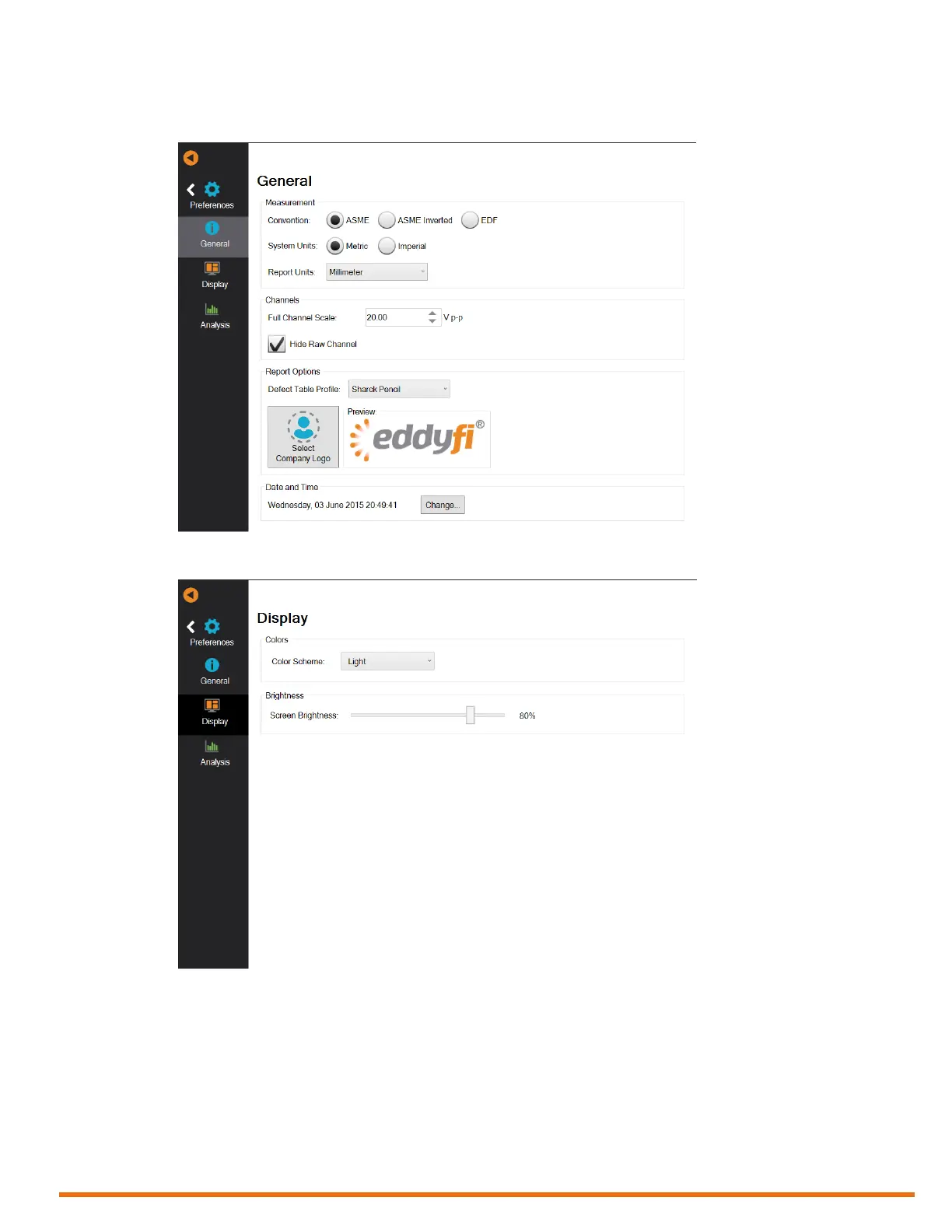
Figure 3–1 General preferences
Figure 3–2 Display preferences
Power Management
When active, you can congure a sleep time of 1 to 30 minutes. By default, the sleep time is 15 minutes.
Power Management turns off the display and the power LED goes from green to red.
Reddy goes into sleep mode when the touchscreen and keypad buttons (except the power button) are
idle for the Sleep Delay period.
To exit the sleep mode, quickly press the power button, touch the display, or press any of the other
keypad button.



 To Next Page